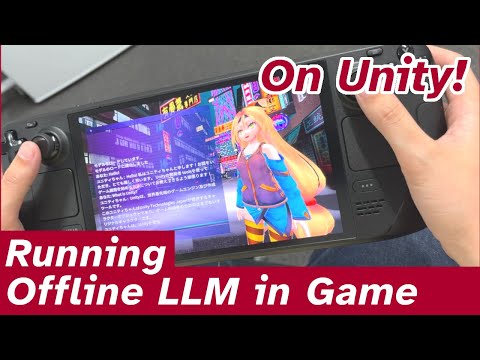
LlamaCppUnity allows for the integration of LLM (Large Language Models) into Unity games without the need for an internet connection. It is a binding library for llama.cpp, enabling you to leverage the various advantages of llama.cpp in your games.
This package provides:
- Internet-free LLM execution
- Supports Windows, Mac OS, and Android (android 10, arm64-v8a)
This library was implemented with reference to llama-cpp-python.
- Open Window -> Package Manager in Unity.
- Click the
+button at the top left -> selectAdd package from git URL, enterhttps://github.com/DefiosLab/LlamaCppUnity.git?path=/Packages/and clickAdd.
- You can load GGUF and execute LLM inference with the following code:
using LlamaCppUnity;
public class LlamaSample : MonoBehaviour
{
  void Start()
  {
    Llama test = new Llama("<path/to/gguf>"); //If there is insufficient memory, the model will fail to load.
    string result = test.Run("Q: Name the planets in the solar system? A: ", maxTokens: 16);
    //Output example: "1. Venus, 2. Mercury, 3. Mars,"

    //Stream Mode
    foreach (string text in test.RunStream("Q: Name the planets in the solar system? A: ", maxTokens: 16))
    {
      Debug.Log(text);
    }
  }
}You can play a simple demo using the ELYZA-japanese-Llama-2-7b model with 2-bit quantization. It is available for Windows and Android. Please download it from the Release page.
https://github.com/DefiosLab/LlamaCppUnity_DEMO