Nav.tsx 컴포넌트 #32


Description

설명
상단에서 앞으로가기/ 뒤로가기 기능을 하는 화살표 컴포넌트입니다.
- 위치 :
components/Nav
사용방법
<Nav />컴포넌트를import합니다.right또는leftprops 를 넘겨줍니다. (넣고 싶지 않으면 안넣어도 됩니다.)- 해당 값들은
"arrow" | "cancel"입니다. - 클릭 이벤트는 '취소' 버튼과 '왼쪽 화살표'는 '뒤로가기' 기능. 오른쪽 화살표는 '앞으로가기' 기능입니다.
interface INavProps {
  left?: "arrow" | "cancel";
  right?: "arrow" | "cancel";
}
적용모습
<Nav left='arrow' right='arrow' />

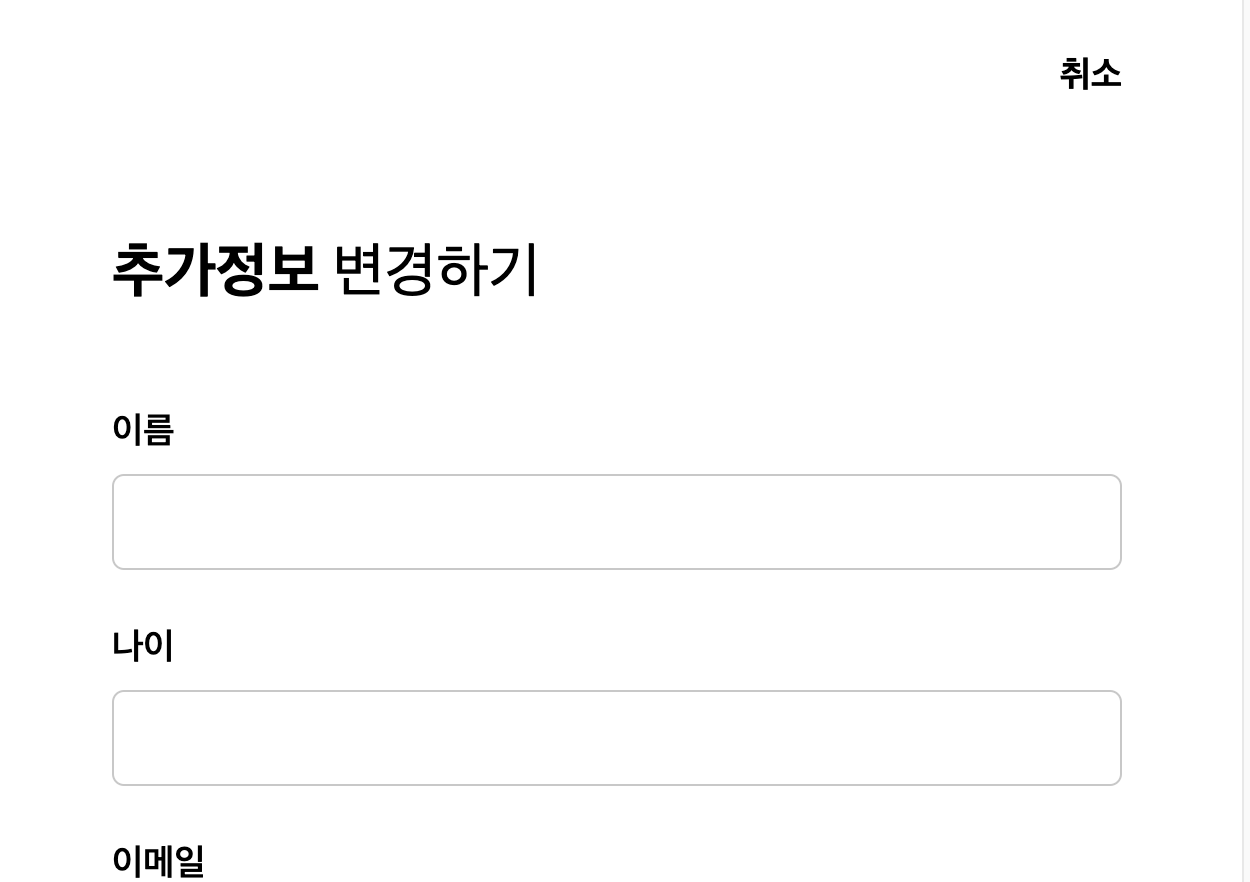
<Nav right='cancel' />
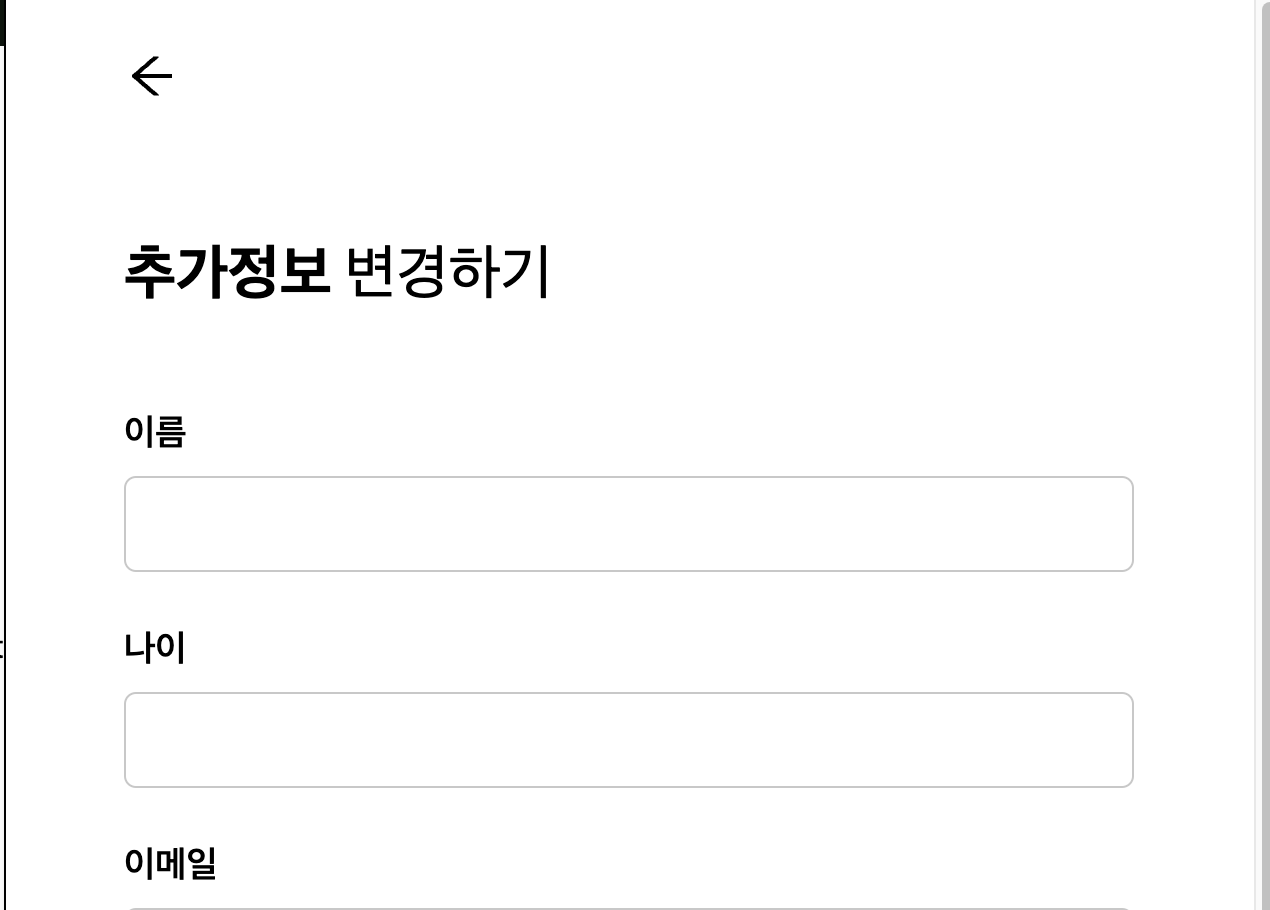
<Nav left='arrow' />
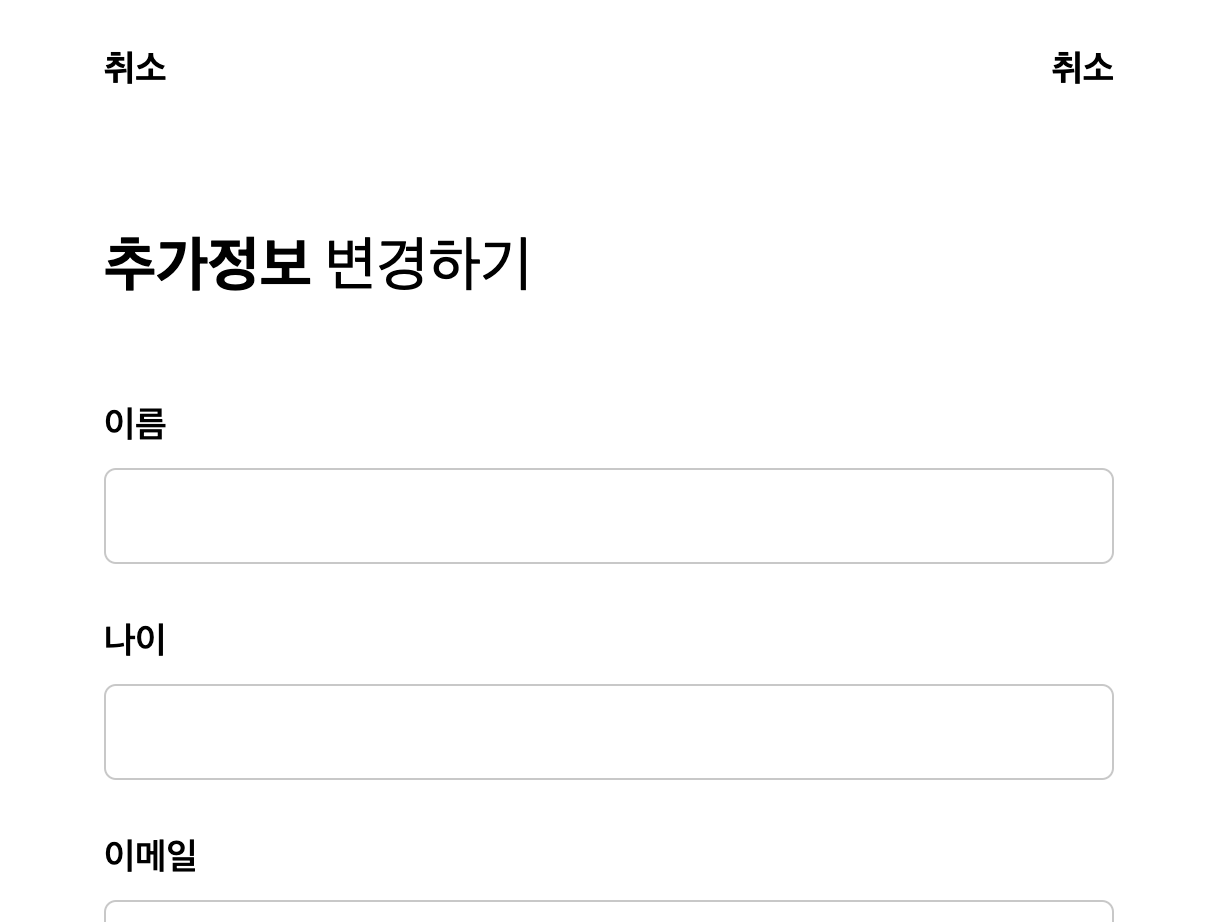
<Nav left='cancel' right='cancel' />
정의
import React from "react";
import { IconType } from "react-icons";
import { AiOutlineArrowLeft, AiOutlineArrowRight } from "react-icons/ai";
import { useNavigate } from "react-router-dom";

interface INavProps {
  left?: "arrow" | "cancel";
  right?: "arrow" | "cancel";
}

const ICON_SIZE = 28;

const Nav = ({ left, right }: INavProps) => {
  const navigate = useNavigate();
  console.log(left, right);
  return (
    <nav className='h-20 flex justify-between items-center px-5'>
      {left === "arrow" ? (
        <AiOutlineArrowLeft
          size={ICON_SIZE}
          className='cursor-pointer'
          onClick={() => navigate(-1)}
        />
      ) : left === "cancel" ? (
        <span className='font-bold text-lg' onClick={() => navigate(-1)}>
          취소
        </span>
      ) : (
        <div></div>
      )}
      {right === "arrow" ? (
        <AiOutlineArrowRight
          size={ICON_SIZE}
          className='cursor-pointer'
          onClick={() => navigate(1)}
        />
      ) : right === "cancel" ? (
        <span className='font-bold text-lg' onClick={() => navigate(-1)}>
          취소
        </span>
      ) : (
        <div></div>
      )}
    </nav>
  );
};

export default Nav;