Input mapping for mouse #8

Replies: 1 comment 2 replies

-
|
Unfortunately, Mouse inputs not only are too big, but they're also impraticable even with cloud computing:
A NVIDIA Tesla T4 GPU has a memory of 16 Gb. In Google Cloud, one can borrow up to 4 T4 GPUs, which gives, in total, 48 Gb. However, I like the idea of creating a template for Hypothesis: create a game input dictionary which is gonna have a "X" key, where all the X values will be stored(ex: from 0 to 1919), and a "Y" key, where all the Y values will be stored(ex: from 0 to 1079). Create a complementary function to RainbowDQNAgent, |

Beta Was this translation helpful? Give feedback.

-
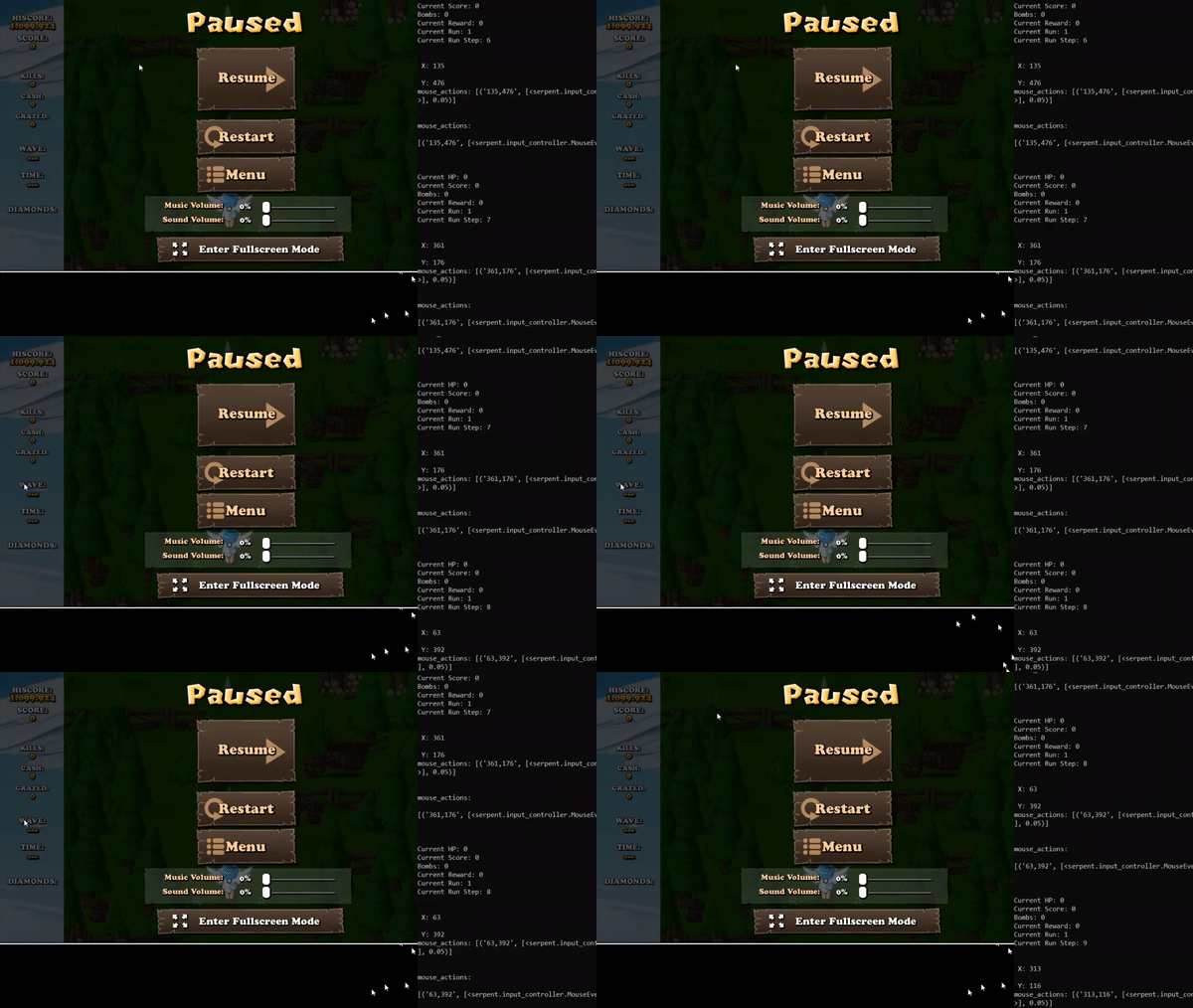
This output follows the same template provided by |

Beta Was this translation helpful? Give feedback.
-
|
From 216 Gb to 384 Mb. I see this as an absolute win.
|

Beta Was this translation helpful? Give feedback.

Uh oh!
There was an error while loading. Please reload this page.
Uh oh!
There was an error while loading. Please reload this page.
-
So...

We kind of need a way to make it possible to use mouse movement functions without creating a monster.
I tried
forloops, but I think that also would be obscene in terms of computation power. Besides, I can't think of a way that wouldn't return something like: (x=1, y=1), (x=2, y=2) [x always equals to y].Both pyautogui and sneakysnek can move your cursor to the coordinates X and Y. I suppose that, in order to do so, they have to map the screen. Maybe a solution would be making something that could make the models(like RainbowDQN), instead of selecting the whole function within a list
[MouseEvent(MouseEvents.MOVE, x=X, y=Y)], simply selecting a X and Y coordinate(removing the need of a whole list) and then creating a function and automatically passing the selected X and Y into that function.Beta Was this translation helpful? Give feedback.
All reactions