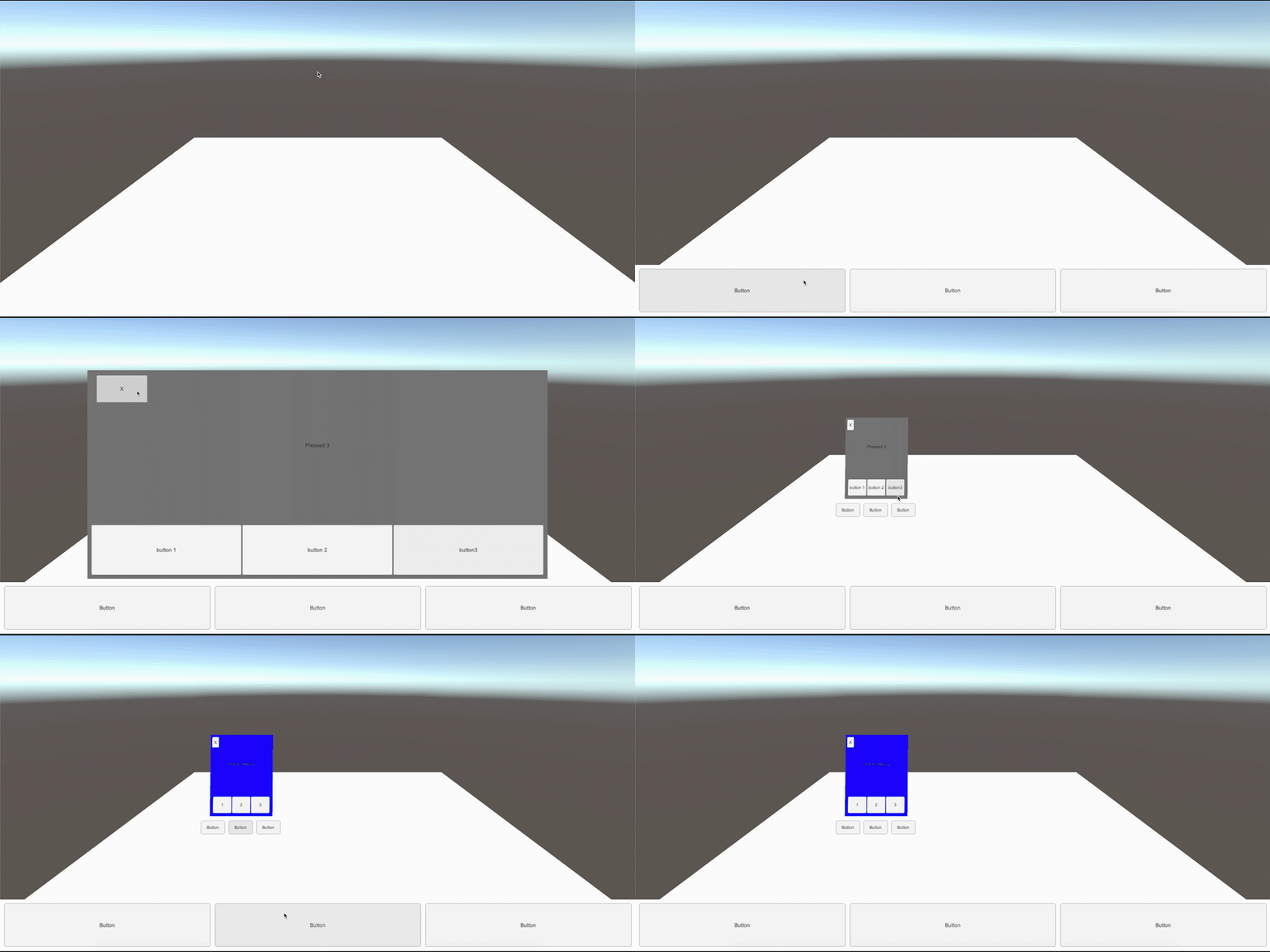
One screen-space canvas is used and multiple world-space canvasses can be spawned by the user when clicking on the plane in the world.
Each canvas has its own states and own menus. In this case however, all menus are set using the 'Shared Menus' in the editor. This way, each MenuController in the scene, whether screen-space or world-space has access to the menus.
On the GameObject ScreenCanvas, the Boolean Global of the MenuController is set to true. This way, all calls to
MenuController.ShowMenuGlobal([menuId]);are refering to the ScreenCanvas.
Calls to world-space canvasses are done using the instance method:
_menuControllerInstance.ShowMenu([menuId])[menuId] is replaced by the menu that should be shown, in this case:
MenuController.Menus.GENERALWINDOWLook into the four scripts that are used to get an idea of what the data-flow looks like.