A retro themed clock that plays 8 mini-games. Written in Python, runs on a Rspberry Pi with the Unicorn Hat (8x8).
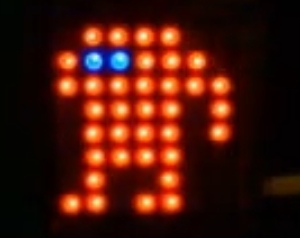
Setup: Once you have the pimoroni UnicornHat running on your raspberry pi, download and install the Arcade Retro Clock software.
ArcadeRetroClock.py has input parameters, which were used to control the number of dots appearing, how fast the dots moved, etc. Run the clock by executing go.sh, which has been pre-configured for a UnicornHat standard, running on a Raspberry Pi A.
Faster models will cause the display to move too fast to comfortably watch (still fun!) so I suggest modifying the CPUModifier parameter.
Input parameters
- mainsleep
- flashsleep
- scrollsleep
- mindots
- maxdots
- NightModeStart
- NightModeDuration(hours)
- CPUModifier (1 for slow Pi, 5 for Pi2, etc.)
example: sudo python ArcadeRetroClock.py 0.07 0.07 0.07 20 55 23 7 1