I've been having issues getting sugarizer lite to run in chrome.
OS: Windows 10 Home edition
Chrome Versions: Version 81.0.4044.113 (Official Build) (64-bit)
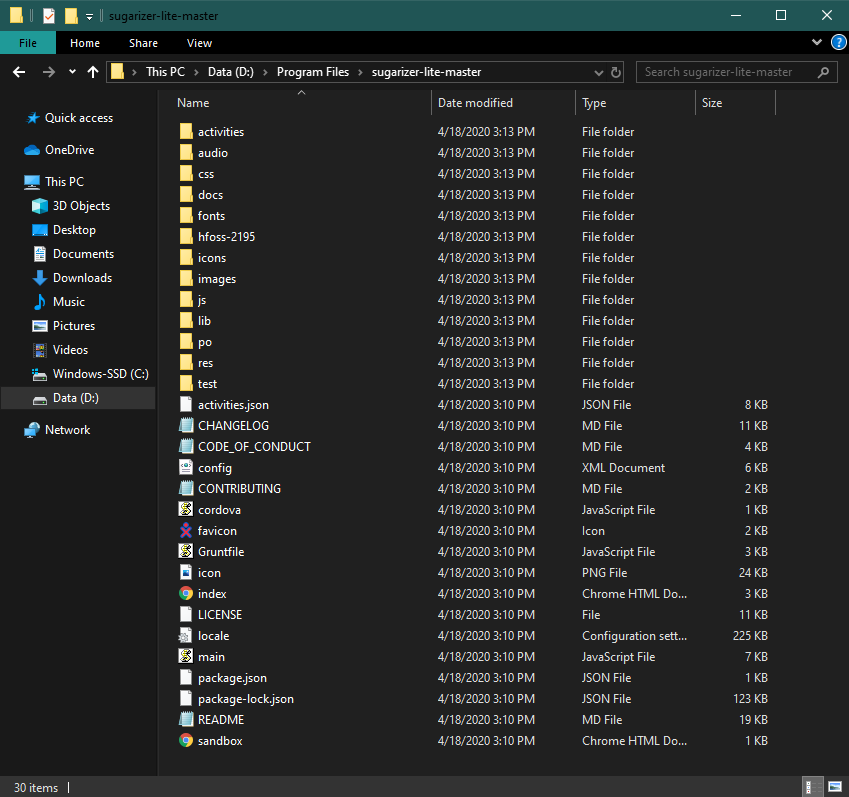
Attempts to follow the standard command prompt as instructed in the README file did not work.
"C:\Program Files (x86)\Google\Applications\Chrome\chrome.exe" --allow-file-access-from-files opens chrome but does not open sugarizer
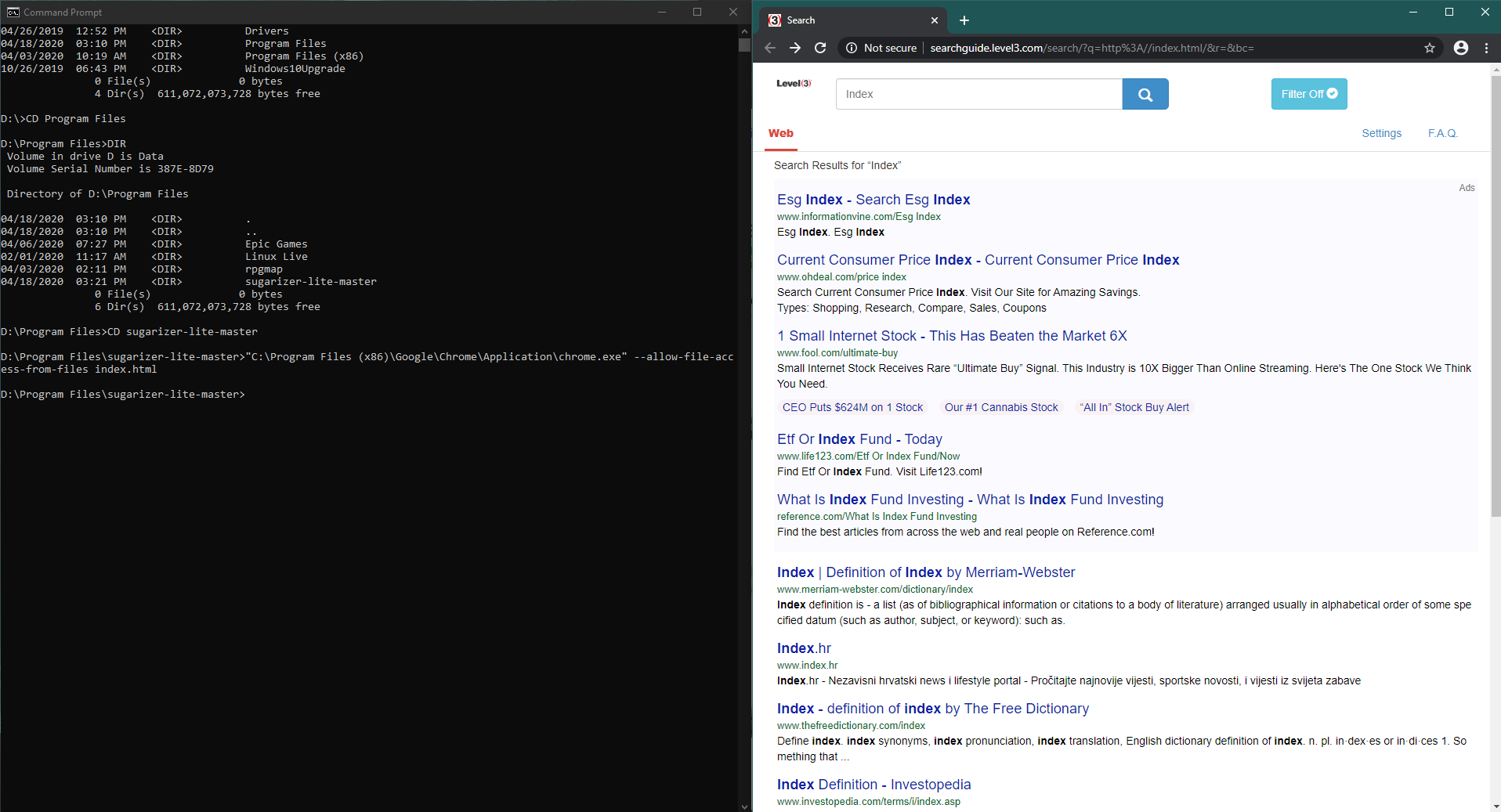
"C:\Program Files (x86)\Google\Applications\Chrome\chrome.exe" --allow-file-access-from-files index.html opens chrome with search results for index.html
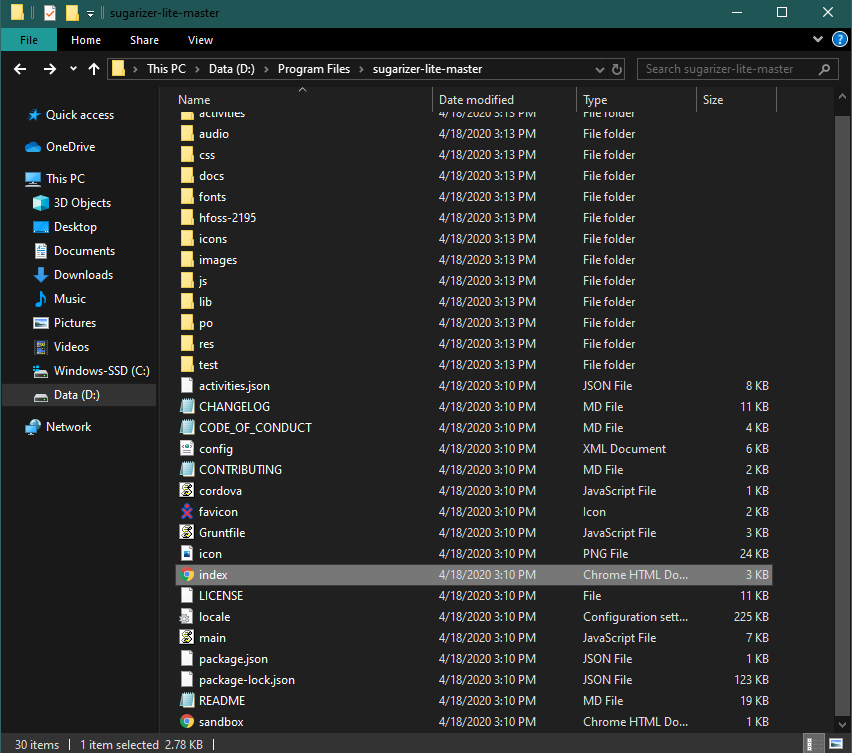
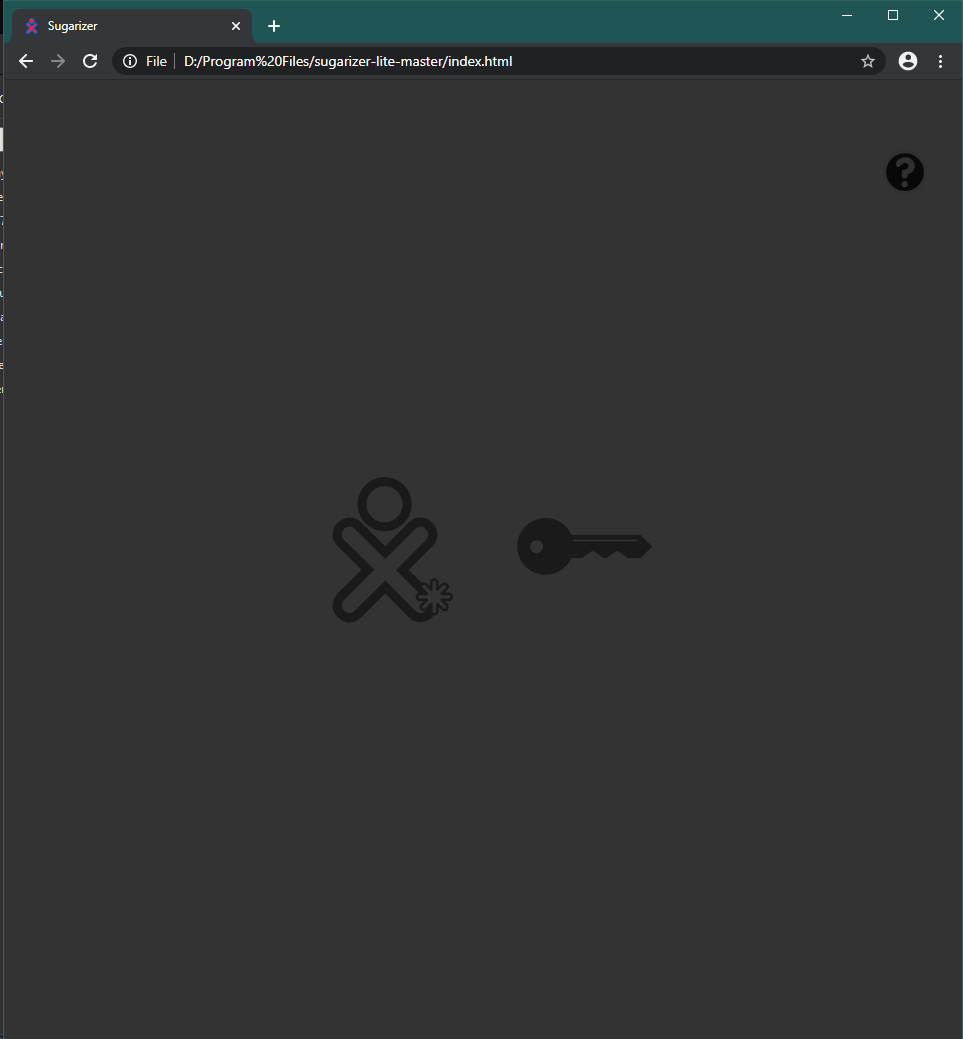
Opening a new chrome window and using ctr-o to find index.html seems to open sugarizer, but then the screen becomes grayed out and there is no functionality. Once I have this 'grayed out' version of sugarizer open I select right-click -> inspect and find errors in the execution of the html code.
Problem is I know nothing about html so I can't trouble shoot this. Can anyone help?
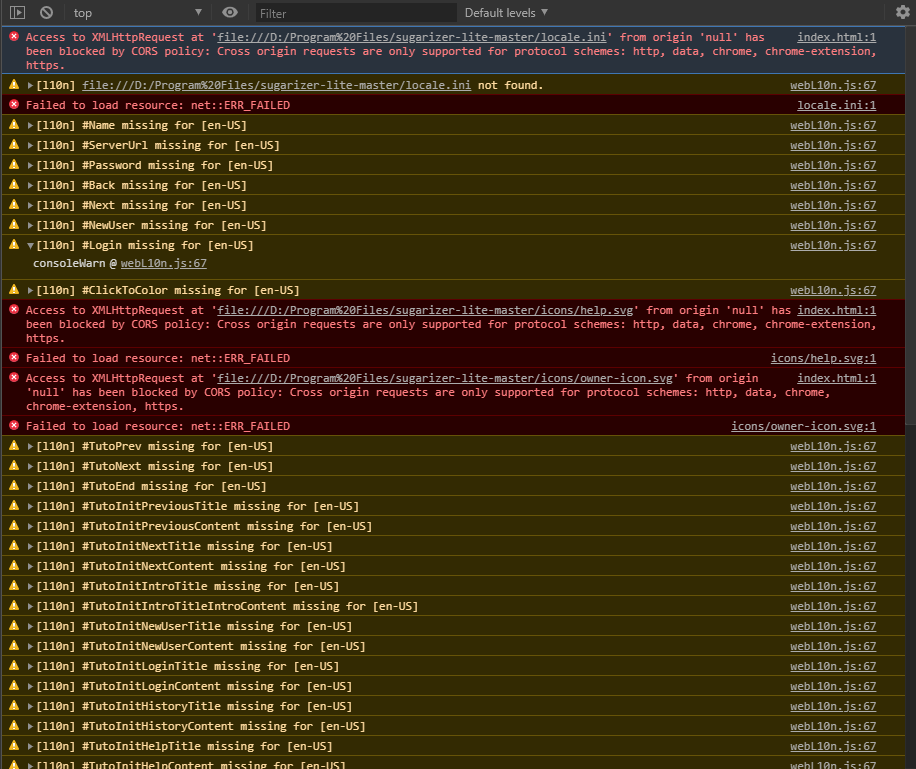
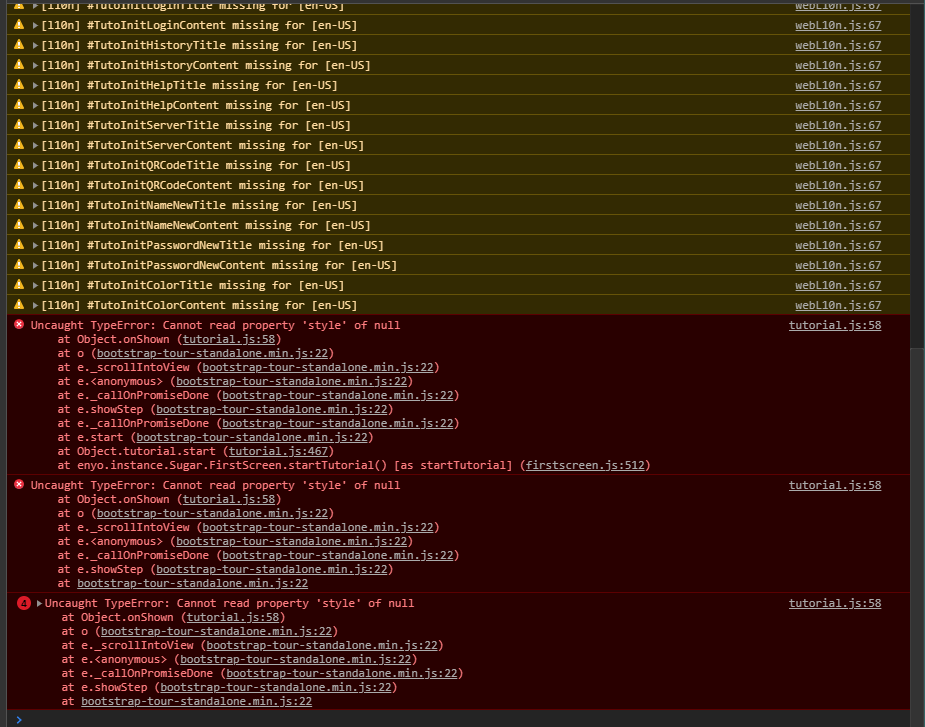

I've been having issues getting sugarizer lite to run in chrome.
OS: Windows 10 Home edition
Chrome Versions: Version 81.0.4044.113 (Official Build) (64-bit)
Attempts to follow the standard command prompt as instructed in the README file did not work.
"C:\Program Files (x86)\Google\Applications\Chrome\chrome.exe" --allow-file-access-from-filesopens chrome but does not open sugarizer"C:\Program Files (x86)\Google\Applications\Chrome\chrome.exe" --allow-file-access-from-files index.htmlopens chrome with search results for index.htmlOpening a new chrome window and using ctr-o to find index.html seems to open sugarizer, but then the screen becomes grayed out and there is no functionality. Once I have this 'grayed out' version of sugarizer open I select right-click -> inspect and find errors in the execution of the html code.
Problem is I know nothing about html so I can't trouble shoot this. Can anyone help?





