Home
Pixel Perfect is a Firefox extension that allows web developers and designers to easily overlay a web composition with semi-transparent layers (images). These layers can be consequently used for per pixel comparison between the page and a layer.
The minimum required browser version is Firefox 36 (current release)
- Support for multiple overlays within a page
- Persistence of the overlay list
- Drag and drop of overlays within a page
New Pixel Perfect 2.0 (currently beta) can be downloaded from here
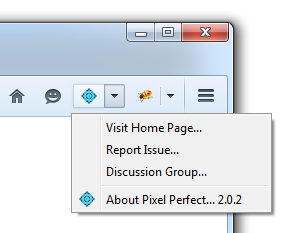
You should see a new Pixel Perfect button at the top-right corner of your browser window after installation.
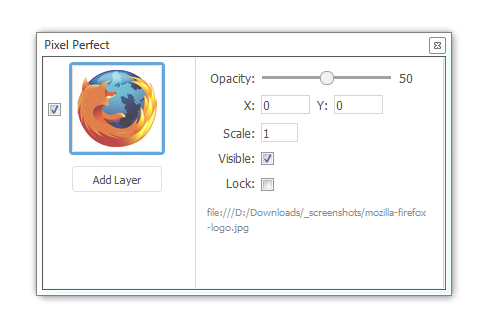
And here is the final Pixel Perfect UI that you can open by clicking on the button above.
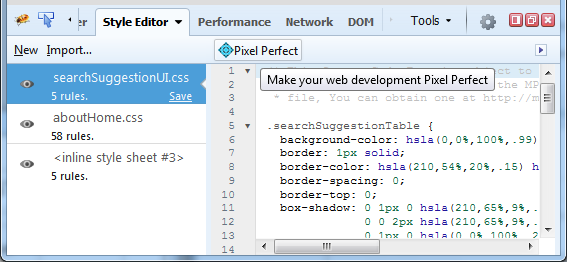
Pixel Perfect is also nicely integrated with Firebug.next, so if you have Firebug installed you'll also see a Pixel Perfect button in the Style Editor panel. Note that you can download the latest Firebug.next version from the releases page