
Load extension from unpacked2x folder as local package.
Chrome > Extensions > Manage Extensions
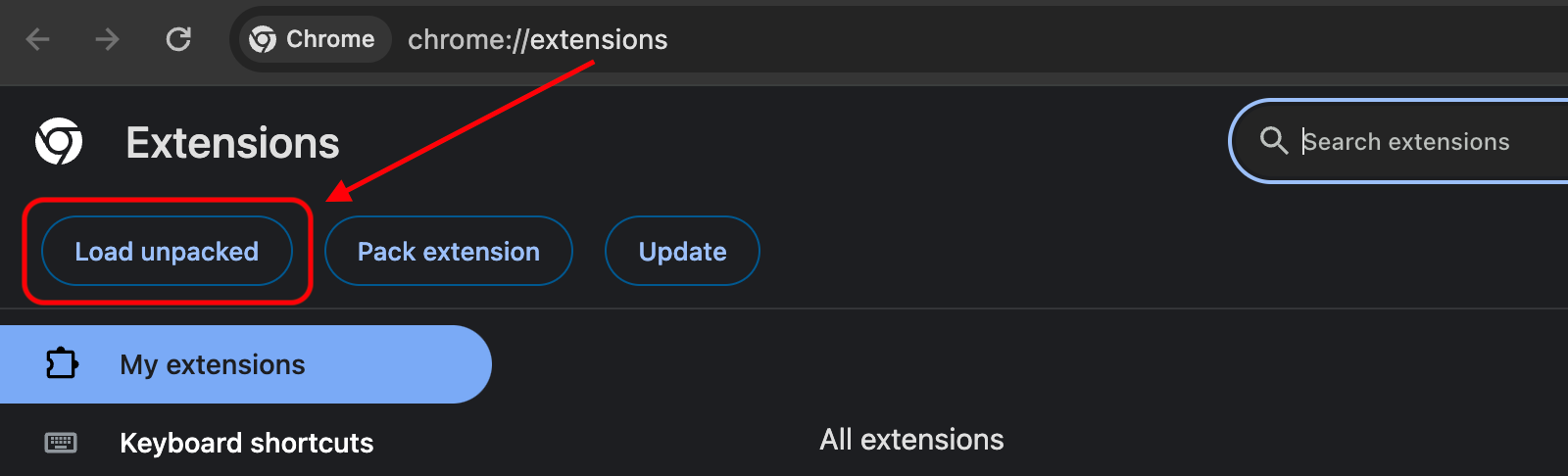
Click Load unpacked button and select the unpacked2x directory

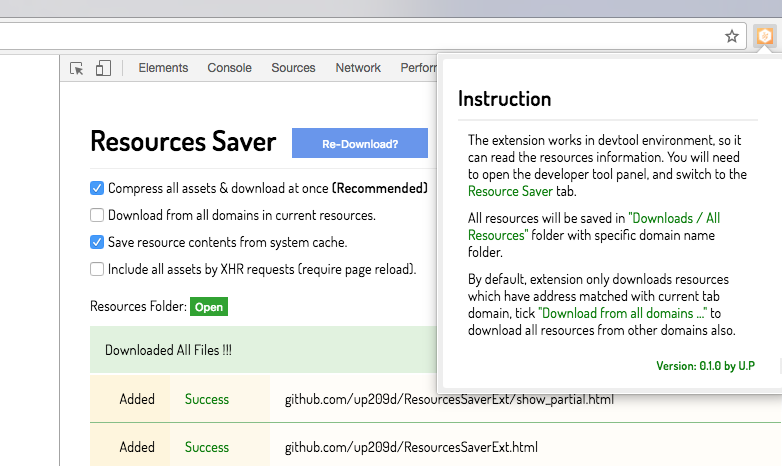
Open Chrome DevTool Panel > Choose ResourceSaver Tab
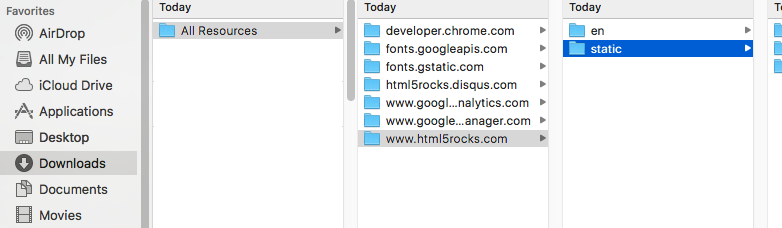
Saved website will have same structure as in remote server, you can use any http server tool to host the web content again eg. http-server
Make sure your Node.js version match with version in .nvmrc
Install yarn
yarn
yarn build
Project will be built output to unpacked2x