Note
⚠️ The demo module have been redeployed to railway andsepal-uiis not depending on this repository to build the applications anymore. We still keep the public archive for documentation purposes.⚠️


Fake application using the sepal_ui framework to create an interactive Voila dashboard.
Go to the sepal_ui repository for more information about the components used in this template.
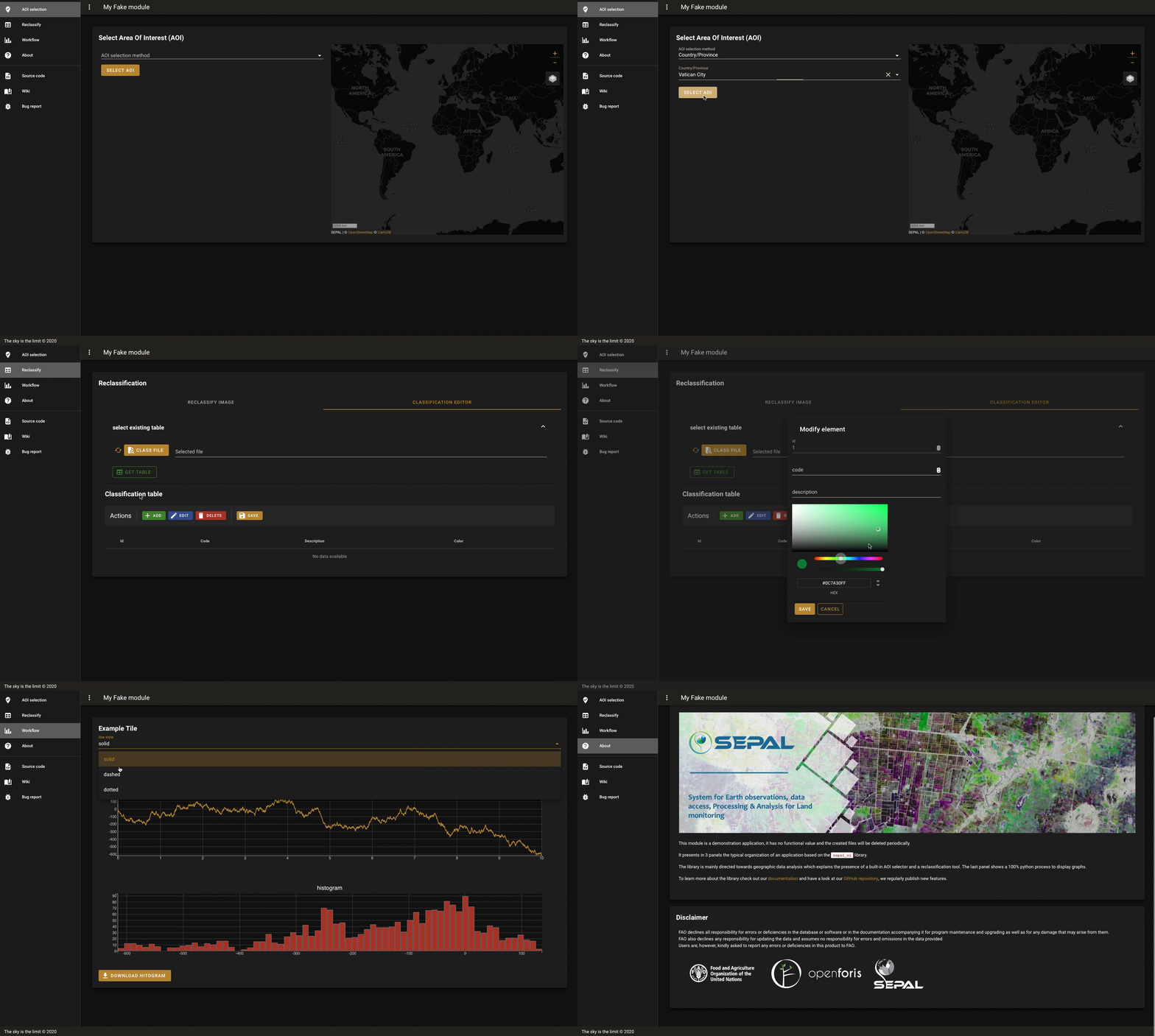
This template is bound to the module_factory CLI from the sepal_ui lib but it can also be used as a stand-alone app. each branch can be used as a specific type of application:
masterandno_aoiare empty shells, they just embed the minimal material of asepal-uibased application. It can be used as a template for your own repository.no_geeis asepal-uibased application with one panel: the built-in AOI selector of the lib. It's using the GADM administrative boundaries dataset.no_defaultis asepal-uibased application with also one panel. The only difference being that the AOI selector is now wired to GEE and produceee.imageCollectionin addition togeopandas.GeoDataframe. it's based on the FAO GAUL 2015 administrative boundaries dataset.defaultis a fully functionalsepal-uibased app. it's the one build during the main tutorial.herokuis a modified application that is deplyed on Heroku (https://sepal-ui.herokuapp.com)
to install it simply use :
$ git clone https://github.com/12rambau/sepal_ui_template.git
$ cd sepal_ui_template
To contribute to this repository please respect the following hierarchy when it comes to modifications so that we can continue to spread them throughout the branches using simple merge.
masterwhen it comes to general modifications to adapt to recent updates ofsepal-uino_geeif modifications are related to the AOI selectorno_defaultif modifications are specific to the GEE wired version of the AOI selectordefaultif the tutorial changesherokuto update the deployed app
merge hierarchy:
master
├── no_aoi
│   └── no_gee
│       └── no_default
│           └── default
└── heroku