

This repo serves as an example of how to embed the Client's Scheduling Page from Acuity Scheduling within your native mobile app either for iOS (Objective-C) or Android (Java) using Webviews.
##Installation
- Just download the repo, and open iOSWebviewAcuity with Xcode, and AndroidWebviewAcuity with Android Studio.
- If you want to use your own Acuity scheduling page, all you have to do is change the line
owner=11266122withinViewController.mfor iOS andMainActivity.javafor Android, by replacing the id (11266122) with your own Acuity owner id.
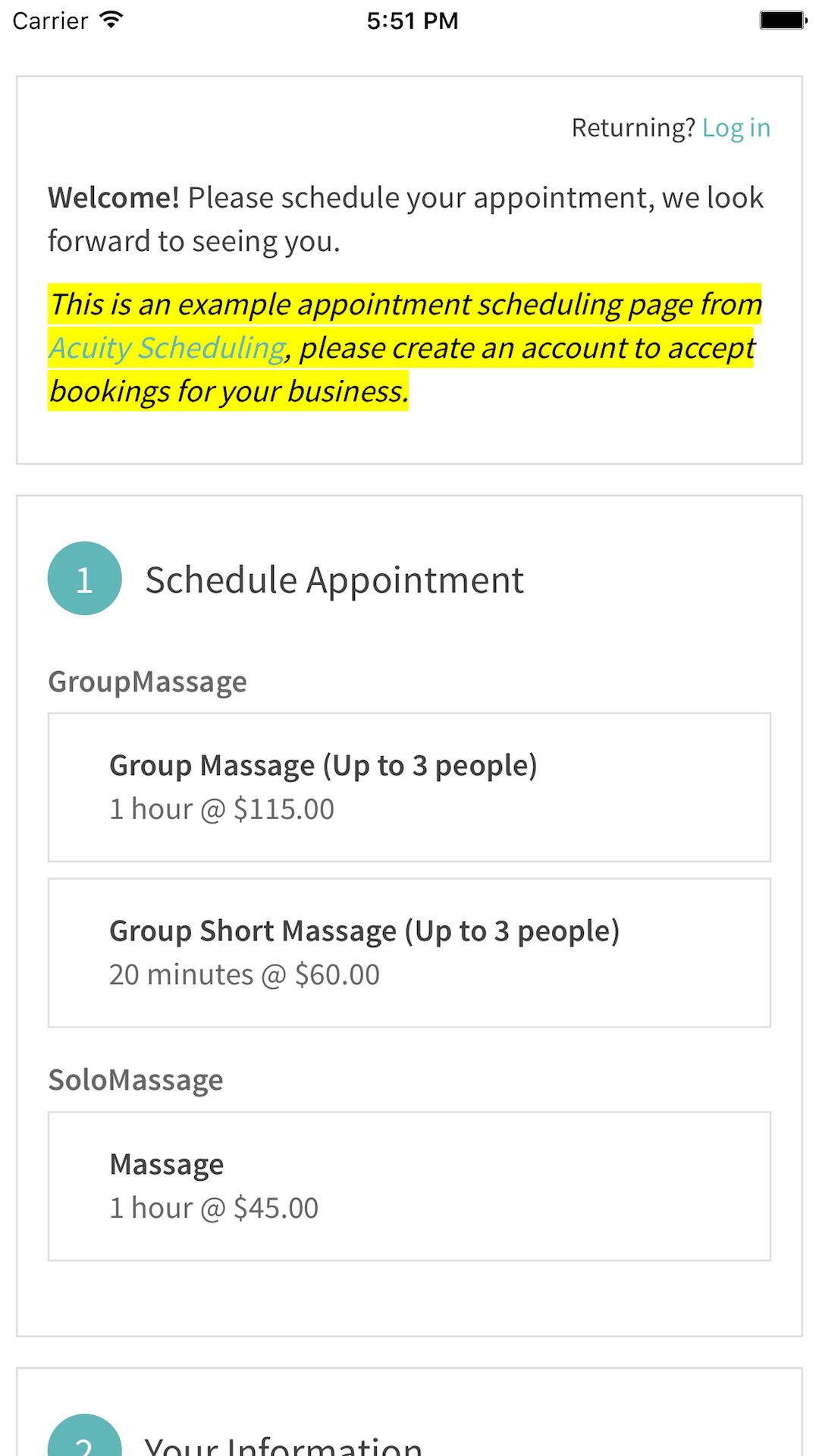
##Preview That's how it should look like.
| Android | iOS |
|---|---|
 |
 |