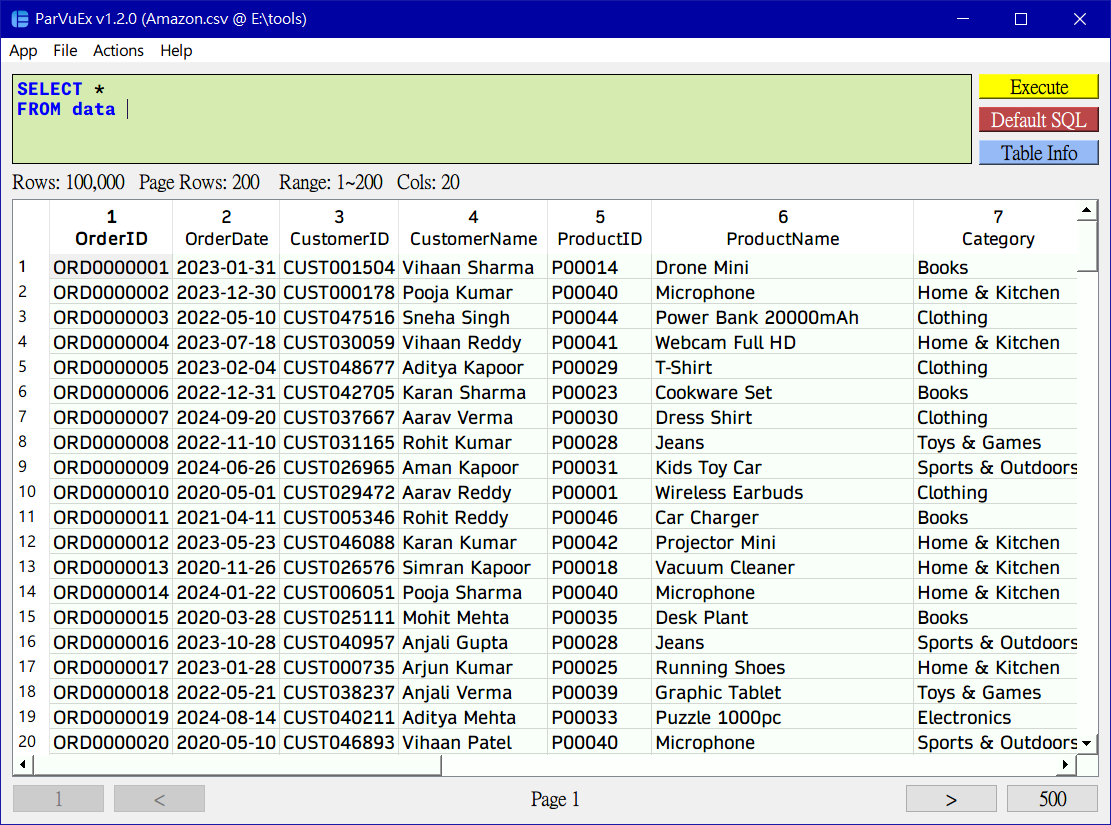
This application allows you to execute SQL queries on Parquet/CSV files. Uses DuckDB Python implementation.
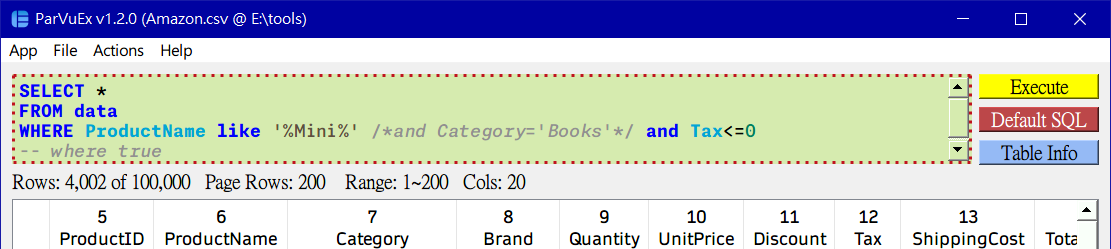
- Enhanced SQL statement highlighting
- Support column names highlighting
- Support common highlighting such as comments, values, strings
- Customable highlighting keywords
- Add simple status info
- Showing total/current/selected rows
- Support SQL statement history
- Use hotkeys to switch previous statements
- Concise main UI
- Simplify pagination
- Improve dialogs
- Auto remember columns width
- Zebra striping for the table
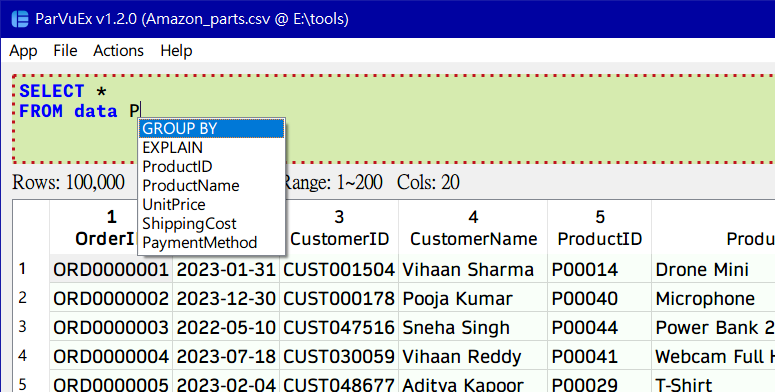
- Auto complete
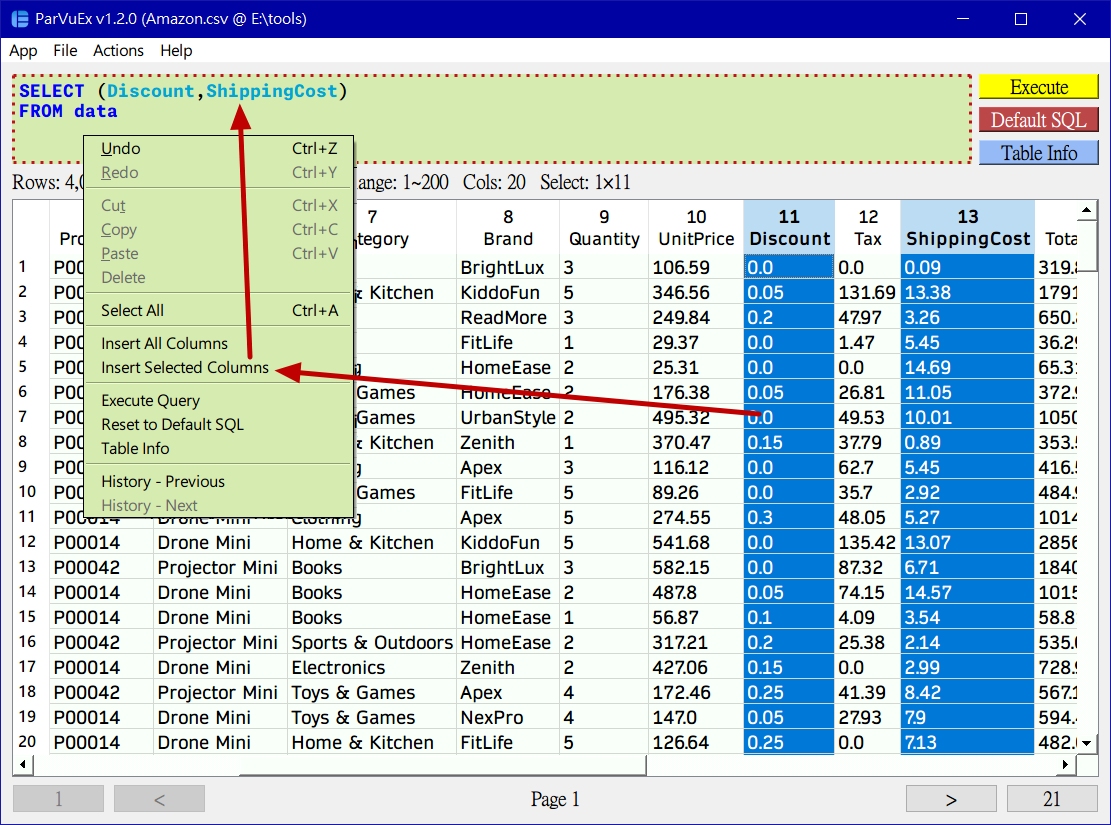
- Support inserting specific columns
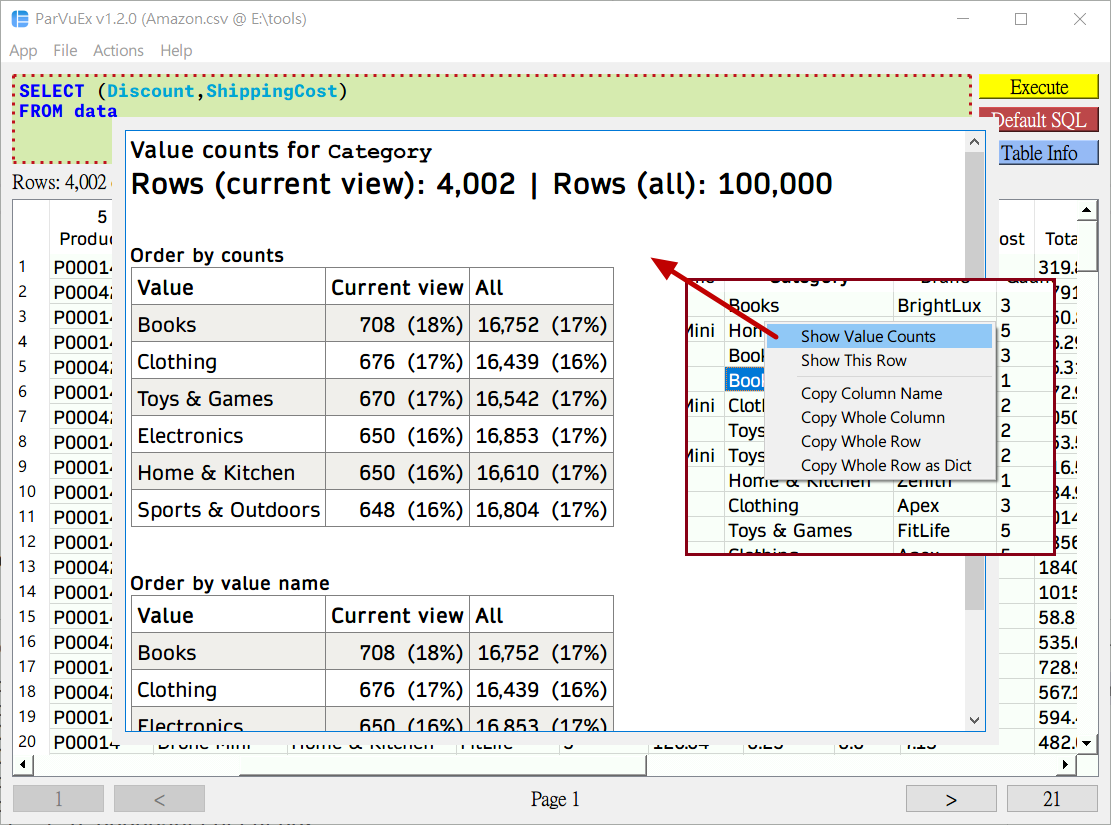
- Value counts
- Show statistics on selected columns
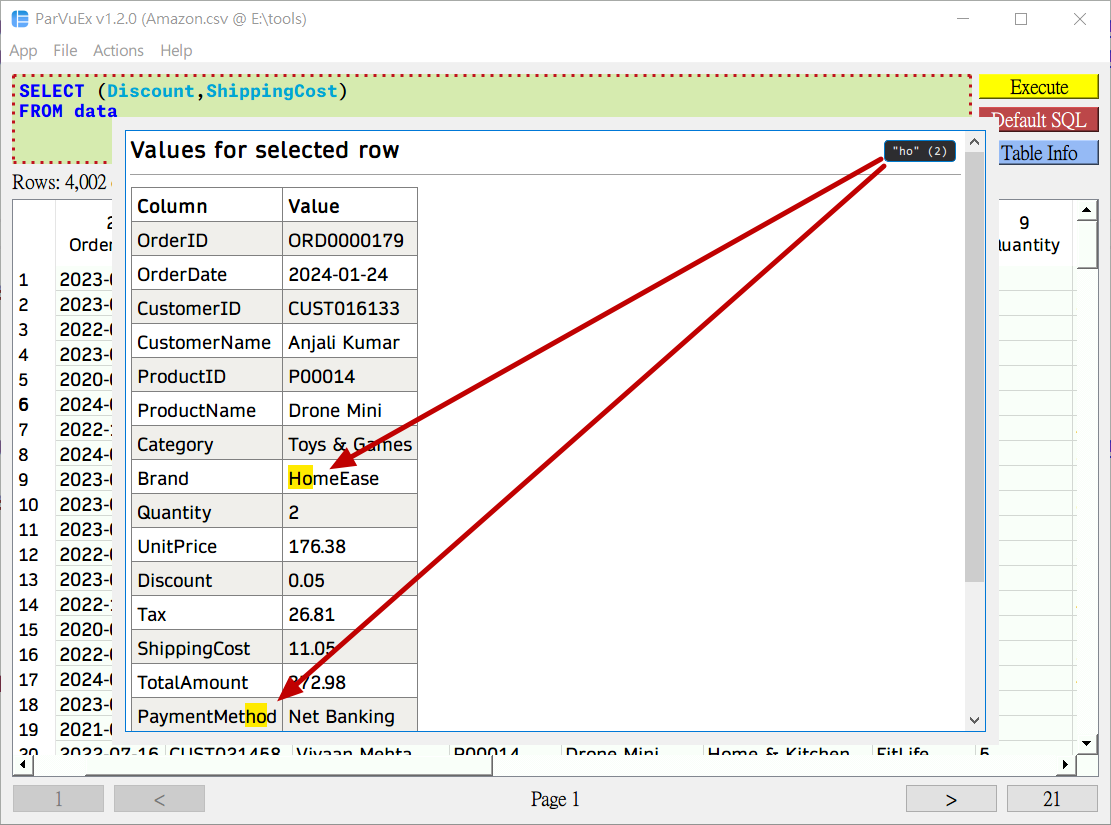
- Quick row values
- Show selected row values in a table
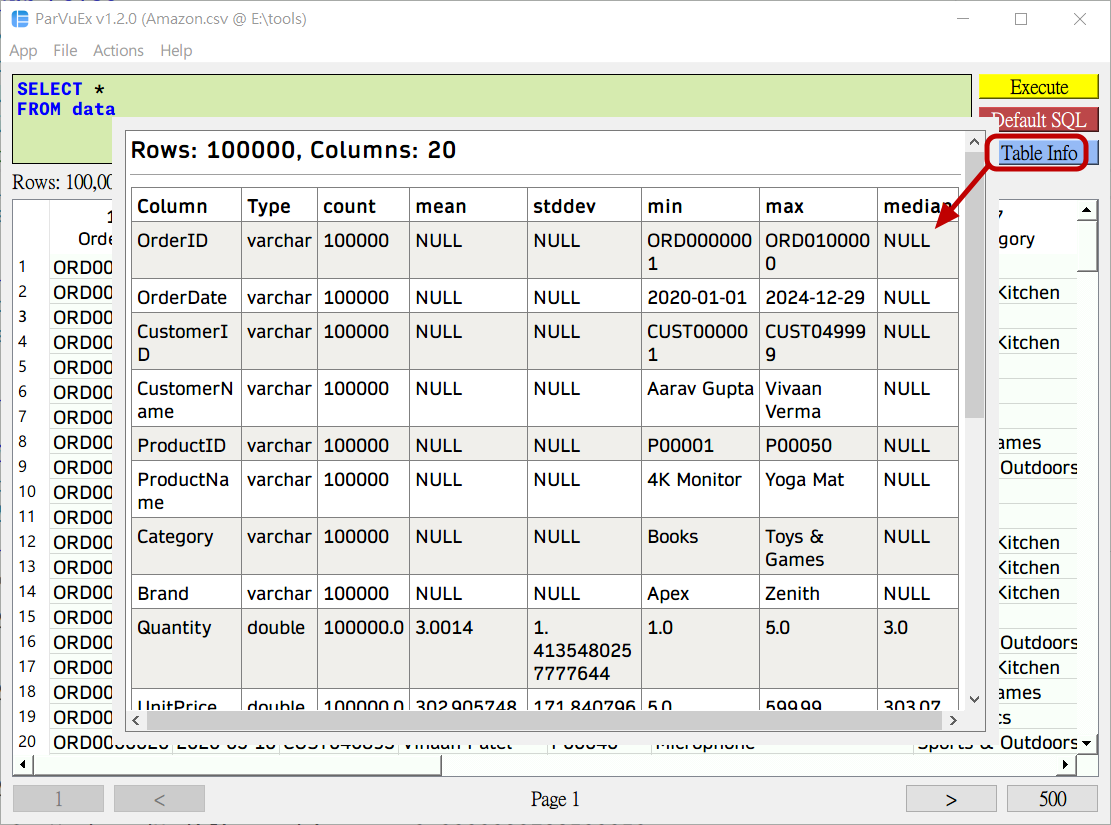
- Table info
- Quick highlight characters as you type
- Speedup startup time
- Use only one core
- Minimize to tray
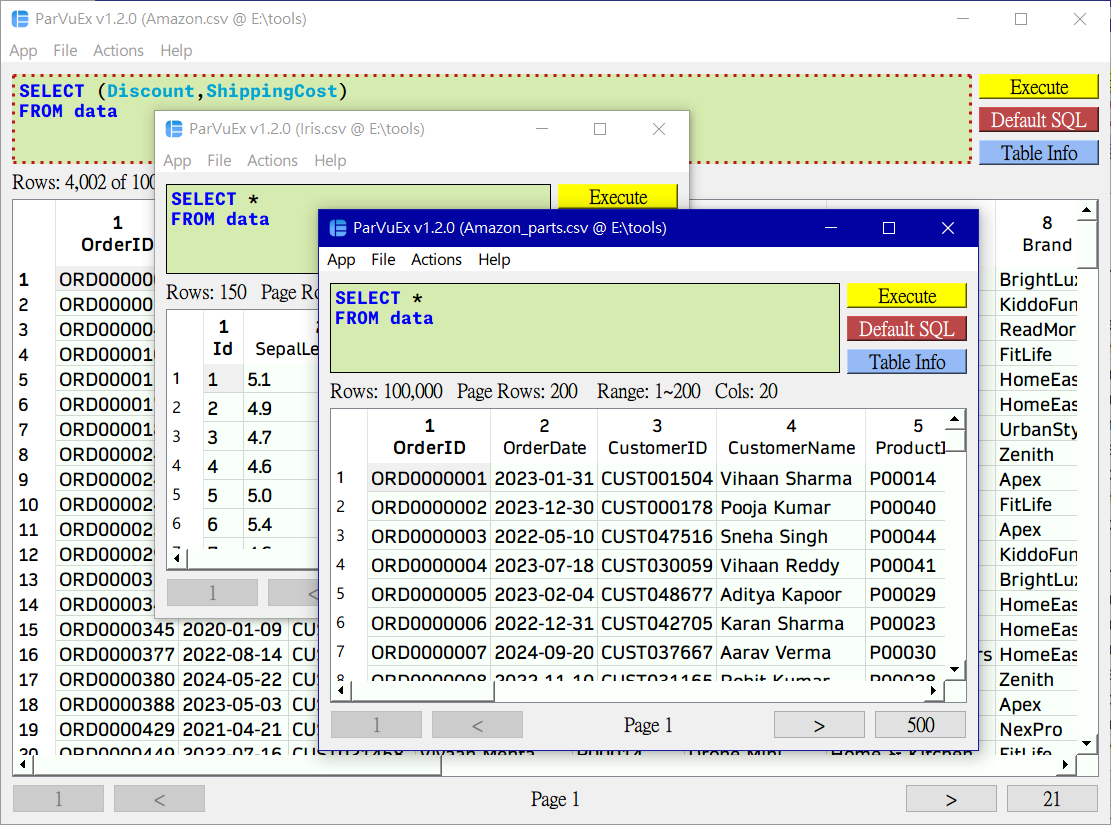
- Support single/multi windows
- Add new hotkeys
- Memory efficient (can open a large file quickly)
- Support _.csv, _.parquet
- Browse SQL statement history
Ctrl+↑/↓
- Pagination
Ctrl+←/→
- Excute
EnterShift+Enterfor new lines
- Mouse scroll the table horizontally
- Hold
Shift
- Hold
- Click
File→Opento select a Parquet/CSV file. - Write your SQL query in the provided text area.
- Click
Executeor pressEnterto run the query and see results.
- Windows
build.bat
- Which SQL Queries are supported?
- Basically it supports data transformation, non join queries. Look here