
Developement in edge is done and could be now used to introduce new features.
Br, Cosik.
Application to read Hoymiles Gateway Solar Data using unofficial API
I developed this program to integrate my solar system data to Home Assistant Application through an add-on.
Now, Cosik is helping too.

Donate Cosik ->



 Home Assistant add-on instructions
There are three app versions that you can choose from:
1 - The Old Stable Version

2 - The Edge Version

👉 Edge Setup Guide - detailed installation, configuration options, and troubleshooting for Home Assistant users
3 - The Stable Version

My solar panels communicate with the internet using a DTU-W100 gateway.

But it will probably work with any device that uses the global.hoymiles.com Website. It was tested with DTU-PRO also.
You could also use the application without using Home Assistant. You just need a machine that runs Python3. It's based on mqtt messages, so could be send from any device to MQTT Broker.
Before run, you need to install: [https://github.com/eclipse/paho.mqtt.python] and [https://github.com/psf/requests]
git clone https://github.com/dmslabsbr/hoymiles.git
cd hoymiles
python3 -m venv ./hoymiles/
source ./hoymiles/bin/activate
pip3 install paho-mqtt==1.6.1
pip3 install requests
pip3 install python-dateutilUI is not working and could show "Bad Gateway" which is normal and expected.
Add-on is designed to use MQTT messages to send data to the Home Assistant instance.
By default credentials and server name are taken from Home Assistant. If
you use another broker or use your own one it is required to make external and fill server and credentials for connection.
To get it properly working you also have to pass credentials for the Hoymiles Cloud access and your plant ID.
If everything is set up correctly new MQTT entities will be visible on HA.
So far it is confirmed that the addon supports these Hoymiles devices:
- micro inverters
- standard inverters
- energy meters
- bms (with some restrictions) - edge version with details
- batteries (with some restrictions) - edge version with details
- multiple instalattions - edge version
I invite everyone to help in the development of this tool.
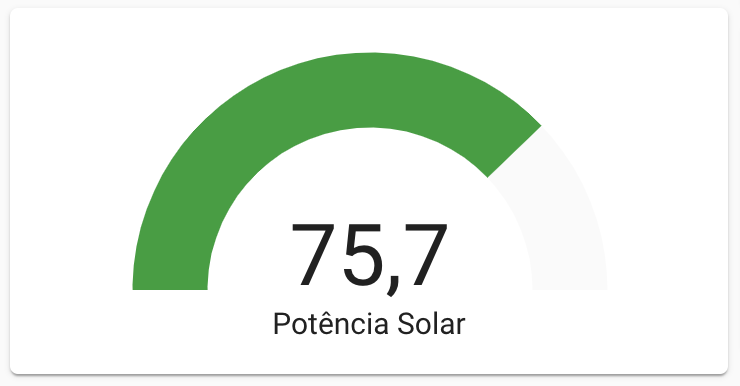
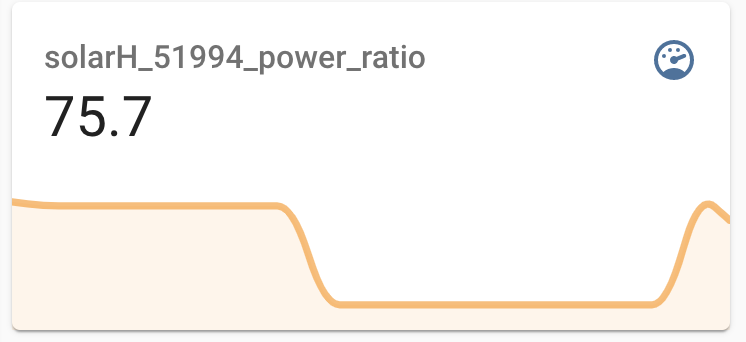
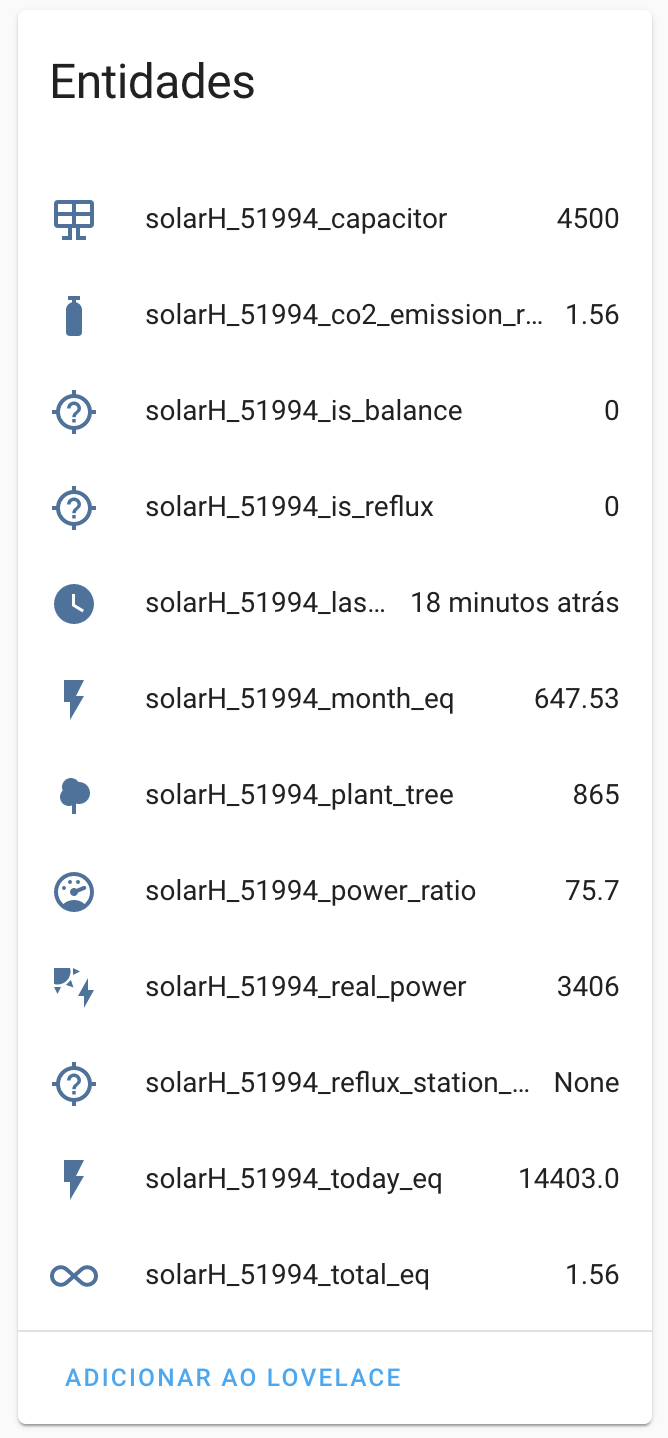
THE SOFTWARE IS PROVIDED "AS IS", WITHOUT WARRANTY OF ANY KIND, EXPRESS OR IMPLIED, INCLUDING BUT NOT LIMITED TO THE WARRANTIES OF MERCHANTABILITY, FITNESS FOR A PARTICULAR PURPOSE AND NONINFRINGEMENT. IN NO EVENT SHALL THE AUTHORS OR COPYRIGHT HOLDERS BE LIABLE FOR ANY CLAIM, DAMAGES OR OTHER LIABILITY, WHETHER IN AN ACTION OF CONTRACT, TORT OR OTHERWISE, ARISING FROM, OUT OF OR IN CONNECTION WITH THE SOFTWARE OR THE USE OR OTHER DEALINGS IN THE SOFTWARE.