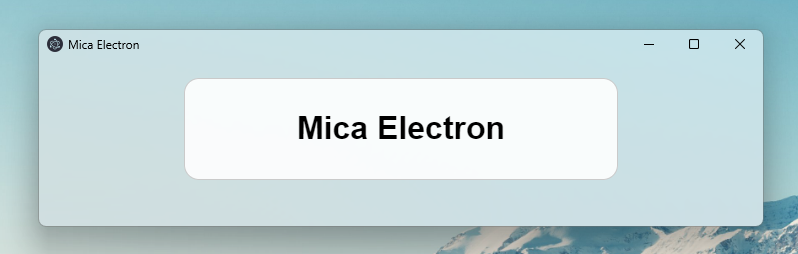
Mica Electron is a tool to add mica effect on electron app.
This is created by GregVido.
Mica electron is now compatible with windows 10
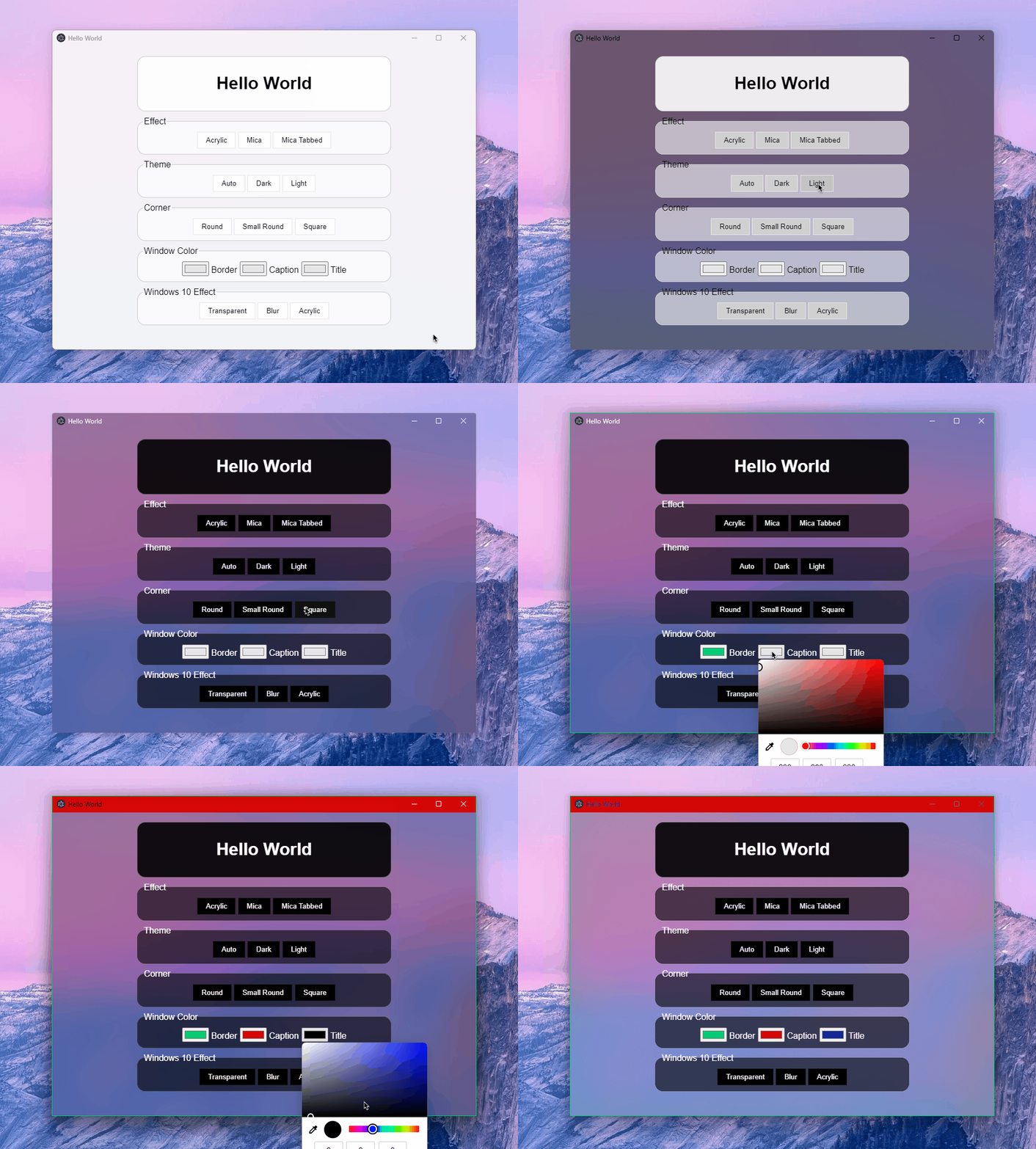
Exemple of effects
If you like Mica Electron and want to support its development, you can buy me a coffee ❤️
👉 https://www.buymeacoffee.com/gregvido
$ npm install mica-electronconst electron = require('electron');
const { PARAMS, VALUE, MicaBrowserWindow, IS_WINDOWS_11, WIN10 } = require('mica-electron');
const path = require('path');
electron.app.on('ready', () => {
const win = new MicaBrowserWindow({
width: 800,
height: 600,
autoHideMenuBar: true,
show: false,
// frame: false // -> now work, you can remove the frame properly !!
});
win.setDarkTheme();
win.setMicaEffect();
// win.alwaysFocused(true); // -> allows you to keep the mica effects even if the window is no focus (decrease performance)
win.loadFile(path.join(__dirname, 'files', 'index.html'));
win.webContents.once('dom-ready', () => {
win.show();
});
});Apply effect for windows 11
You can apply different mica effect :win.setMicaEffect(); // Mica Effect
win.setMicaTabbedEffect(); // Mica Tabbed
win.setMicaAcrylicEffect(); // Acrylic for windows 11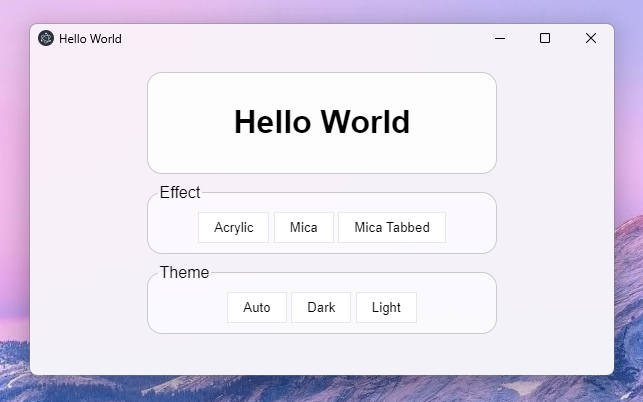
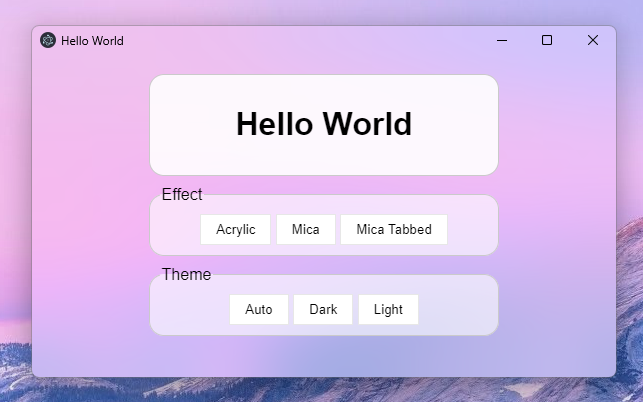
Change theme for windows 11
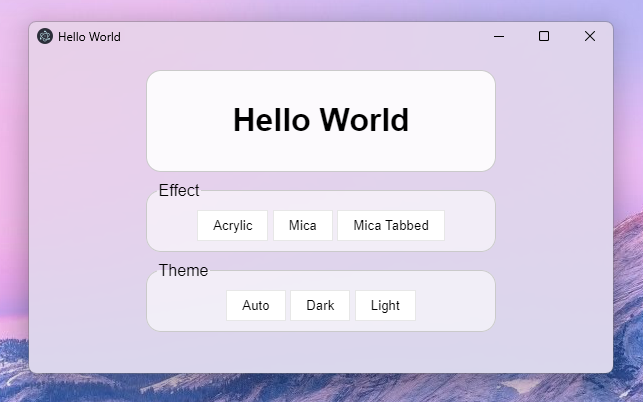
You can change theme :win.setAutoTheme(); // Same theme as computer
win.setLightTheme(); // Force light theme
win.setDarkTheme(); // Force dark themeApply effect for windows 10
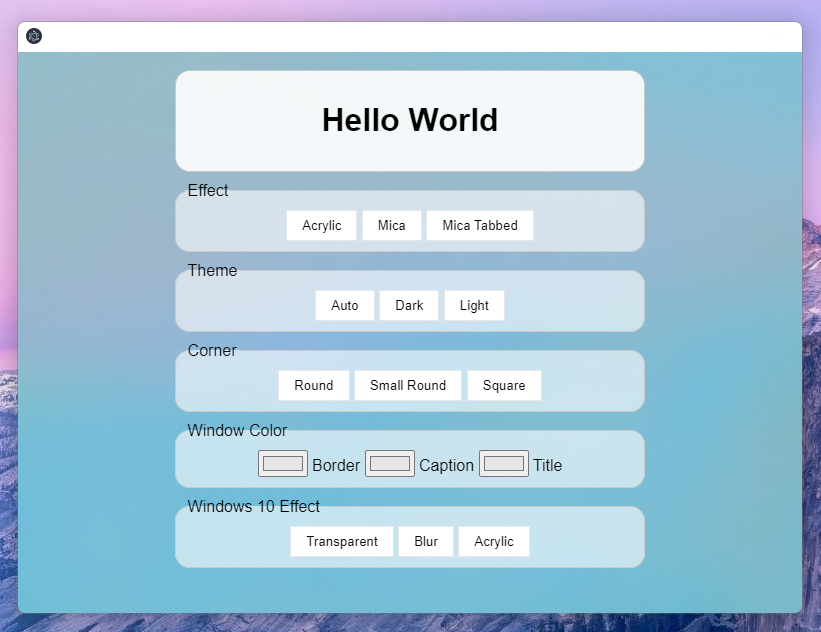
You can apply different blur effect :win.setTransparent(); // Transparent window
win.setBlur(); // Blurred window
win.setAcrylic(); // Acrylic windowChange radius
You can change corner radius :win.setRoundedCorner(); // Rounded
win.setSmallRoundedCorner(); // Small rounded
win.setSquareCorner(); // Square


Change window colors
You can change window colors :win.setBorderColor('#f40b0b'); // Border color
win.setBorderColor(null); // -> disable effect
win.setCaptionColor('#262626'); // Background titlebar color
win.setCaptionColor(null); // -> disable effect
win.setTitleTextColor('#fff'); // Title text color
win.setTitleTextColor(null); // -> disable effect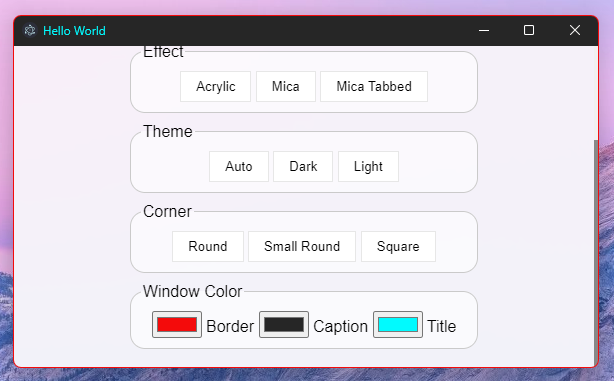
Change custom transparent effect for windows 10 NEW!
You can change window colors :win.setCustomEffect(WIN10.TRANSPARENT, '#34ebc0', 0.5); // Transparent
win.setCustomEffect(WIN10.ACRYLIC, '#34ebc0', 0.4); // Acrylic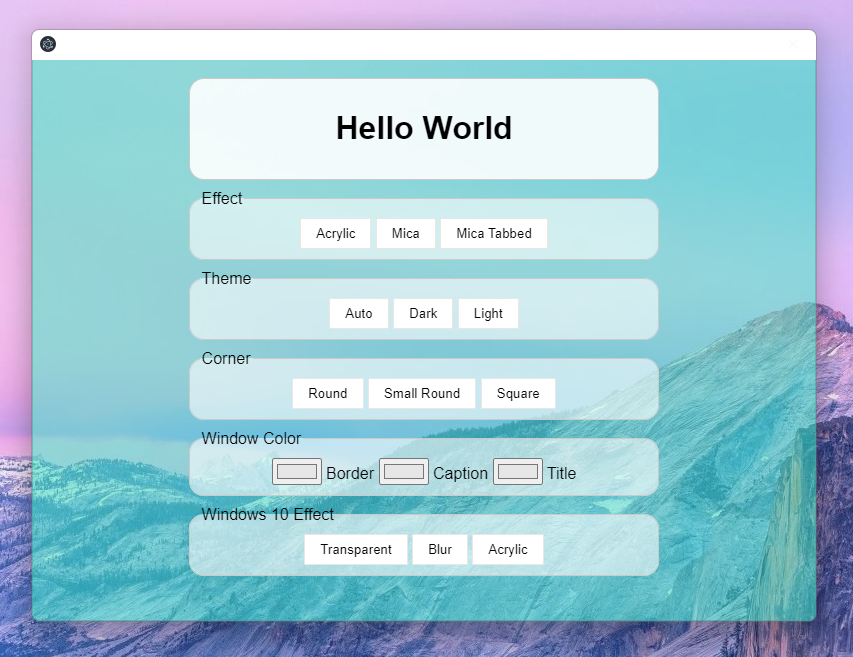
To compile from source it's easiest to use
node-gyp:
$ npm install -g node-gypNow you can compile mica-electron:
$ cd .\node_modules\mica-electron\
$ ./build.batPARAMS Object
The params is a number, you can has an object to help you: const PARAMS = {
BACKGROUND: {
AUTO: 0,
NONE: 1,
ACRYLIC: 3, // Acrylic
MICA: 2, // Mica
TABBED_MICA: 4 // Mica tabbed
},
CORNER: 5,
BORDER_COLOR: 6,
CAPTION_COLOR: 7,
TEXT_COLOR: 8,
FRAME: 9
}VALUE Object
The value is a number, you can has an object to help you:const VALUE = {
THEME: {
AUTO: 5, // select theme by the windows theme
DARK: 1, // select the dark theme
LIGHT: 2, // select the white theme
},
CORNER: {
DEFAULT: 0,
DONOTROUND: 1,
ROUND: 2,
ROUNDSMALL: 3
},
COLOR: {
RED: 0x000000FF,
GREEN: 0x0000FF00,
BLUE: 0x00FF0000,
BLACK: 0x00000000,
WHITE: 0x00FFFFFF,
FROM_RGB: (r, g, b) => {
return r + (g << 8) + (b << 16);
}
},
FALSE: 0,
TRUE: 1
}IS_WINDOWS_11
IS_WINDOWS_11 is a boolean constant to detect the OS version. If it is true then it's a windows 11 computer, otherwise it is another version (10, 8, 7 ...)WIN10 Object
The value is a number, you can has an object to help you:const WIN10 = {
TRANSPARENT: 2,
BLURBEHIND: 3, // didn't work on windows 11
ACRYLIC: 4
}Error: '...\micaElectron.node' was compiled against a different Node.js version using ...
If you are an error of nodejs version, use electron-packager to rebuild the project with the good version.$ npm install electron
$ npm install electron-rebuild
$ .\node_modules\.bin\electron-rebuildBuild for 32 bits ?
If you want use mica-electron with 32 bits electron app, rebuild C++ script
$ cd .\node_modules\mica-electron\
$ node-gyp rebuild --arch=ia32
$ cd ..\..\
$ .\node_modules\.bin\electron-rebuild --arch=ia32- MicaDiscord by GregVido and Arbitro
- Cider by Cider Collective
- Fluent Browser by ThePiGuy3141
- Mica-Snap by GregVido
- SysMocap by xianfei