


A dark VS Code theme with a warm amber/orange palette and bright, high-contrast syntax colours.
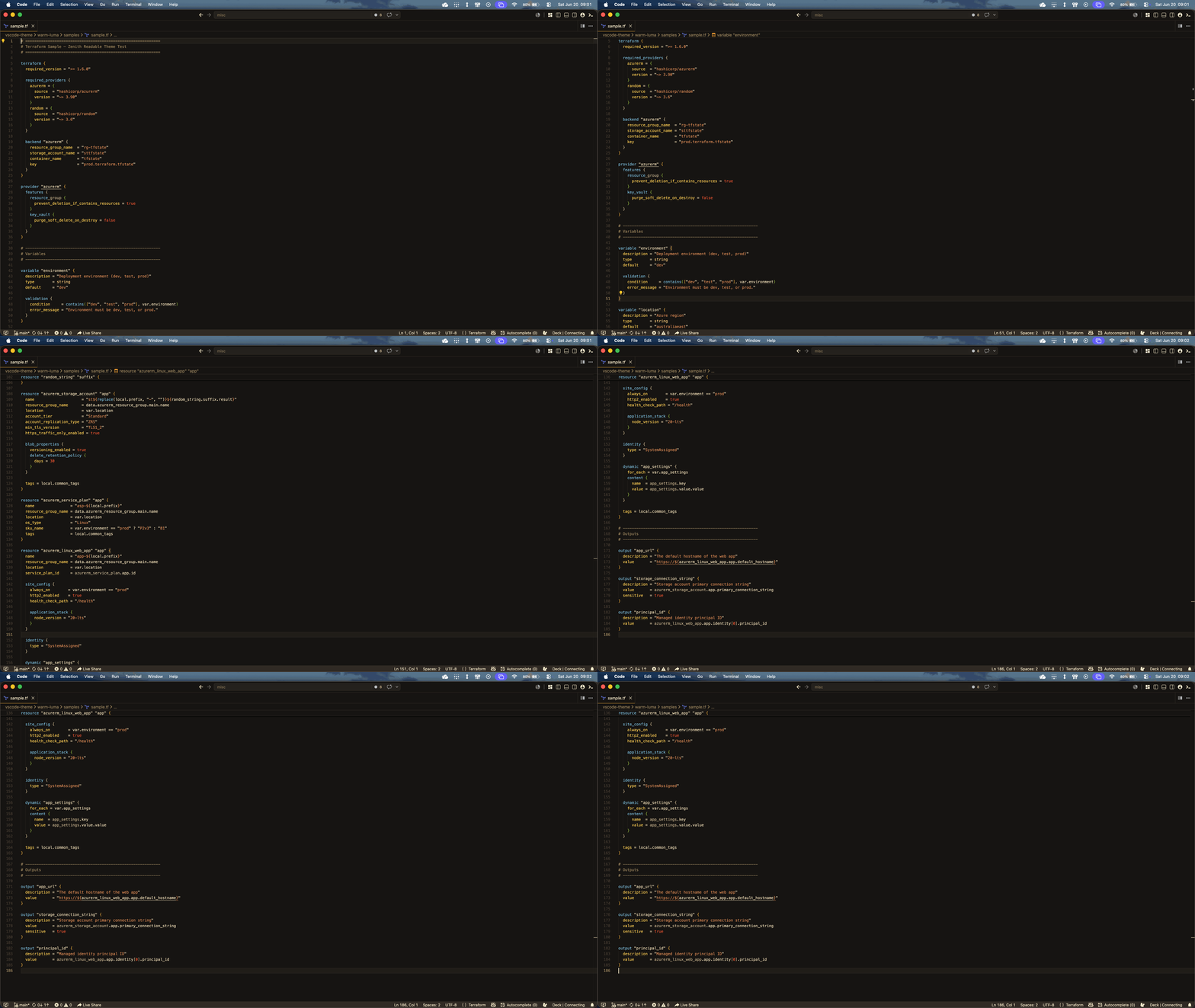
- Dark warm brown background (
#181512) - Main text in light warm cream (
#F2E0BC) - Comments in muted warm brown (
#AE9468) - Strings and keywords in soft orange (
#E8905A) - Functions, classes, and tags in sky blue (
#7EC8E3) - Control keywords and accents in bright amber (
#FFD050)
ANSI red/green/yellow/white stay in the warm palette, but blue, cyan, and magenta use distinct hues (sky blue, teal, rose) so terminal output, ls colours, and the terminal tab colour picker stay legible instead of collapsing into a single shade of orange.
| Token | Example | Colour |
|---|---|---|
| Block keywords | resource, data, variable, terraform |
Gold |
| Resource type / reference name | azurerm_storage_account, app |
White |
| Block type identifiers + built-in functions | entity.name.type, tostring() |
Sky blue |
| Attribute keys | resource_group_name, location |
Amber |
| Variable references | var.location, local.prefix |
Cream |
- Open VS Code
Cmd+Shift+P→ Extensions: Install from VSIX...- Select the
.vsixfile