I built this full stack, single page application out of my love for coding and my love for surfing. I used to be a very active photographer, and I was a regular visitor to flickr.com. I wanted to take on the challenge to replicate flickr's design and layout as well as put my own spin on it, and make an application exclusively for surf photographers.
- React
- CSS
- Bootstrap
- JavaScript
- Node.Js
- Express.Js
- PostgreSQL
- HTML5
- babel
- Webpack
- Argon2
- Multer
- JSON webtoken
- Dotenv
- npm
- AWS S3
- Heroku
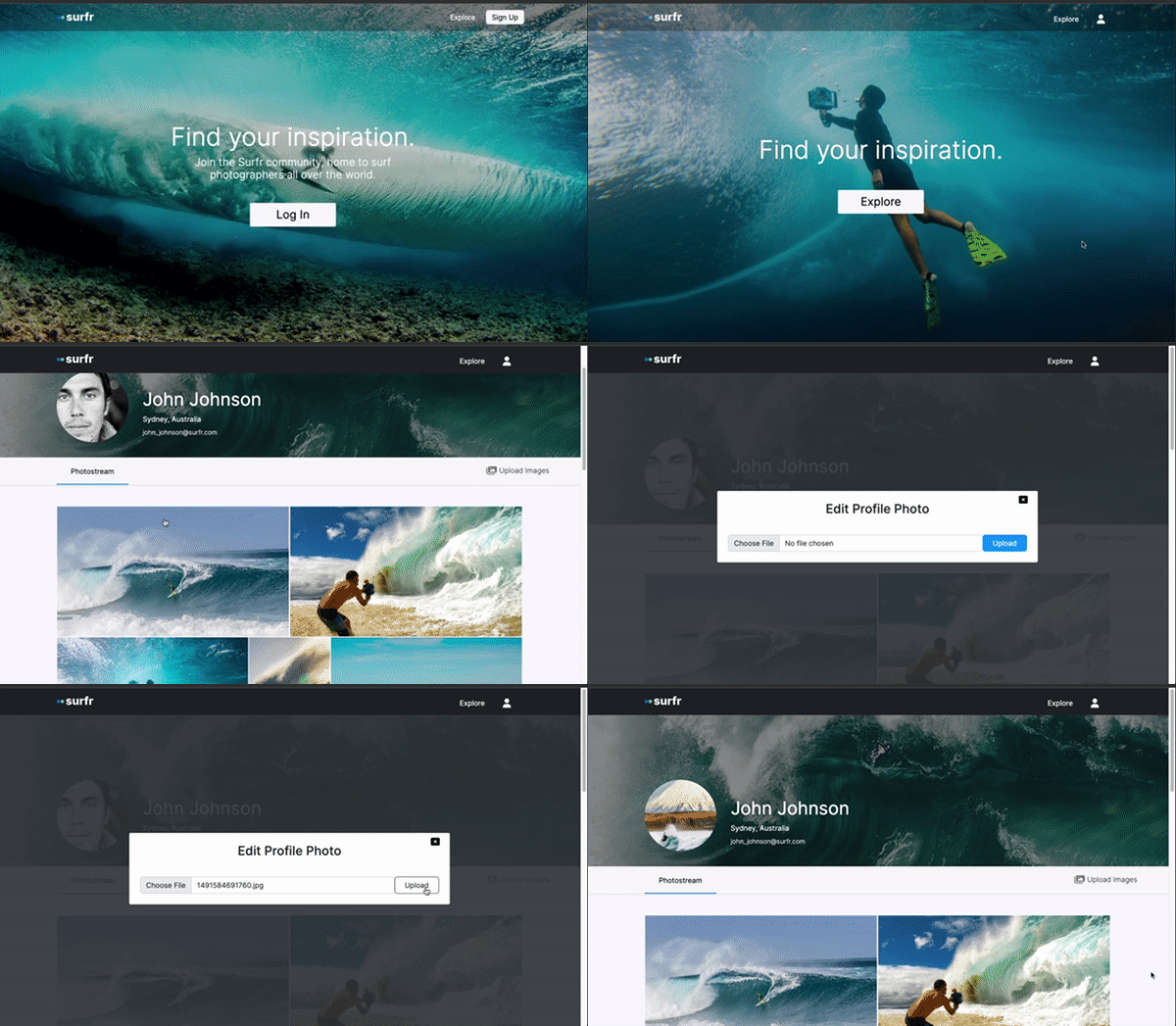
- User can click their profile photo in the navbar to view their profile page or log out.
- User can log out
- User can delete a photo from their gallery.
- User can scroll infinitely in the explore gallery.
- User can upload images to a gallery
- User can edit their profile image.
- User can log into account.
- User can create an account.
- User can click a photographers card to view profile page of photographer.
- User can toggle between exploring images and exploring user profiles.
- User can click a single image to view it full screen.
- User can view a gallery of collective surf photography from all users.
- User can edit their profile information.

- Node.JS 16 or higher
- NPM 6 or higher
- Postgres
-
Clone the repository.
git clone [email protected]:RobACurtis/surfr-photographer.git
-
Install all dependencies with NPM.
npm install
-
Create a new .env file from the .env.example and copy it.
cp .env.example .env
-
This .env will require you to populate some information.
- You will need an AWS account, AWS access key ID, secret access key, and unique bucket name.
- This is because users will store their images via S3
- You can create an account here
      AWS_ACCESS_KEY_ID=yourkey
      AWS_SECRET_ACCESS_KEY=yourkey
AWS_S3_BUCKET=yourbucketname - Start postgreSQL.
sudo service postgresql start- Check if postgreSQL is running.
sudo service postgresql status- Create a database (make sure it matches .env.example).
createdb yourDatabaseName- Import your database into Postgres
npm run db:import- Start the project. Once started, you can view the application by opening localhost:3000 in your browser
npm run dev- View your database through pgweb. You can view it in your browser at localhost:8081
pgweb --db=yourDatabaseName