This application was designed to solve two issues that I constanlty ran into at my previos job as a Manager of a Electronics Repair Store. One the devices that were checked in need a way to be tracked, Two if the internet went down then there was no way to check customer in or out with out checking the system to verify customers devices. These two problems were solved by requiring an IMEI from every device that is checked in and this application can be used offline.
Run this using sbt.
open CMD, then type
cd (dir name of RecycleAndRepair goes here)
then type
sbt run
And then go to http://localhost:9000/home to see the running web application.
Recycle and Repair is a electronic repair web app that keeps track of Customer, Employees, Devices, Inventory and Workorders.
- This app enables you to run and keep a electronics repair store efficiently and securely.
- Add and edit existing data
The following features can be used in the project:
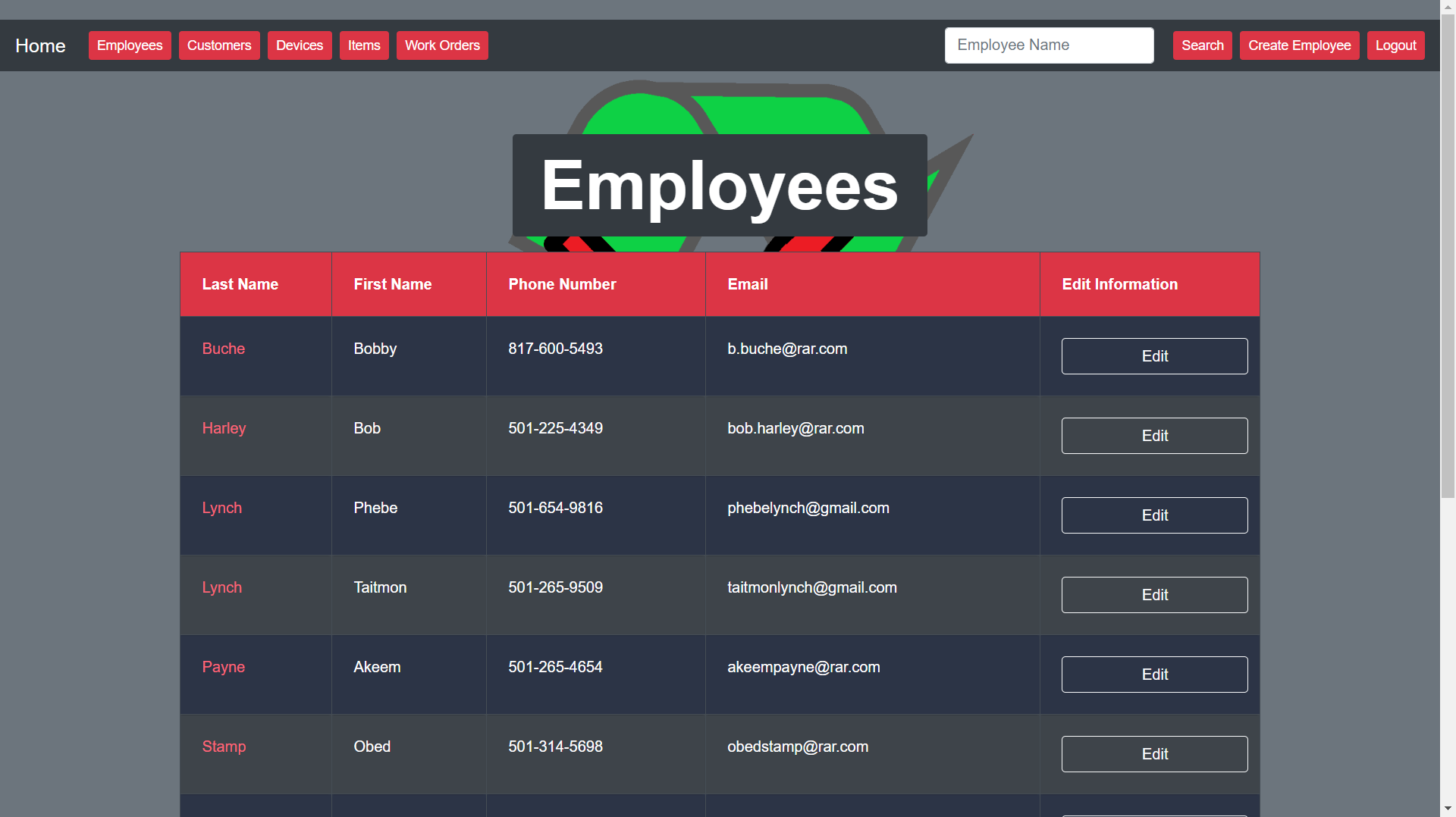
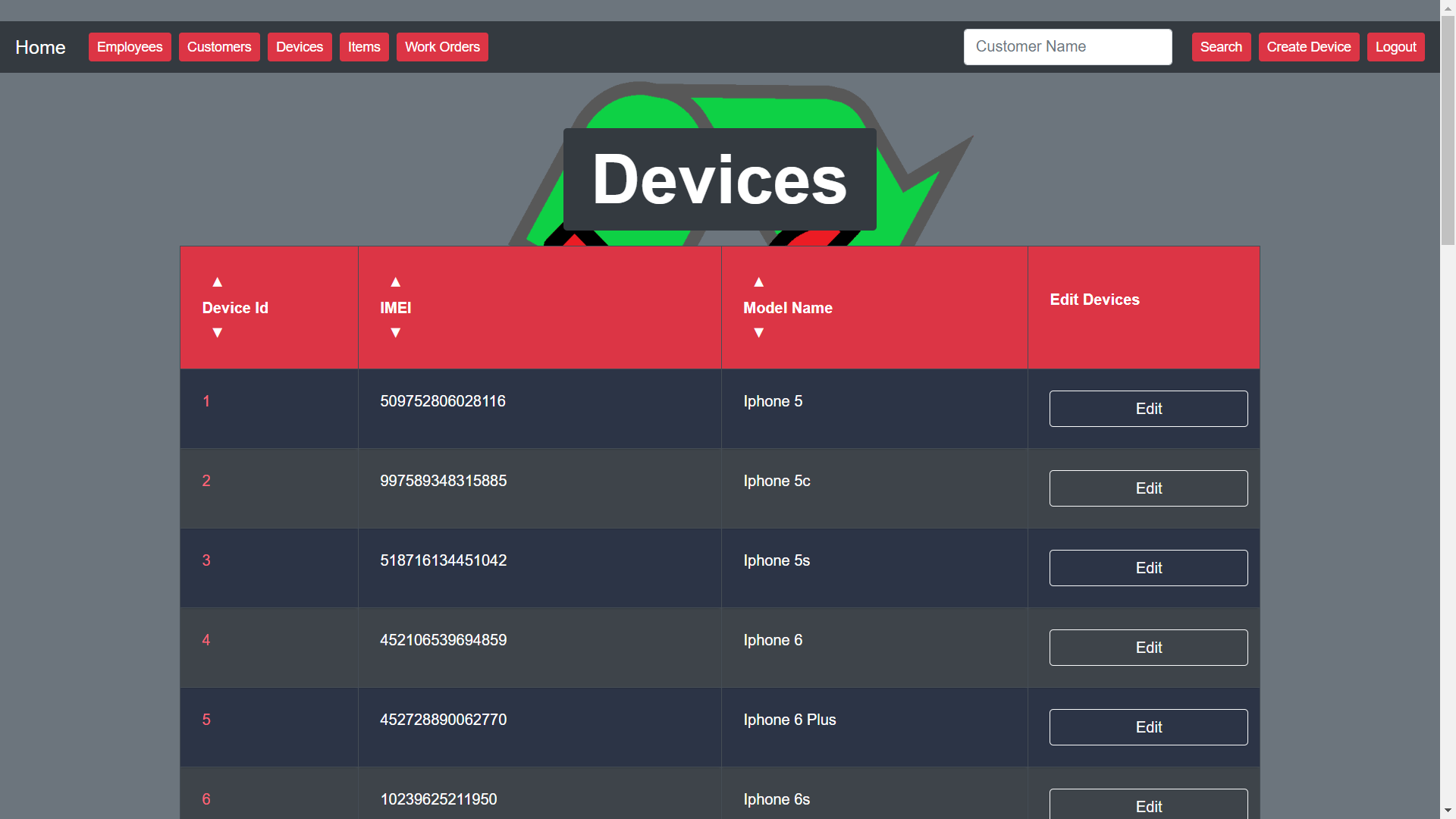
- Adding a new Customers, Employees, Devices, Inventory and Work Orders.
- Editing existing Customers, Employees, Devices, Inventory and Work Orders.
- Viewing existing Customers, Employees, Devices, Inventory and Work Orders.
- Deleting and adding items from and to Work Orders.
The following are features I want to implement at a later date:
- A inventory that allows you to view quantity of each item.
- Charts that show which devices are the most popular.
- Charts that show what items are selling the best and which items are low on stock.
- Better UI transitions.
- Editing entire Work Orders (to change names, etc).
- Showing the total amount of money collected from the total amount of work orders on each day.
- Sync with online web app.
I used the following resources to build storefully:
- Java
- MySQL/MariaDB
- Play Framework
- HTML/CSS
- Bootstrap 4
- Javascript
- IDE IntelliJ
- Star Schema for Data Base Design
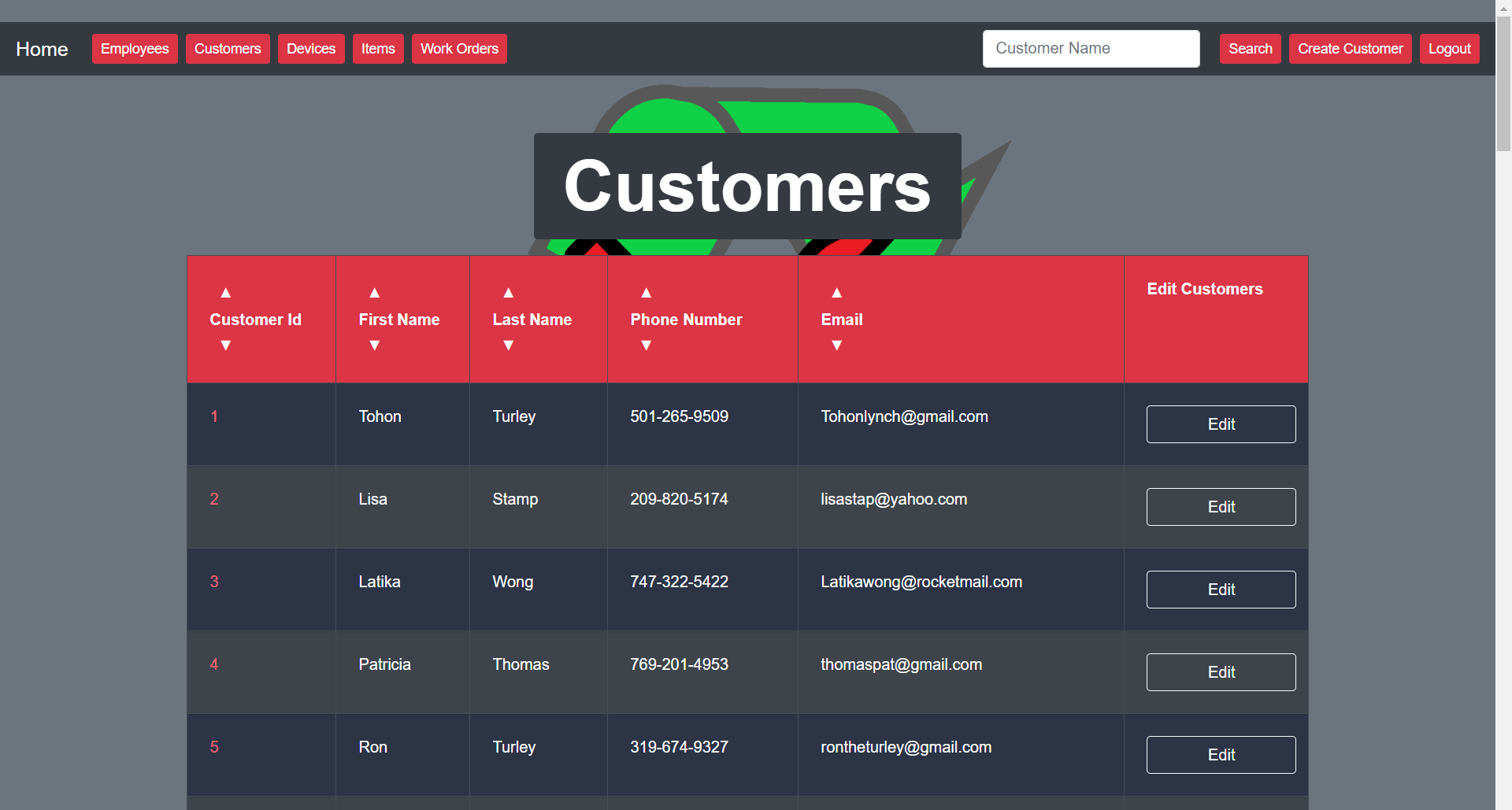
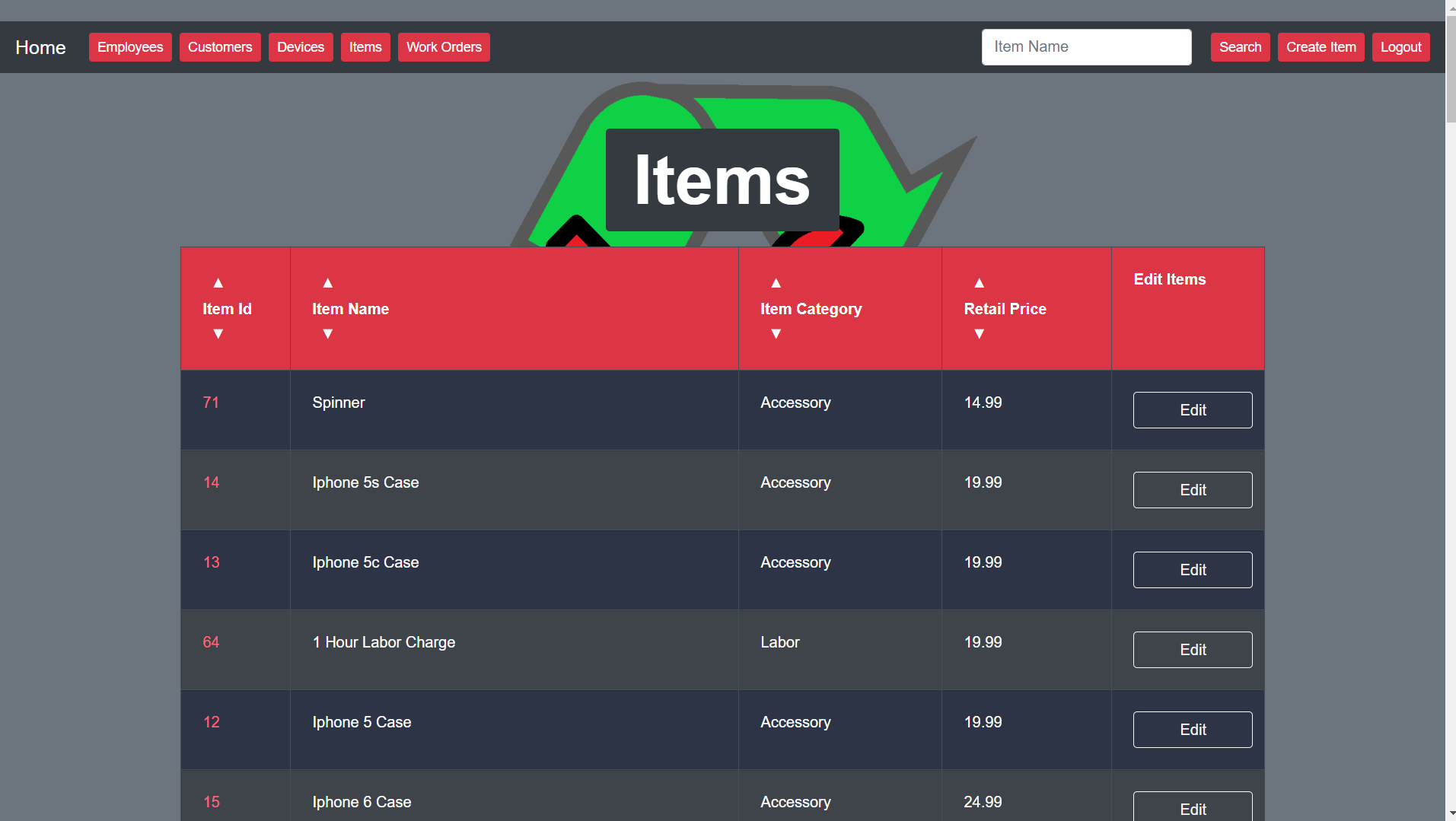
This is the Items Page, here you can create, search and edit Items. Items that you sell will have a unit cost. That unit cost can fluctuate with the market. So being able to edit the items retail cost is very important.
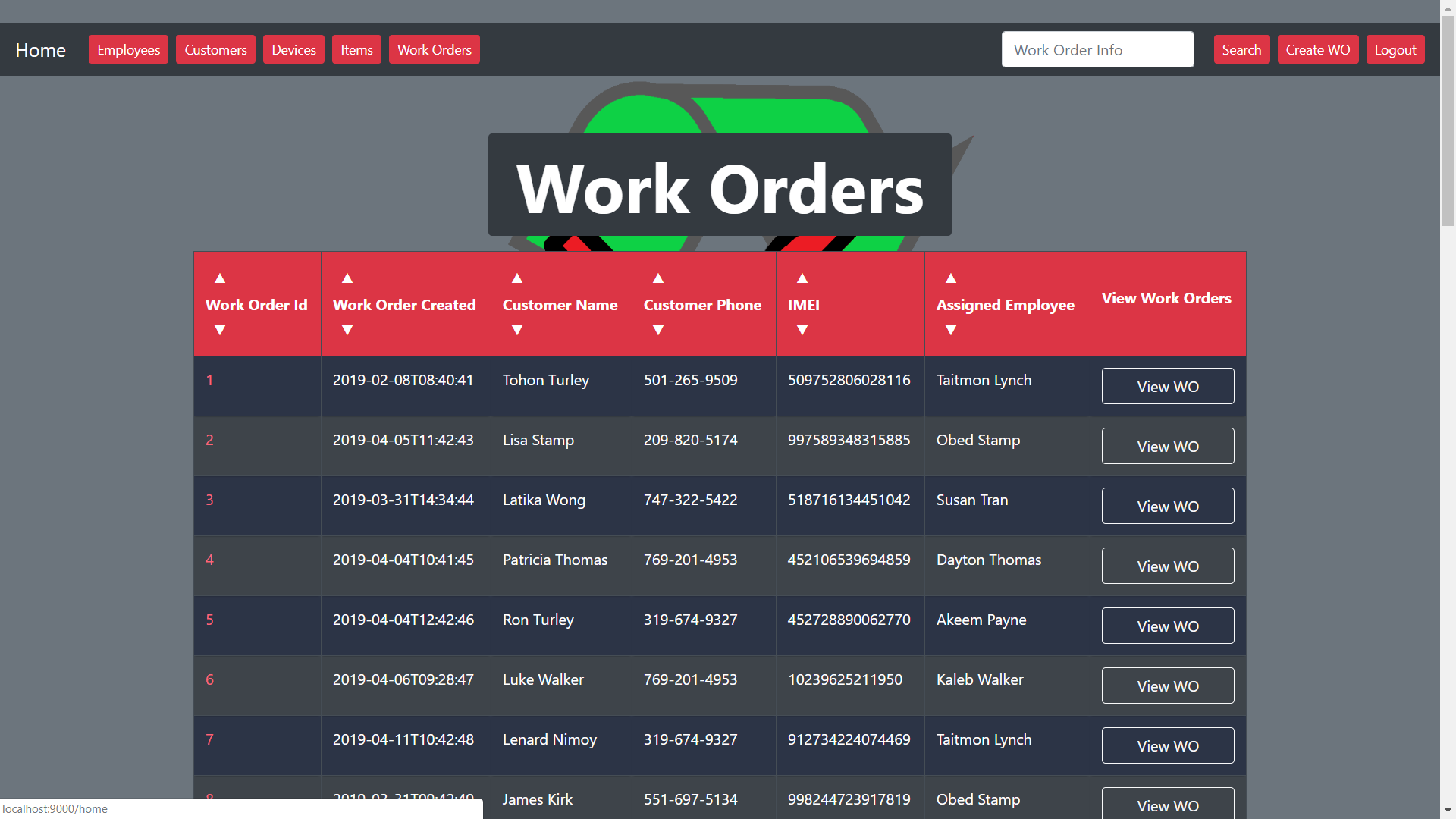
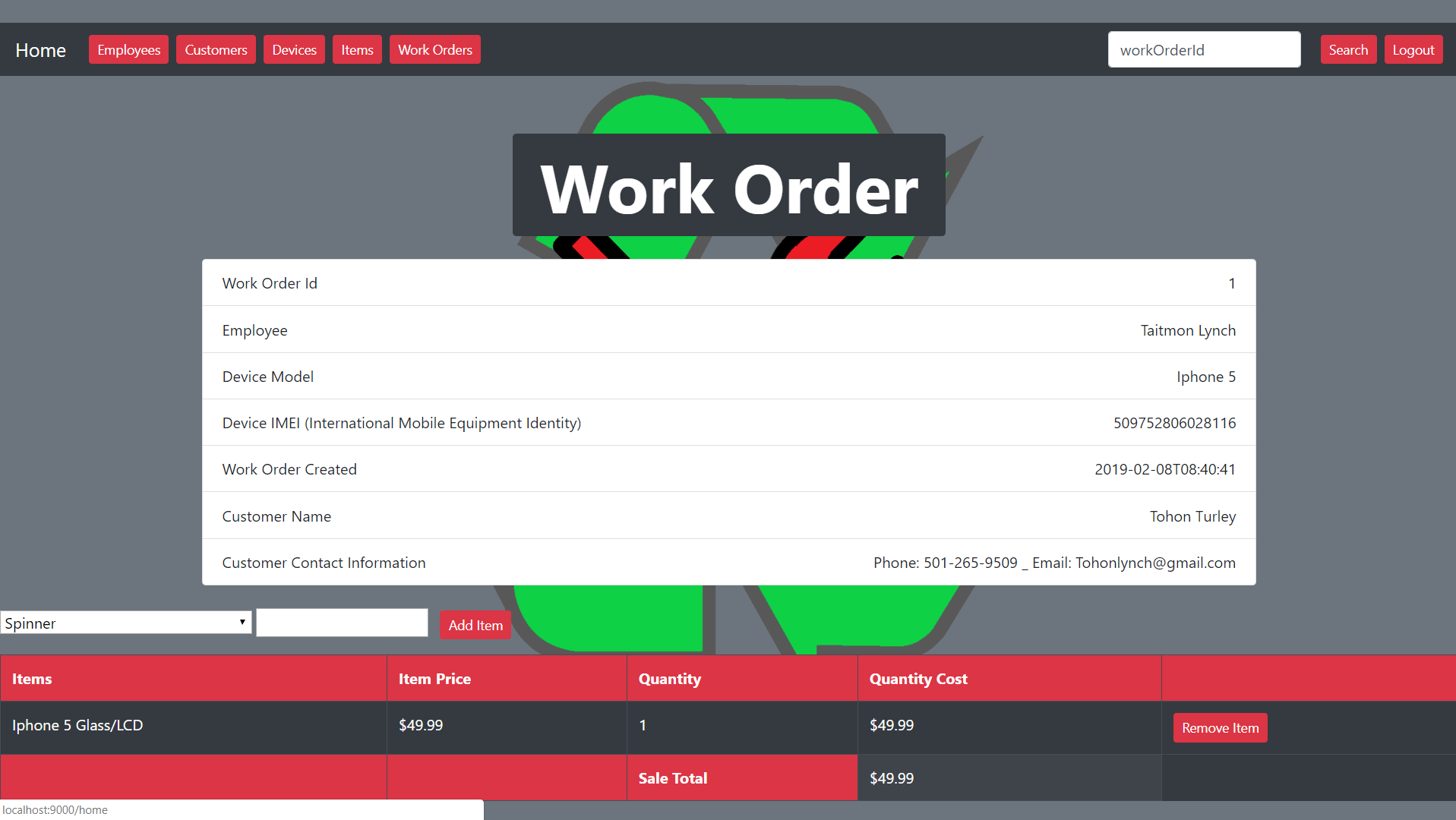
This is a specific work order page. Here you can view, add or delete items with a total cost. You can also see who this device belongs to with the customers name attached to the Work Order. There is also a time stamp that shows when the work order was created. When a employee is logged in and they click create work order it automatically assign the logged in employee to that work order.