




Welcome to Trendhora – your gateway to a seamless online shopping experience built with the MERN stack.
Explore the Live Demo »
Report Bug • Request Feature
Make Trendhora the go‑to modern e‑commerce platform that delivers fast, secure, and delightful shopping experiences while enabling maintainable, extensible code for teams and contributors.
- Delight customers with a smooth, responsive UI and fast checkout.
- Empower admins with simple tools for catalog, order, and user management.
- Maintain a scalable, testable MERN codebase that’s easy to extend and deploy.

🌟 Exciting News...
🚀 This project is now an official part of GirlScript Summer of Code – GSSoC'25! 💻 We're thrilled to welcome contributors from all over India and beyond to collaborate, build, and grow trendhora! Let’s make learning and career development smarter – together! 🌟
GSSoC is one of India’s largest 3-month-long open-source programs that encourages developers of all levels to contribute to real-world projects while learning, collaborating, and growing together.
🌈 With mentorship, community support, and collaborative coding, it's the perfect platform for developers to:
- ✨ Improve their skills
- 🤝 Contribute to impactful projects
- 🏆 Get recognized for their work
- 📜 Receive certificates and swag!
🎉 I can’t wait to welcome new contributors from GSSoC 2025 to this trendhora project family! Let's build, learn, and grow together — one commit at a time.

🎉 Hacktoberfest is here!
We’re thrilled to announce that this project is also participating in Hacktoberfest 2025 — a month-long celebration of open-source software organized by DigitalOcean, GitHub, and other amazing communities!
💻 Whether you're a beginner or an experienced developer, this is your chance to:
- 🌱 Learn and grow through real-world contributions
- 🤝 Collaborate with developers across the globe
- 🧠 Sharpen your coding and problem-solving skills
- 🏅 Earn exclusive Hacktoberfest swag and certificates!
🔥 Contribute today and become a part of this global open-source movement. Every meaningful PR counts!
Let’s code, learn, and celebrate open source together — one pull request at a time! 💪
Trendhora combines a polished front-end experience with a robust Node/Mongo back end to help small teams ship a production-ready marketplace quickly.
- For buyers: fast browsing, intuitive product discovery, responsive UI, and smooth checkout flow.
- For admins: easy product management, order tracking, and role-based controls.
- For teams: standard MERN architecture, clear project structure, seed data for quick testing, and ready-to-deploy scripts.
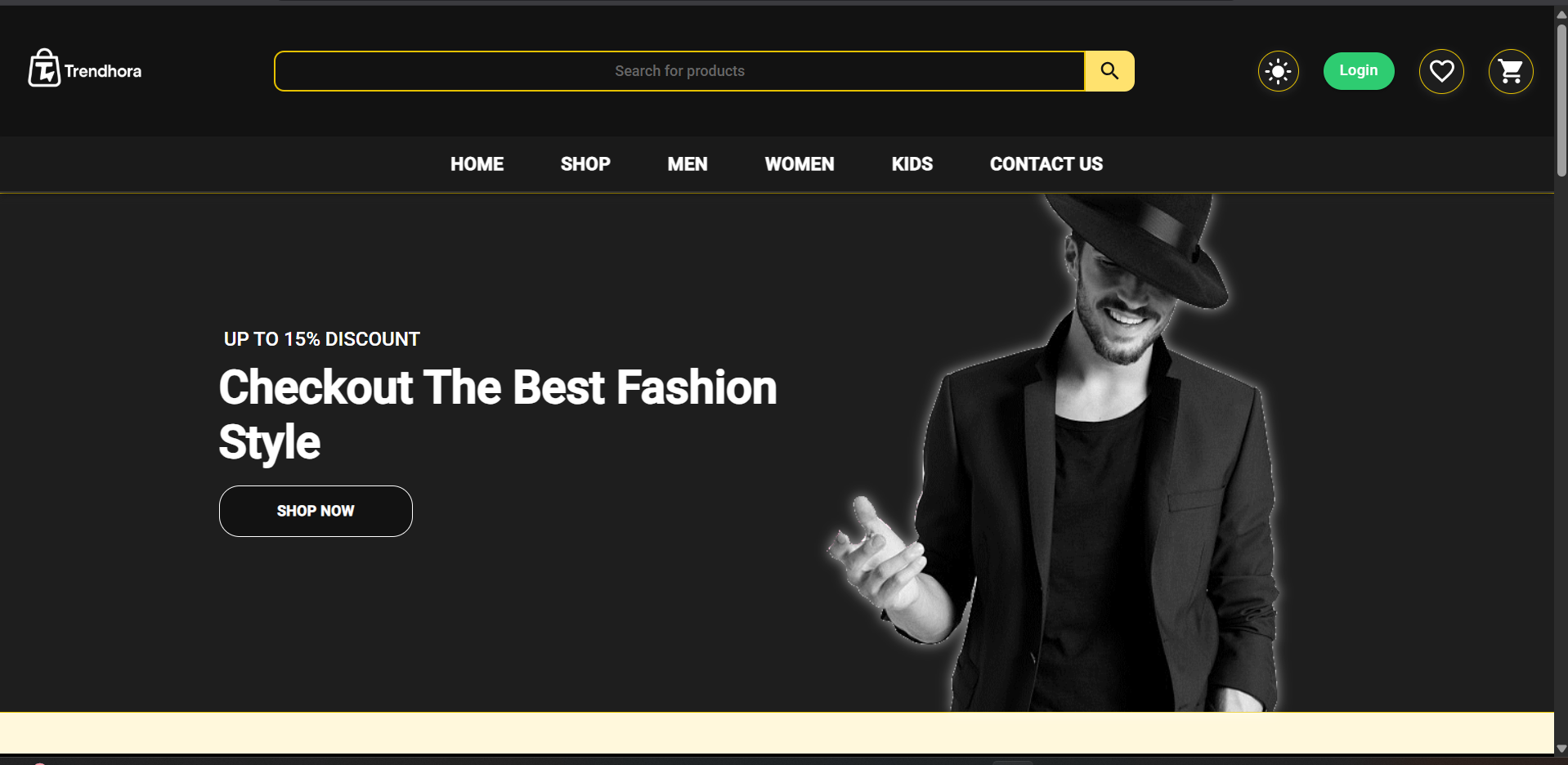
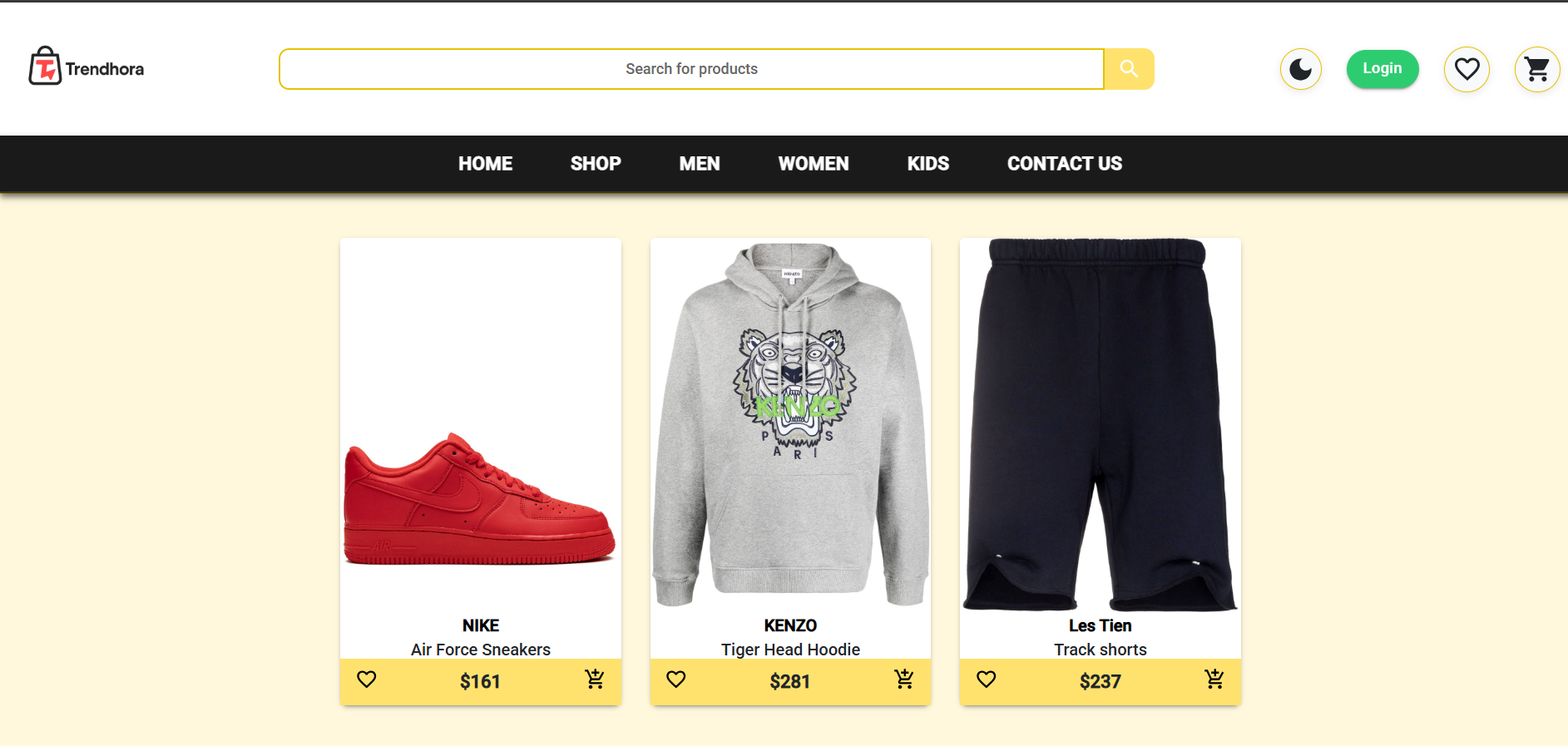
- 🛒 Explore & Shop - Browse through an extensive range of products across various categories
- 📱 User-Friendly Interface - Enjoy a smooth shopping experience with an intuitive and responsive design
-
🛠️ Manage Marketplace - Effortlessly control and update product listings
-
👥 Customer Account Management - Handle customer accounts and ensure smooth operation of the marketplace
-
➕ Dynamic Item Creation - Create new products with comprehensive details including images, pricing, stock management, and multiple size options through an intuitive admin dashboard
| Frontend | Backend | Database |
|---|---|---|
 |
 |
 |
 |
 |
 |
Make sure you have these installed on your machine:
node --version    # v16.0.0 or higher
npm --version # v8.0.0 or higher-
Clone the repository
git clone https://github.com/agamjotsingh18/trendhora.git cd trendhora -
Install dependencies
# Install server dependencies
cd server
npm install

# Install client dependencies
cd ../client
npm install
-
Environment Configuration
Create a
.envfile in theserverdirectory:NODE_ENV=development PORT=5000 MONGO_URI=mongodb+srv://<username>:<password>@cluster.mongodb.net/<database>
-
Database Setup
# Navigate to server directory
cd server

# Seed the database with sample data
npm run seed
-
Start the Application
# Terminal 1: Start the backend server
cd server
npm run dev

# Terminal 2: Start the frontend (in a new terminal)
cd client
npm start
-
Access the Application
- Frontend: http://localhost:3000
- Backend API: http://localhost:5000
trendhora/
├── client/                 # React frontend
│   ├── public/            # Public assets
│   ├── src/
│   │   ├── components/    # Reusable components
│   │   ├── pages/         # Page components
│   │   ├── context/       # Context providers
│   │   ├── hooks/         # Custom hooks
│   │   └── utils/         # Helper functions
│   └── package.json
├── server/                # Express backend
│   ├── controllers/       # Route controllers
│   ├── models/           # Mongoose models
│   ├── routes/           # API routes
│   ├── middleware/       # Custom middleware
│   ├── config/           # Database config
│   └── package.json
├── README.md
└── LICENSE
npm start          # Start development server
npm run build      # Build for production
npm test           # Run tests
npm run eject # Eject from Create React Appnpm run dev # Start with nodemon
npm start # Start production server
npm run seed # Populate database with sample data
npm test # Run tests
.png)
We love contributions! Please see our Contributing Guidelines for details.
- Fork the Project
- Create your Feature Branch (
git checkout -b feature/AmazingFeature) - Commit your Changes (
git commit -m 'Add some AmazingFeature') - Push to the Branch (
git push origin feature/AmazingFeature) - Open a Pull Request
Found a bug or have a feature request? Please check our Issues page.
- Server won't start: check server/.env (PORT, MONGO_URI) and run
cd server && npm install && npm run dev. - MongoDB errors: verify MONGO_URI, Atlas IP whitelist, or test with MongoDB Compass.
- Frontend CORS / 404s: ensure client runs (npm start) and backend allows client origin or use a dev proxy.
- Port conflict (Windows): find PID
netstat -ano | findstr :3000thentaskkill /PID <pid> /F. - Seed or build fails: inspect terminal error, reinstall deps (
npm ci) and retry seed/build. - Still stuck: collect frontend console logs, backend logs, exact error and open an issue with steps and screenshots.
This project is licensed under the MIT License.
You are free to use, copy, modify, merge, publish, distribute, sublicense, and/or sell copies of the project.
For full details, see the LICENSE file.
- Material-UI for the beautiful component library
- MongoDB for the flexible database solution
- The open-source community for inspiration and support





