Minishell is a project that involves creating a simple shell-like program. It will deepen your understanding of how shells work, including managing user input, executing commands, handling processes, and working with environment variables.

The goal of this project is to create a shell program that can read user commands, parse them, execute the appropriate system calls, and manage processes, all while providing features like environment variable handling, input/output redirection, and command piping.
| Program name | minishell |
|---|---|
| Turn in files | All necessary files to compile the program |
| Makefile | Yes |
| External functions | malloc, free, write, read, execve, fork, waitpid, dup, dup2, pipe, signal, exit, getenv, setenv, unsetenv |
| Libft authorized | No |
| Description | Simulate a Unix shell environment with process management and command execution. |
- The project must be written in C.
- Code must adhere to the Norm.
- No memory leaks are tolerated; all allocated memory must be freed.
- Provide a Makefile to compile the program with flags
-Wall -Wextra -Werror. - The Makefile must include rules for
all,clean,fclean, andre.
The shell must:
- Parse and execute commands typed by the user.
- Handle simple commands (e.g.,
ls,pwd,echo). - Support input and output redirection (
<,>,>>). - Handle piping between commands (
|). - Allow the use of environment variables (e.g.,
echo $HOME). - Manage the current working directory using
cd. - Handle both foreground and background processes.
- Command Execution: Use
execveto execute commands with arguments. - Environment Variables: Implement
getenv,setenv, andunsetenvfor managing environment variables. - Redirection: Implement input (
<), output (>), and append (>>) redirection. - Piping: Implement the
|operator to pipe the output of one command into the input of another. - Job Control: Handle background processes using the
&operator.
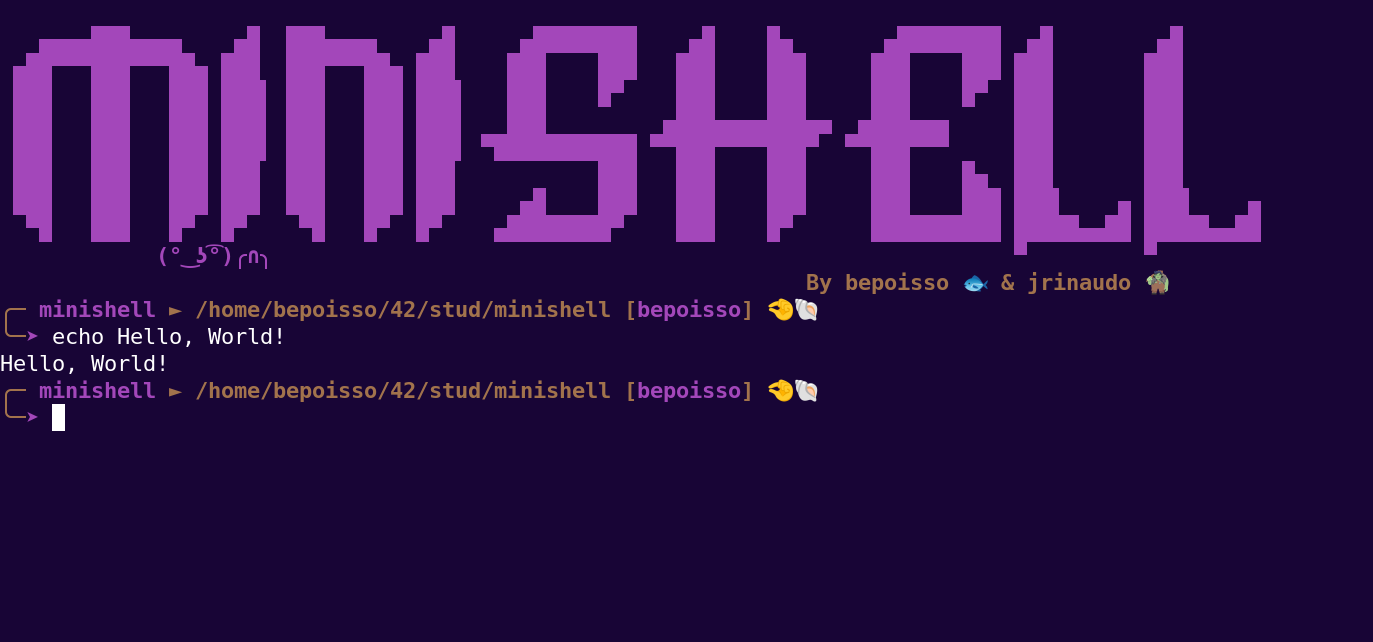
$ ./minishell
minishell$ echo "Hello, World!"
Hello, World!
minishell$ ls -l
total 0
-rwxrwxrwx 1 user user 0 Jan 1 12:00 test_file
minishell$ cat < test_file
minishell$ echo "This is a test" > newfile
minishell$ cat newfile
This is a test
minishell$ exit- Empty Input: Handle empty lines gracefully.
- Invalid Commands: Show an error message when a command is not found.
- Multiple Piping: Handle chains of commands connected with multiple pipes.
- Variable Expansion: Properly expand environment variables like
$HOMEor$PATH.
If the mandatory part is completed perfectly, consider the following bonus features:
- Signals Handling: Properly handle signals like
SIGINT(Ctrl+C) andSIGQUIT(Ctrl+). - Advanced Job Control: Implement background processes with
&and support forfg,bg, andjobscommands. - Wildcard Expansion: Support wildcard characters like
*and?in command arguments (e.g.,ls *.txt). - History Management: Implement a history feature that remembers previous commands and allows navigating through them.
Bonus files should be named with the _bonus suffix.
- Forking and Executing Processes: Using
forkto create child processes andexecveto execute programs. - File Descriptors: Handling redirection and piping using
dupanddup2. - Environment Management: Managing environment variables with
getenv,setenv, andunsetenv. - Signal Handling: Managing and catching signals like
SIGINTorSIGQUIT. - Job Control: Implementing background processes and handling process termination.
$ ./minishell
minishell$ echo $PATH
/usr/bin:/bin:/usr/sbin:/sbin
minishell$ ls | grep shell
minishell$ cat > output.txt
This is a new file
minishell$ cat output.txt
This is a new file
minishell$ exit
This log represents the correct behavior of the shell, where commands are parsed and executed, output is displayed, and files are created or modified.
-
🇬🇧 This project has an educational purpose and you should under no circumstances copy and paste. Cheat is bad. Dont cheat
-
🇫🇷 Ce projet a un but educatif et vous ne devez en auccun cas faire du copier coller. Tricher c'est mal. Ne trichez pas
©42Perpignan(bepoisso)