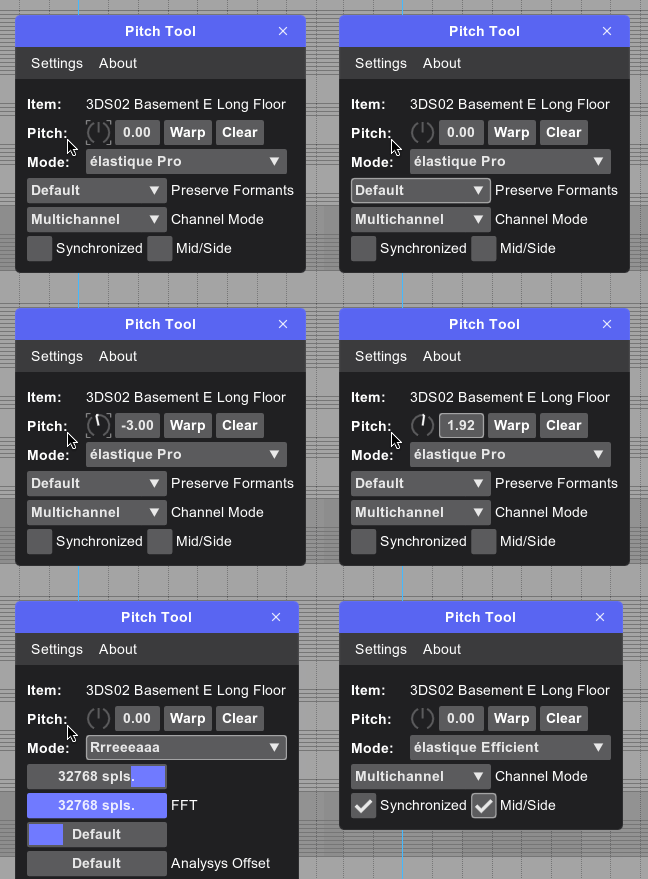
Installation
First, you need to install the required base modules. If they are already installed, you can skip this step.
- Install ReaPack
- Install SWS Extension
- Restart Reaper
- Open Extensions -> ReaPack -> Browse Packages and install common API extensions:
- js_ReaScriptAPI: API functions for ReaScripts
- ReaImGui: ReaScript binding for Dear ImGui
- Open Extensions -> ReaPack -> Import Repositories
- Add this repository to the form
https://raw.githubusercontent.com/edkashinsky/reaper-reableton-scripts/master/index.xml
- Done! You can find all new scripts in Extensions -> ReaPack -> Browse Packages
- Install script ek_Core functions, because many of scripts require this base script with common functions
- From time to time please execute Extensions -> ReaPack -> Synchronize Packages to get new versions of scripts.
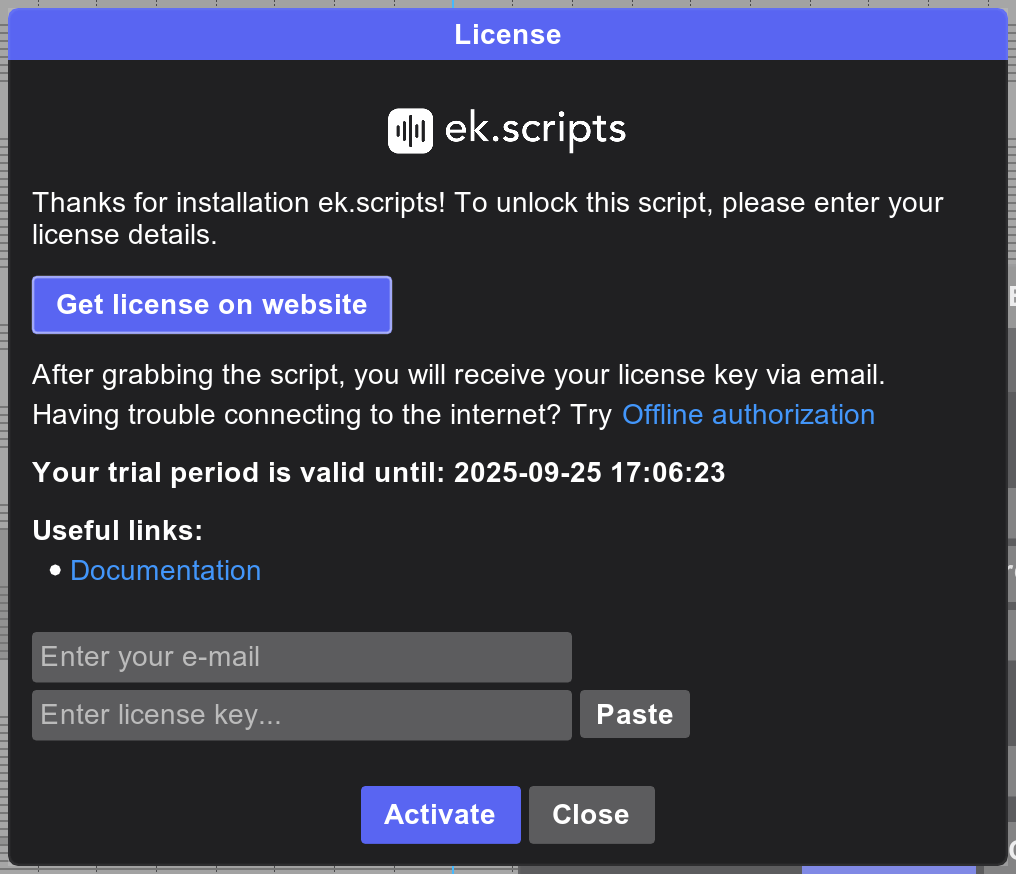
Some scripts require a license. To get one, go to the Gumroad page, click Add to card for script you like, and you'll receive the license by email. Most scripts are free, but by donating you help me keep creating useful tools.
You can also try the script by selecting Start Trial, which gives you full access for 14 days. If you experience internet connection issues, you can use the offline authorization option. To do this, send an email to [email protected] requesting a key and include your email address.
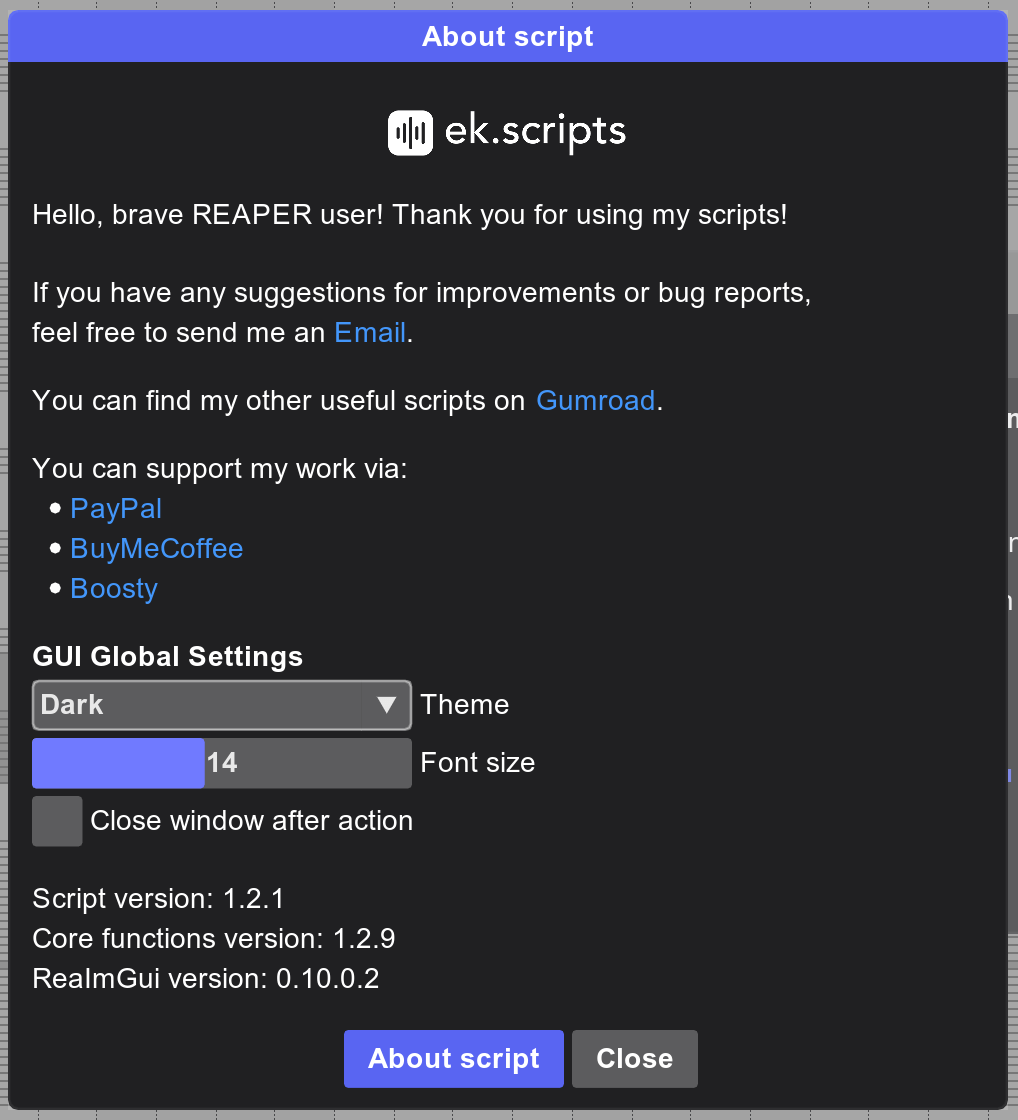
Each script includes an About popup, where you can:
- Learn more about the script
- Report a bug
- Adjust general visual settings, such as Theme, Font size and Close window after action
You can navigate using the standard Tab / Shift+Tab shortcut or with the Left / Right arrow keys. The Up / Down arrow keys change the value in the selected field (except text fields). Press Enter to run the script's main action, and use Ctrl(Cmd) + Enter to insert a new line in a text field.