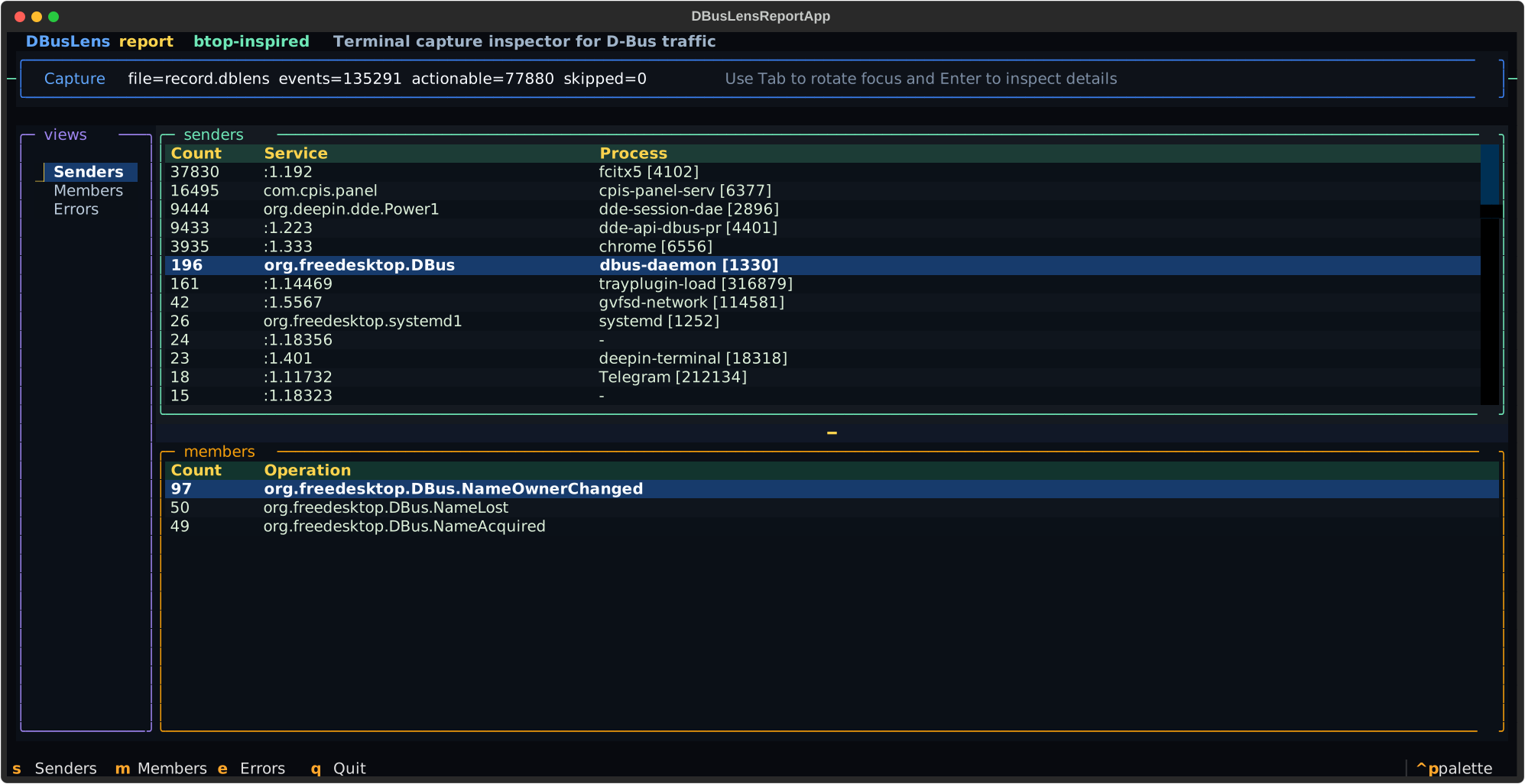
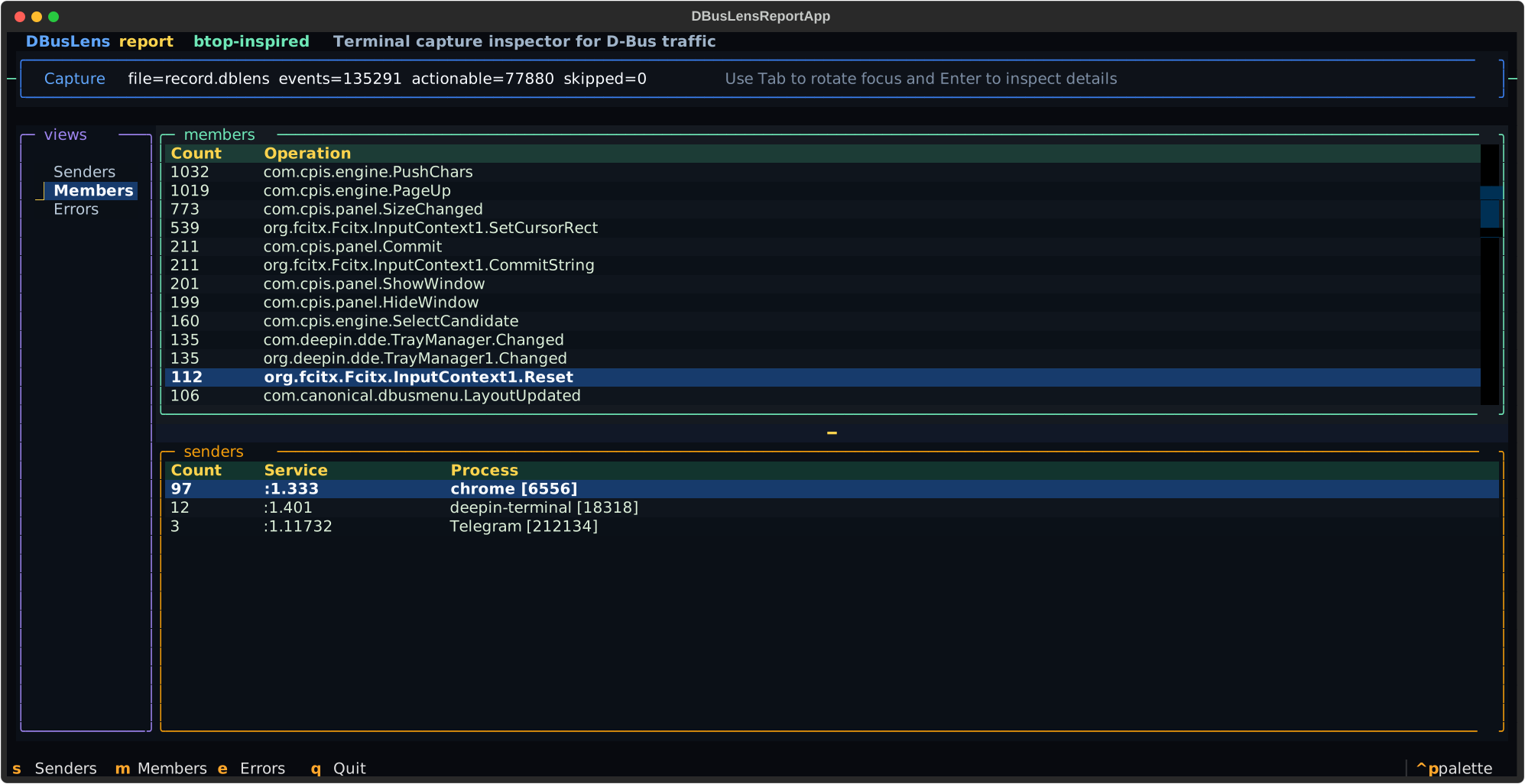
DBusLens is a terminal tool for recording and inspecting D-Bus traffic. It stores captures as .dblens bundles, opens them in a Textual UI, and helps you quickly understand who is sending messages, which members are busiest, and where errors are happening.
-
A D-Bus inspector that feels like a real tool
Clean, keyboard-first terminal UI built for investigation, not just dumping messages. -
Built for speed
Fast capture, fast load, and responsive browsing even when the trace is noisy. -
From traffic ranking to failure diagnosis
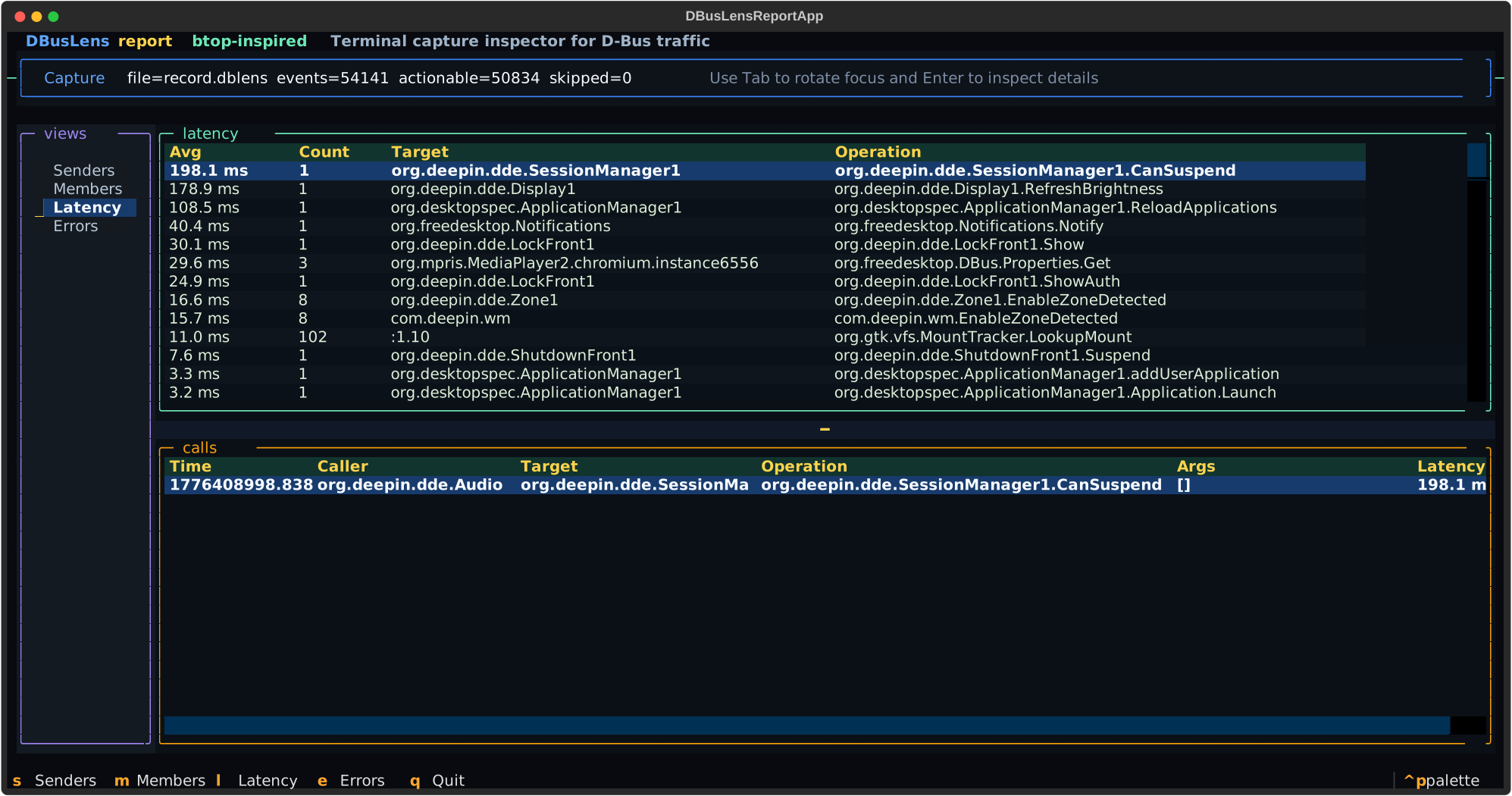
See top senders and members, then drill into error distribution, retries, call context, and arguments. -
Understands changing bus ownership
Recover service and process identity from short-lived unique names with capture-time snapshots and ownership timeline analysis. -
One workflow for session and system bus
Same commands, same bundle format, same inspection model. -
Simple like
perf, focused on D-Bus
Capture now, inspect later, stay in the terminal.

DBusLens currently targets Linux systems with D-Bus tooling available on PATH.
- Linux
dbus-monitorgdbusdotfrom Graphviz forplotSVG output
Recommended:
uv tool install dbuslensAlternative:
pip install dbuslensAfter installation, confirm the command is available:
dbuslens --helpBash:
mkdir -p ~/.local/share/bash-completion/completions
dbuslens completion bash > ~/.local/share/bash-completion/completions/dbuslens
Zsh:
mkdir -p ~/.local/share/zsh/site-functions
dbuslens completion zsh > ~/.local/share/zsh/site-functions/_dbuslens
Open a new shell after writing the completion file, or reload your shell configuration.
Record a capture:
dbuslens record --duration 10
dbuslens record --bus system --duration 60 --output /tmp/system.dblens
Open a saved capture in the terminal UI:
dbuslens report
dbuslens report --input /tmp/system.dblens
Generate a dependency graph:
dbuslens plot
dbuslens plot --input /tmp/system.dblens
dbuslens plot --input /tmp/system.dblens --output graph.svg
dbuslens plot --input /tmp/system.dblens --format dot --output graph.dot
dbuslens plot --input /tmp/system.dblens --raw --output graph-raw.svg
plot writes a simplified dependency graph by default:
- nodes prefer captured well-known service names over transient unique names
org.freedesktop.DBustraffic is hidden- SVG output uses a dark theme aligned with the terminal UI colors
When --output is omitted, plot writes next to the input bundle with a suffix matching --format.
Use --output - when you want the rendered output on stdout.
Use --raw when you want the unfiltered graph with raw unique-name nodes.
Default behavior:
recorduses thesessionbus by defaultreportreadsrecord.dblensby defaultplotreadsrecord.dblensand writesrecord.svgby default
Typical workflow:
- Record traffic during the period you want to observe.
- Open the saved
.dblensbundle withreport. - Switch between
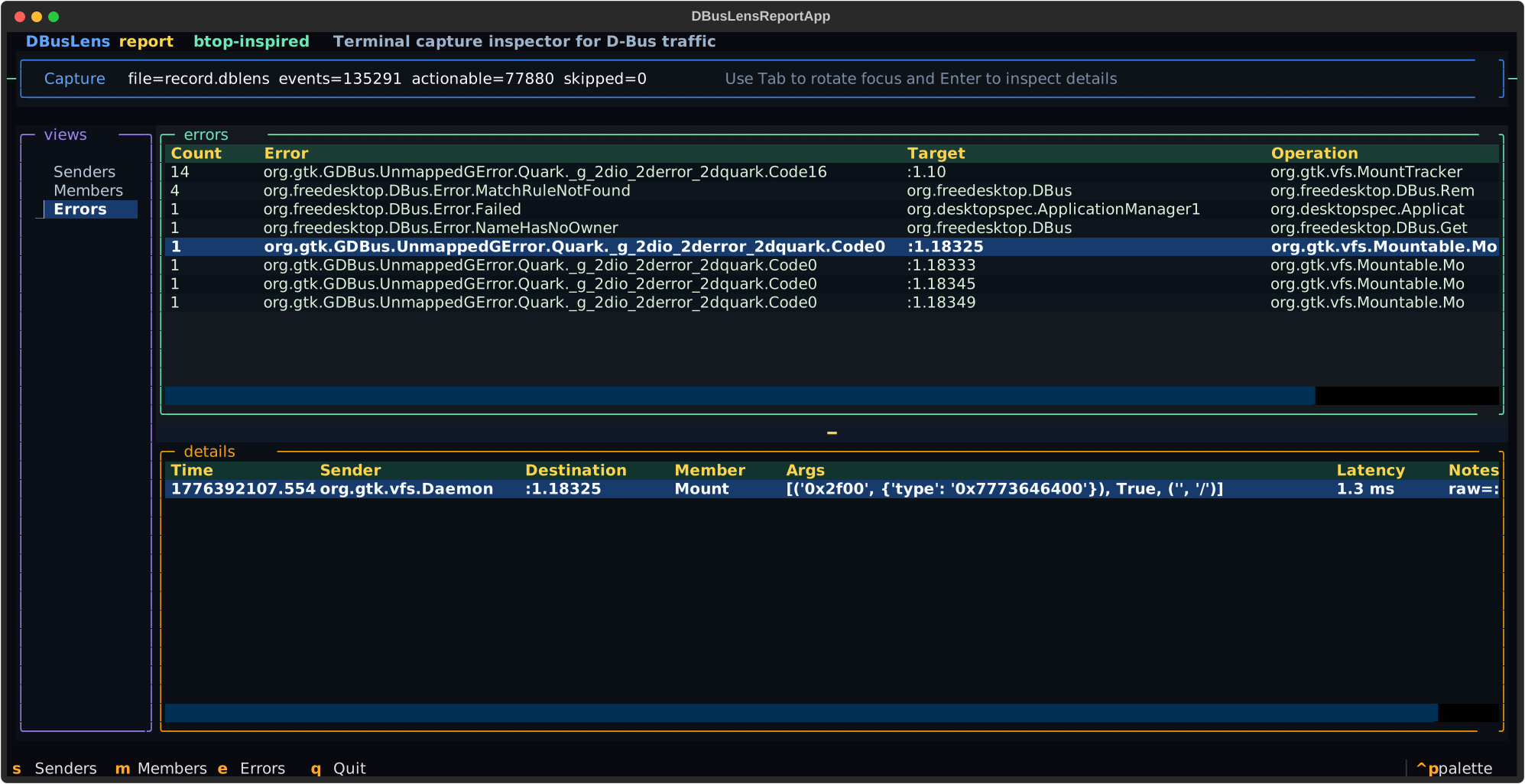
Senders,Members, andErrors. - Move through the table and inspect the detail pane for the selected row or error summary.
- In
Errors, use the details table to inspect resolved caller and target names, per-call arguments, and retry context.
Format reference:
Recent .dblens captures also embed ownership timeline metadata, which helps report resolve
short-lived D-Bus unique names back to service labels, recover error call context across owner
changes, and attach more accurate process metadata in the Errors view.
Clone the repository and create the local environment:
git clone https://github.com/hualet/DBusLens.git
cd DBusLens
uv sync
Run the test suite:
./.venv/bin/python -m unittest discover -s tests -vRun lint:
uv tool run --from pylint --with dbus-fast --with dpkt --with textual pylint $(git ls-files '*.py')Verify the CLI wiring:
./.venv/bin/python -m dbuslens --helpRun the app from the checkout:
uv run dbuslens record --duration 10
uv run dbuslens reports: switch toSendersm: switch toMemberse: switch toErrorsLeft/Right: switch between viewsUp/Down: move inside the focused list or tableTab/Shift+Tab: switch focus between panesEnter: jump to the detail paneq: quit
Licensed under the GNU General Public License v3.0. See LICENSE.