

If you'd like to contribute to this extension, please take a look at the issues or create a new one. If you'd like to create a new icon, please reference the Symbols - File Icon Figma file, you can make a copy or reference the styles used (tailwind). Please try to limit your colors to the ones used in existing icons before choosing a different color style.
When submitting a PR, please ensure you've tested the extension locally and ensure that your new icons appear correctly in the file tree view with your new file extension. Include a screenshot of your proposed icon in your PR.
Before submitting a PR, please run the preview generation script to update the icon previews:
npm run generate-previewsThis script will update the preview markdown files with your new icons. Make sure to commit these changes along with your PR.
You can configure which folders and files icons are displayed by using the following settings:
"symbols.folders.associations": {
    "{folder name}": "{icon name}"
}
Example:
"symbols.folders.associations": {
    "entities": "folder-assets",
    "infra": "folder-app",
    "schemas": "folder-purple"
}"symbols.files.associations": {
"{file name}": "{icon name}"
}Example:
"symbols.files.associations": {
    "app.module.ts": "nest",
    "*.service.ts": "nest"
}
Note: For file names, you can use * to match all files with a specific file extension.
"symbols.subfolder.file.associations": {
    "{subfolder}": {
        "{filename}": "{icon name}"
    }
}
Example:
"symbols.subfolder.file.associations": {
    "annotation": {
        "*.java": "at",
        "LogAPICall.java": "at-blue"
    }
}
Note: For file names, you can use * to match all files with a specific file extension.
You can preview the icons by reading the the preview.md file.
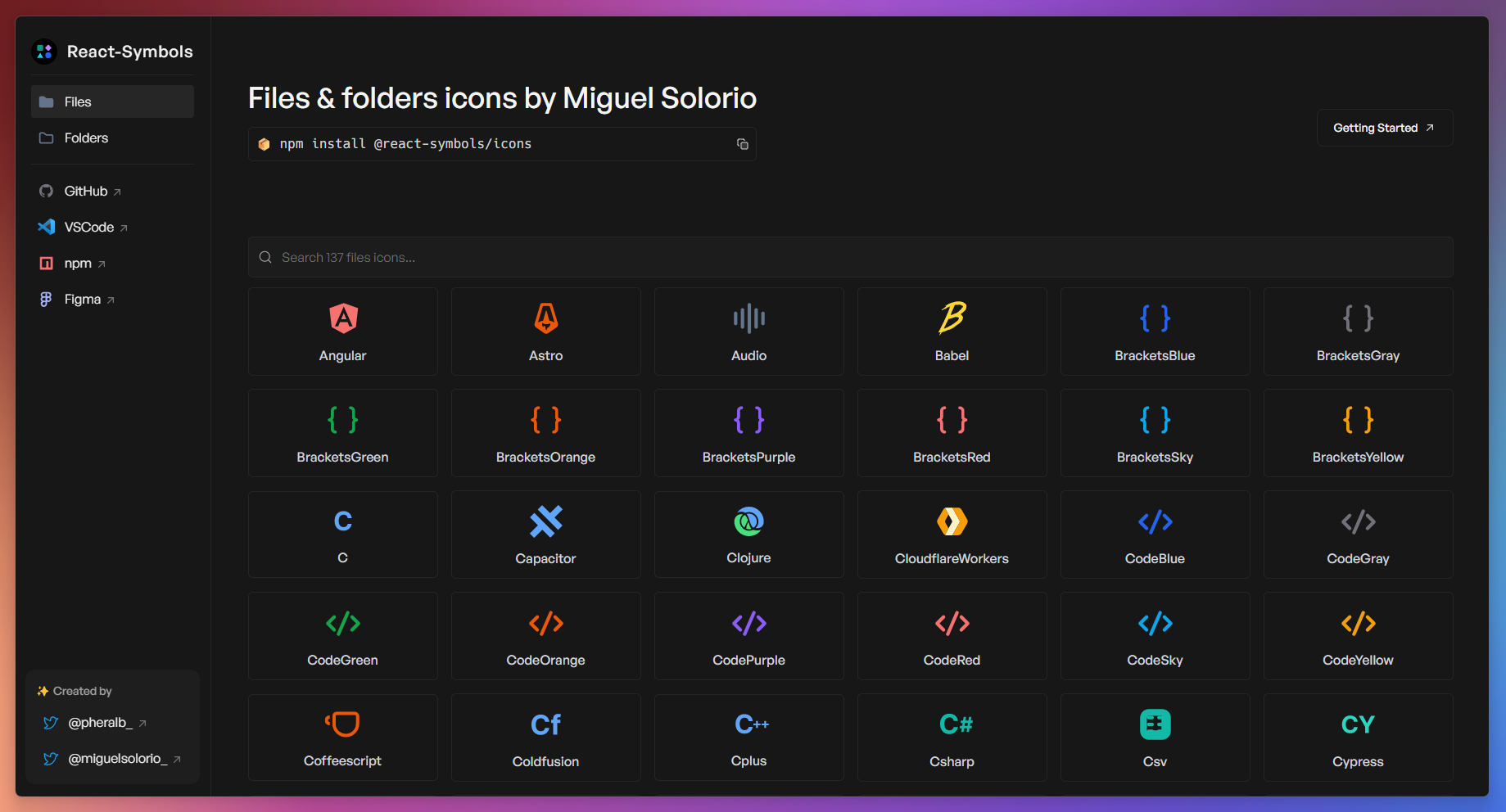
Pablo Hdez has graciously created React-Symbols (pheralb/react-symbols) to allow you to embed Symbol icons for your React projects.
If you're using editors like Cursor, Antigravity, or VSCodium, you can find the extension on Open VSX.
If you're using the Zed editor, you can find its maintained version here: Symbols for Zed.
If you're using a JetBrains IDE (including Android Studio), you can find its maintained version here: Symbols for JetBrains.