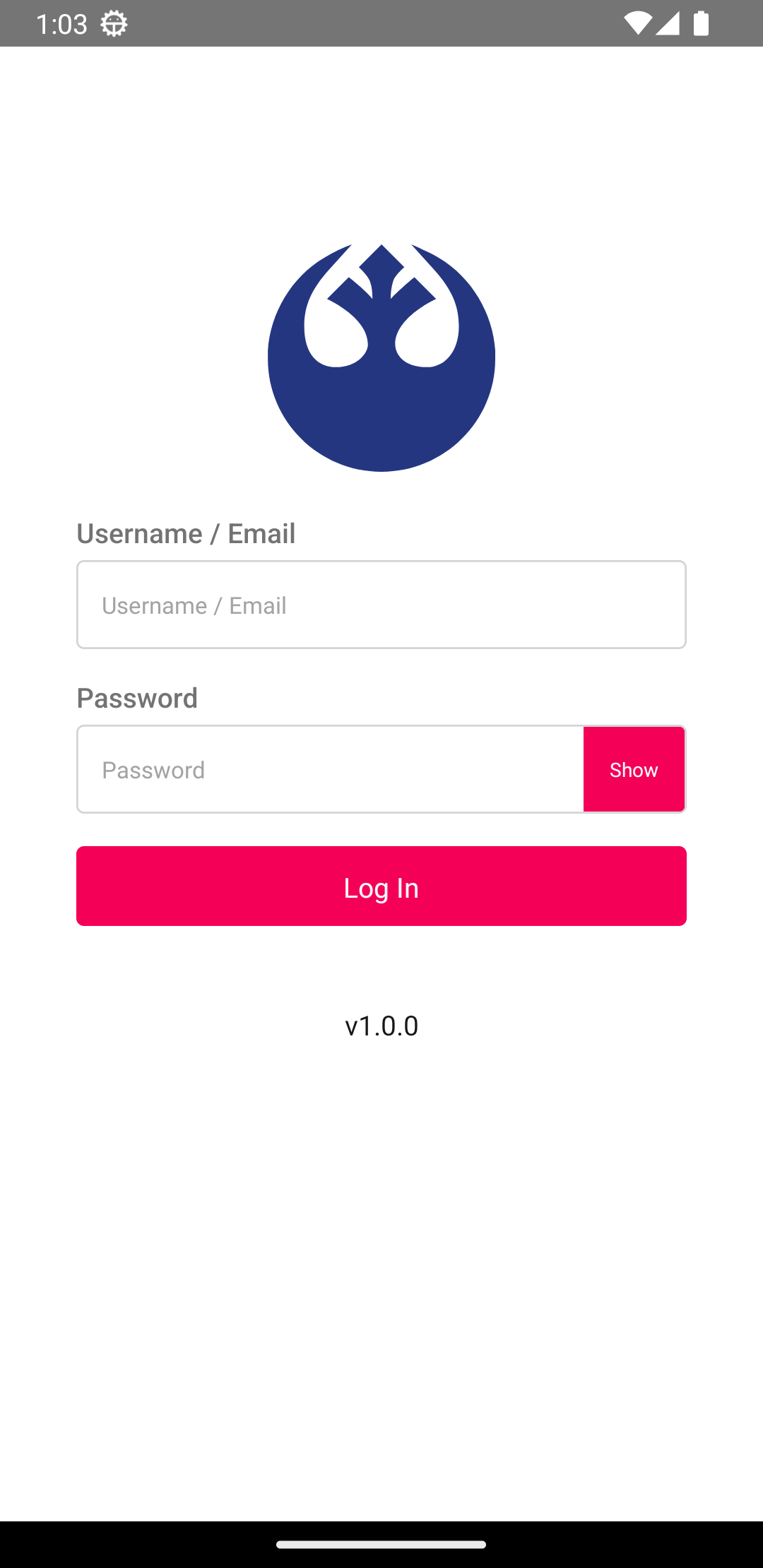
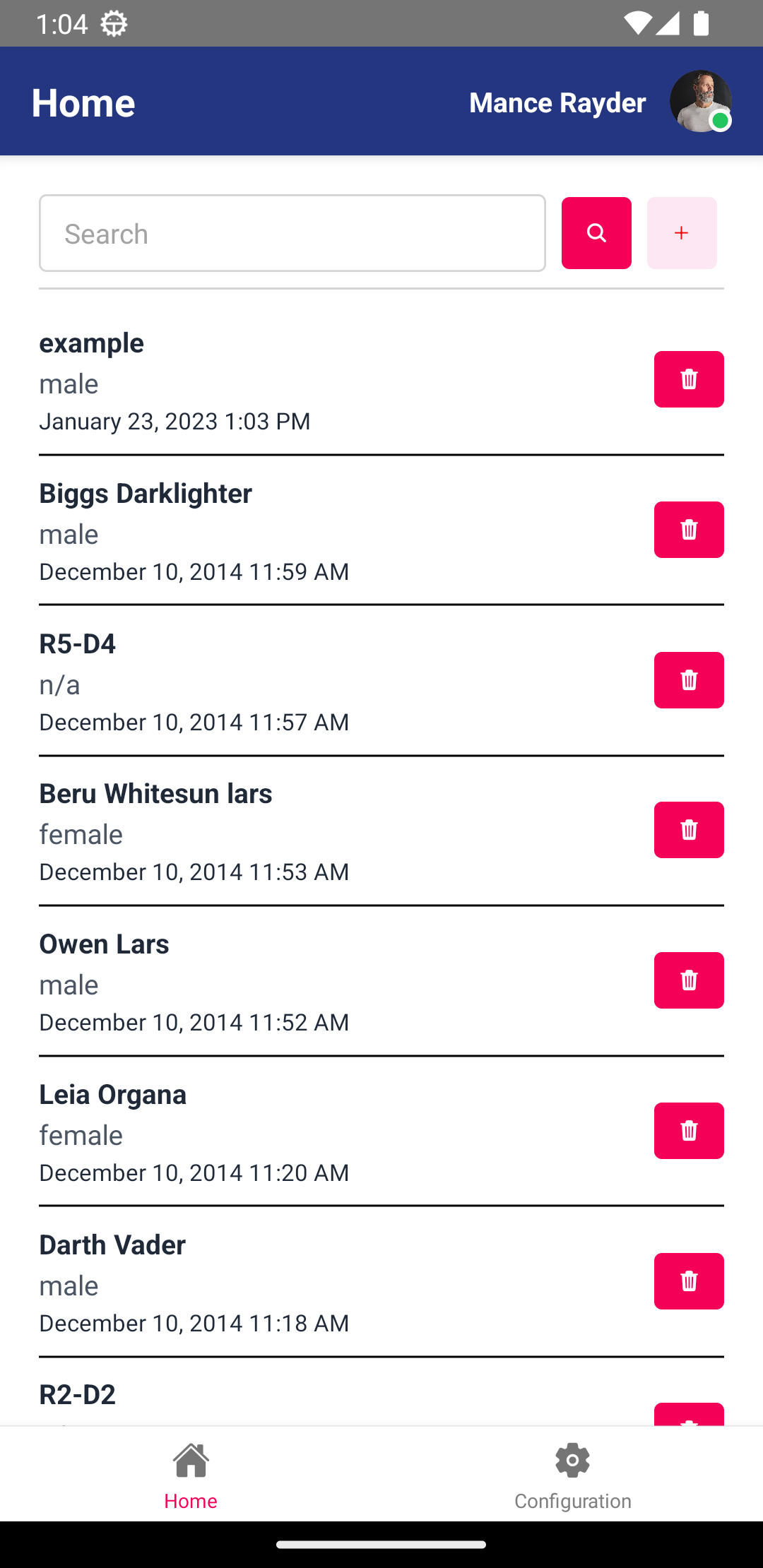
- Node 14.20.0
- React Native 0.71.0
- Android Studio
- Install react-native-cli
npm i -g react-native-cli
- Make sure that the file
local.properties exists in the android folder, it should contain the path of your Sdk. For example sdk.dir=/home/franklin/Android/Sdk
- Open a terminal located in the root of the project and run
react-native start --reset-cache
- In another terminal just run
npm run android
- Make sure that you're running a emulator or a device plugged.
- Go to android folder and run
./gradlew assembleRelease
- APK must be in the folder
android/app/build/outputs/apk/release