
An open redirect is a web application vulnerability that occurs when an application redirects users to a URL that is controlled by user input, without properly validating or restricting the destination. Since the redirect originates from a trusted website, attackers can exploit this vulnerability to create malicious links that appear legitimate.
Open redirects are commonly used in phishing attacks, social engineering campaigns, OAuth attacks, and to bypass security controls.
- Attacker Provides a Malicious Redirect URL: A vulnerable application accepts a user-controlled URL parameter. The attacker sends this link to a victim via email, social media, or another communication channel.
- Application Processes the Redirect: The application retrieves the user-provided URL and redirects the user without validating whether the destination is trustworthy. Although the final destination is malicious, the initial URL appears to come from a trusted domain, making the attack more convincing.
- Phishing Attacks: Attackers can create seemingly trustworthy links that lead users to fake login pages designed to steal usernames, passwords, or other sensitive information.
- Social Engineering: Attackers can exploit the reputation of a legitimate website to increase the likelihood that users will click on malicious links.
- OAuth and Token Theft: Open redirects can be combined with insecure OAuth implementations to redirect authorization responses, access tokens, or sensitive data to locations controlled by attackers.
- Bypassing Security Controls: Attackers may leverage open redirects to bypass URL allow lists, filters, or security measures that trust links originating from approved domains.
- Malware Distribution: Users can be redirected to malicious websites that attempt to exploit browser vulnerabilities or distribute harmful software.
- Reputation Damage: A trusted website being used to redirect users to malicious content can undermine user confidence and damage the organization’s reputation.
- Use an Allow List for Redirect Destinations: Only permit redirects to known and trusted locations.
- Use Relative URLs Instead of Full External URLs: Whenever possible, avoid accepting complete URLs from users.
- Avoid Directly Using User Input in Redirects: Never pass user-controlled input directly into redirect functions. Always validate, normalize, and restrict redirect destinations before executing the redirect.
- Display an External Redirect Warning: If users must be redirected to external websites, show a confirmation page informing them that they are leaving the trusted application.
Clone this current repo recursively
git clone --recurse-submodules https://github.com/qeeqbox/open-redirectRun the webapp using Python
python3 open-redirect/vulnerable-web-app/webapp.pyOpen the webapp in your browser 127.0.0.1:5142
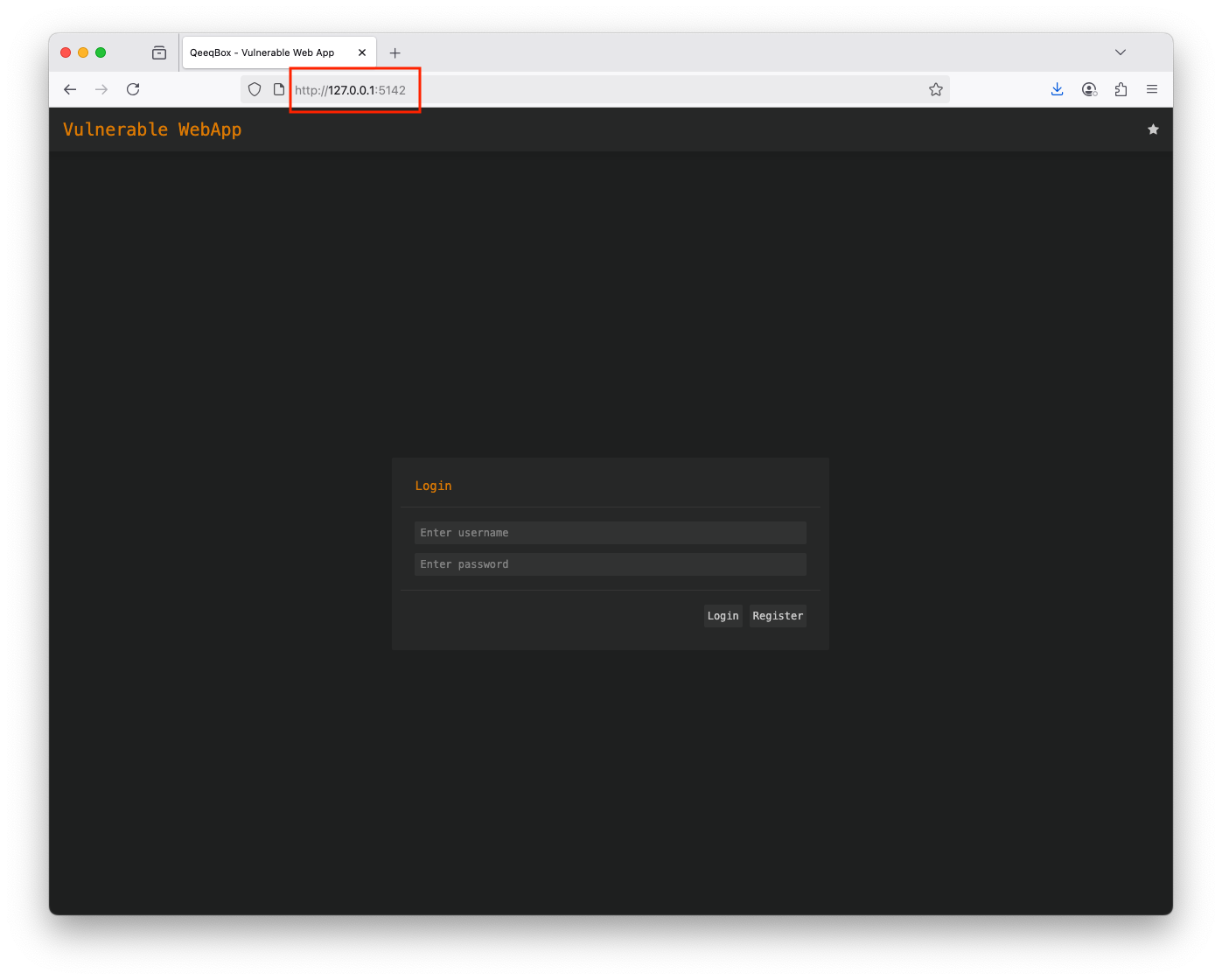
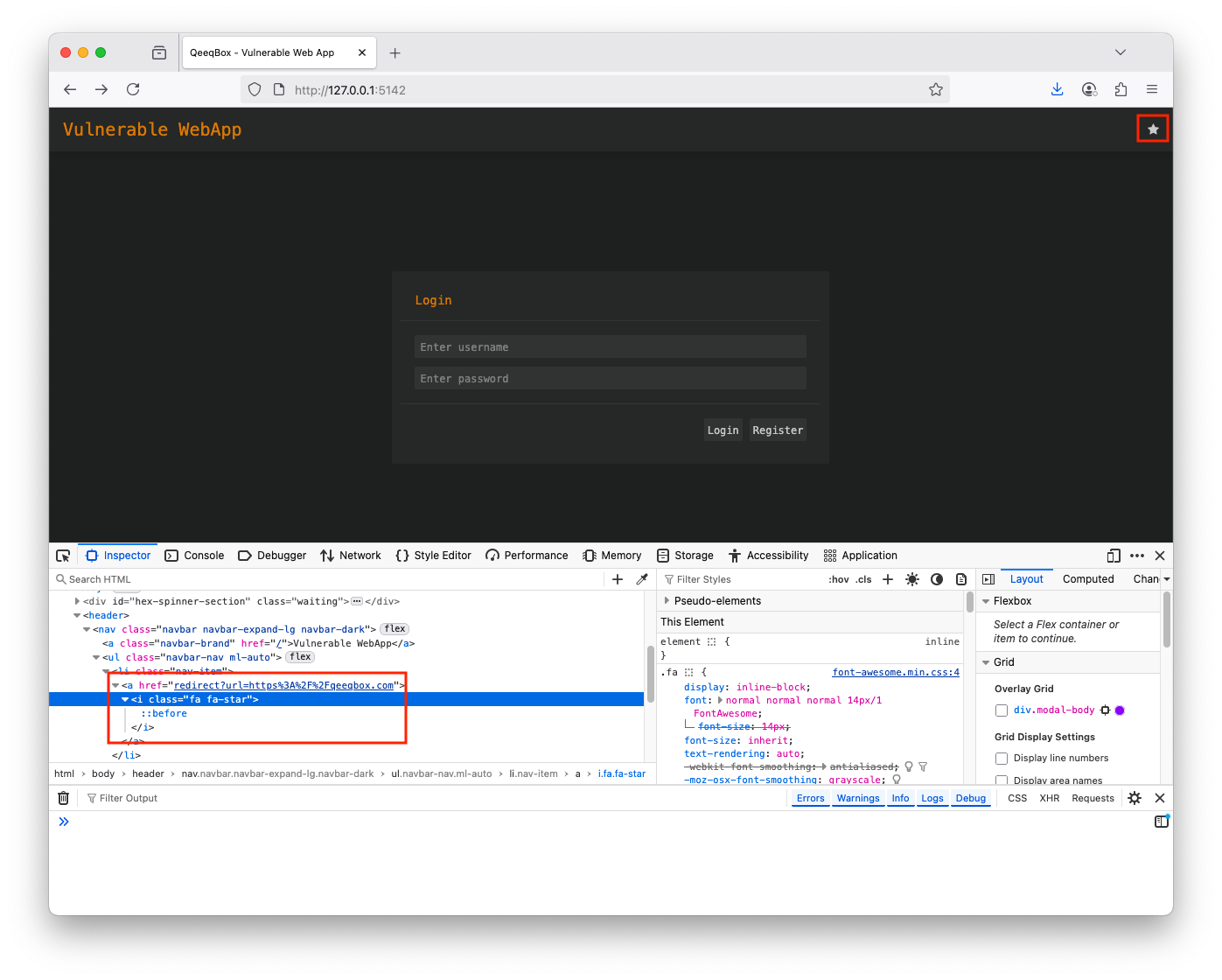
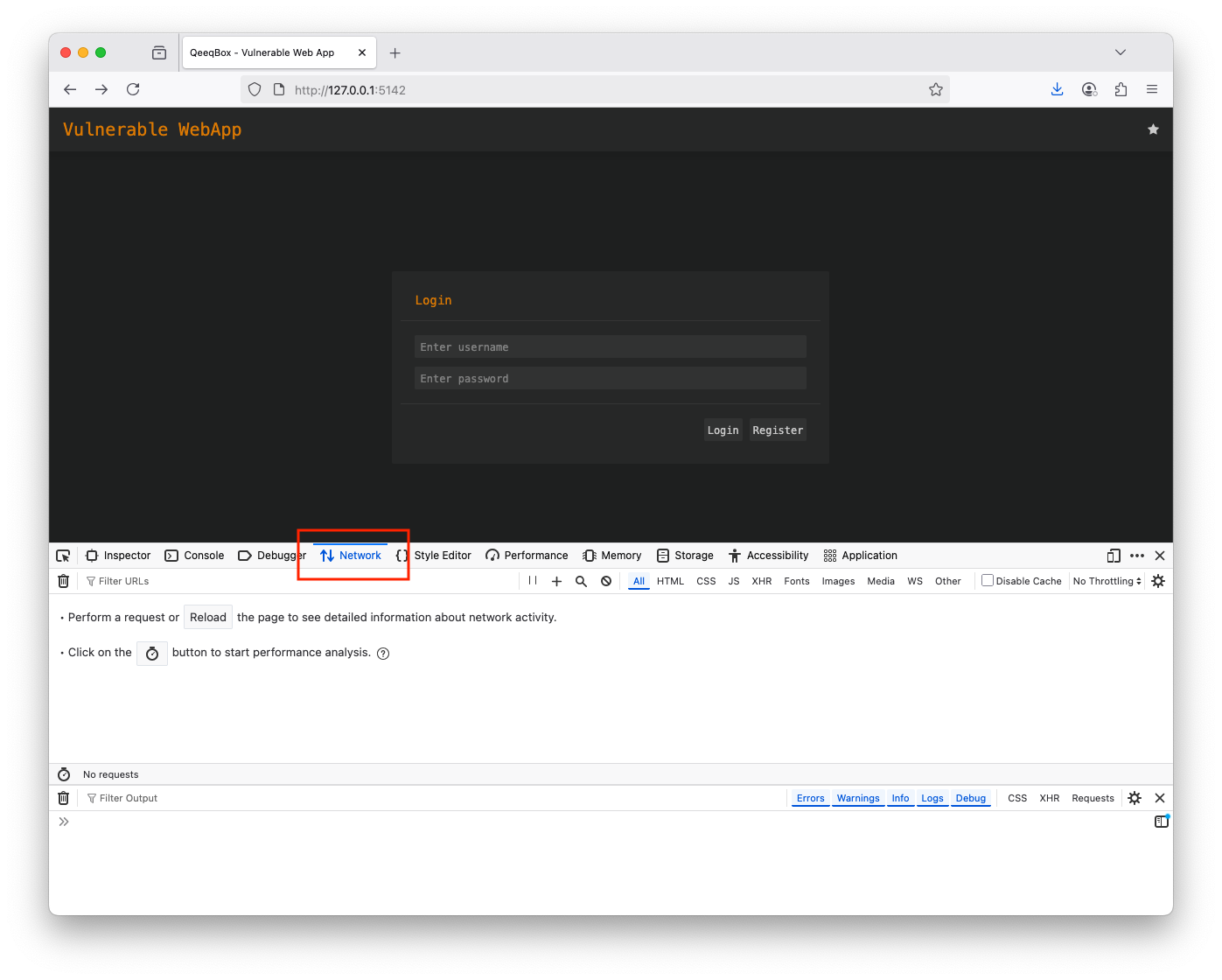
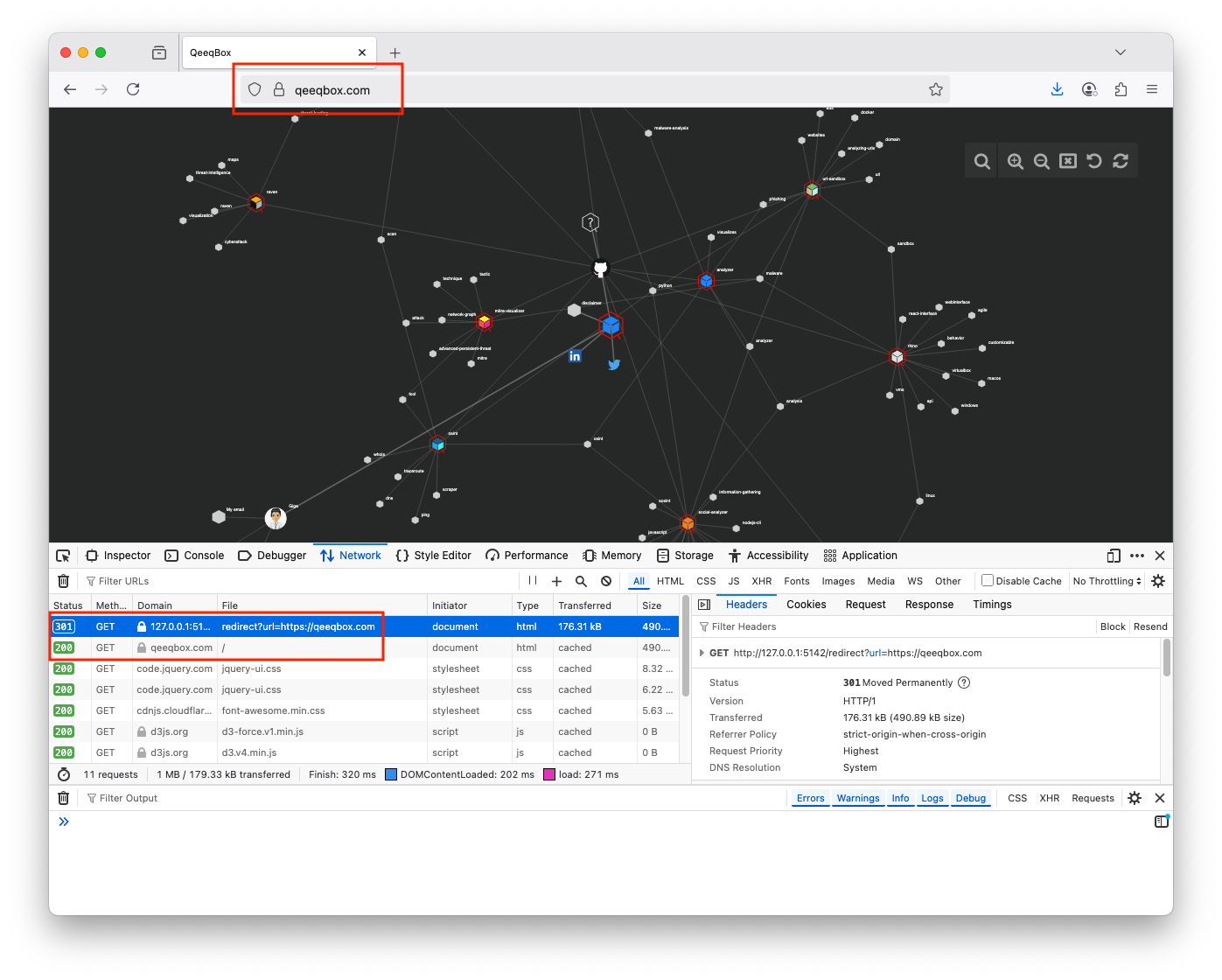
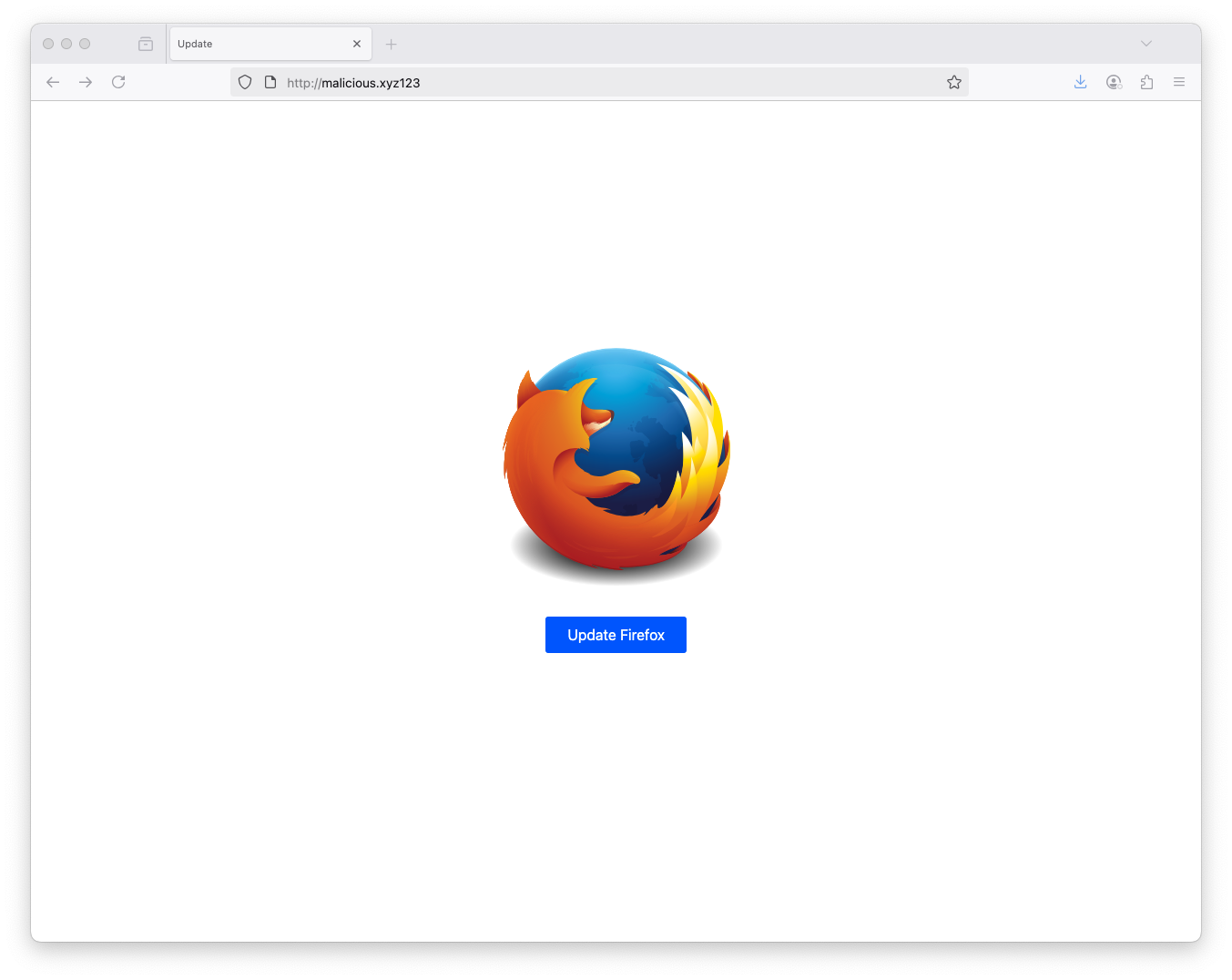
When a client sends a GET request to the redirect route with a URL parameter, the URL is passed to the redirect() function
def do_GET(self):
    ....
    elif parsed_url.path == "/redirect":
        self.redirect(get_request_data["url"][0])
        return
    ....
There redirect() function in the backend that takes a URL parameter. This function sends the 301 HTTP response code along with the URL to redirect to
def redirect(self, url):
    self.send_response(301)
    self.send_header('Location', url)
    self.end_headers()