






To run the example project, clone the repo, and run pod install from the Example directory first.
HHCustomCorner is available through CocoaPods. To install it, simply add the following line to your Podfile:
pod 'HHCustomCorner'HHCustomCorner can be installed using Swift Package Manager.
-
In Xcode open File/Swift Packages/Add Package Dependency... menu.
-
Copy and paste the package URL:
https://github.com/shamzahasan88/HHCustomCorner.git
-
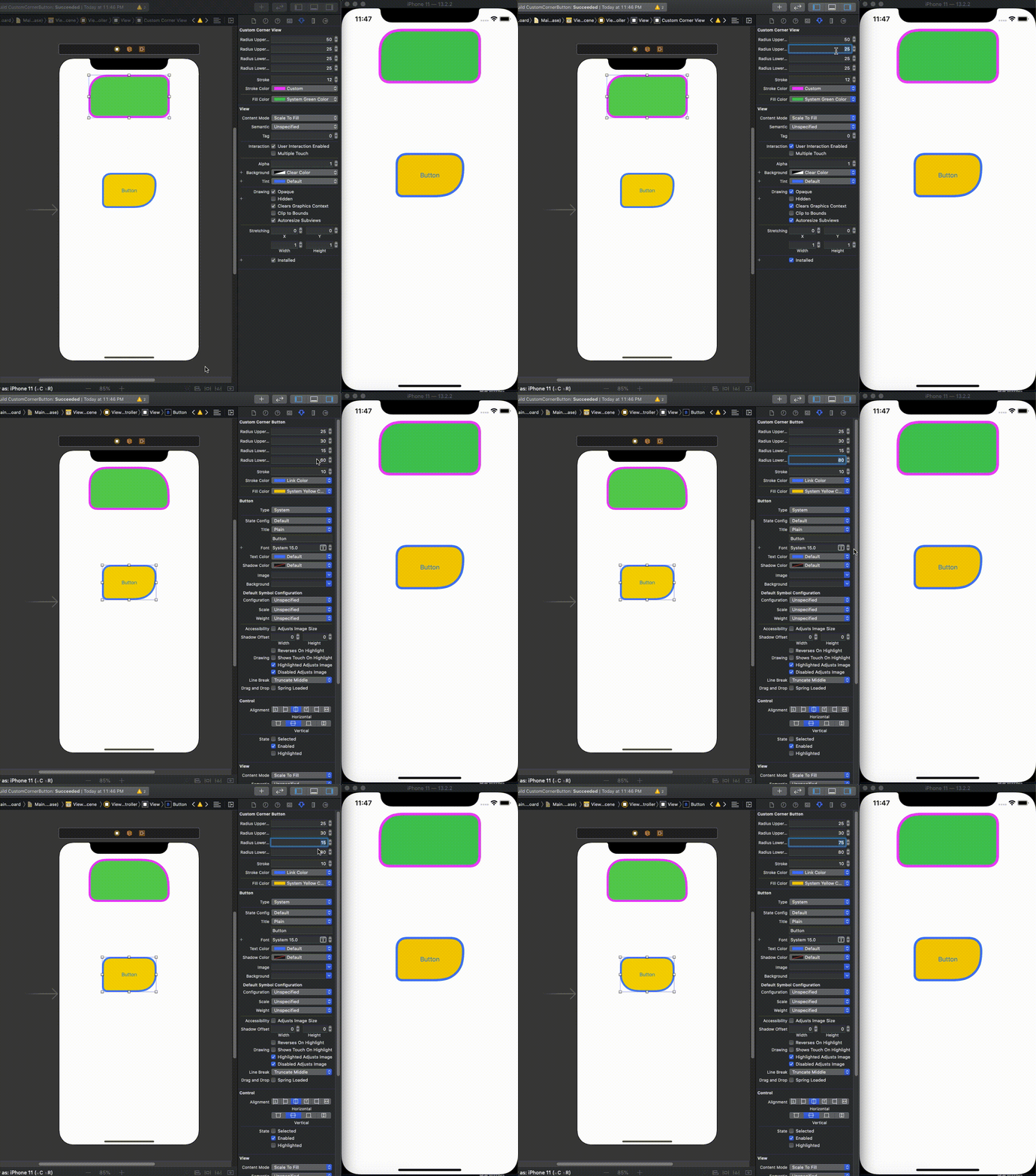
Drop a UIView in UIViewController
-
Assign
HHCustomCornerViewas Class to that view -
Assign properties in
HHCustomCornerViewinspector -
Customize corners as per your need

-
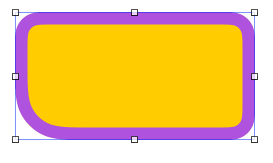
Drop a UIView in UIViewController
-
Assign
HHCustomCornerButtonas Class to that view -
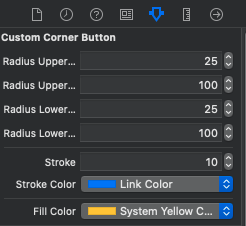
Assign properties in
HHCustomCornerButtoninspector -
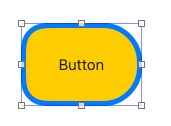
Customize corners as per your need
shamzahasan88, shamzahasan88@gmail.com
HHCustomCorner is available under the MIT license. See the LICENSE file for more info.