Simple ordering app to demonstrate how you can use OneSignal with your Supabase project to send push notifications when a new data is inserted in your database.
You can find the full guide here.
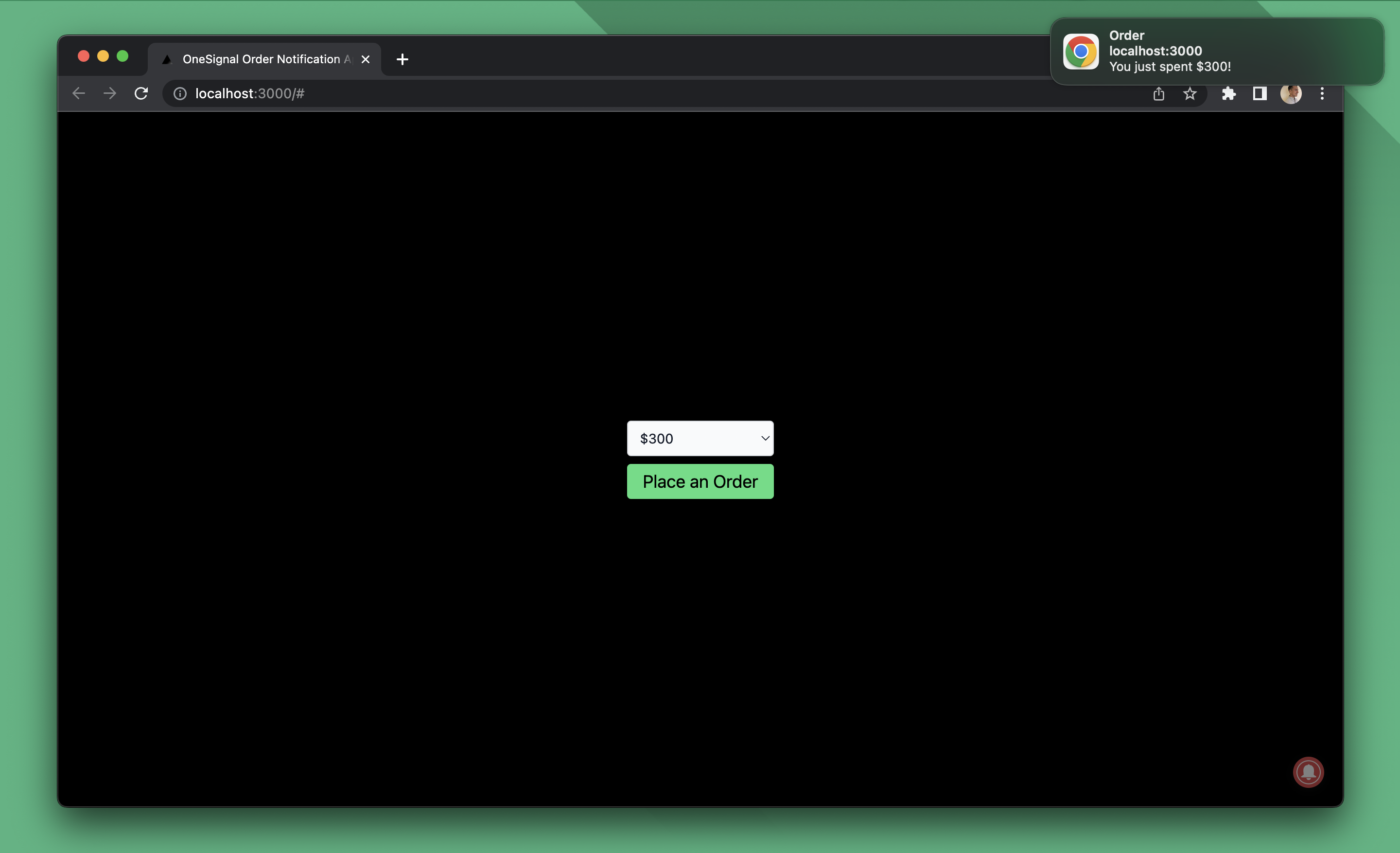
.
├── app         # Next.js app to place orders from
├── supabase    # Supabase directory containing functions to send push notifications
└── README.md
- Create a OneSignal app with Custom Code Setup
- Rename
app/.env.exampletoapp/.env.localand add your Supabase URL, Anon Key, and OneSignal App ID. - Run
supabase link --project-ref YOUR_SUPABASE_PROJECT_REFto link the edge functions to your Supabase project - Set environment variables for edge functions
- Rename
supabase/.env.exampletosupabase/.env - Add your OneSignal App ID, User Auth Key, and REST API Key
- Run
supabase secrets set --env-file ./supabase/.env
- Rename
- Deploy the
notifyedge function by runningsupabase functions deploy notify --no-verify-jwt - Run the SQL below to create the
orderstable - Setup Database Webhooks to call the edge function when a new row is inserted into
orderstable
create table if not exists public.orders (
    id uuid not null primary key default uuid_generate_v4(),
    created_at timestamptz not null default now(),
    user_id uuid not null default auth.uid(),
    price int8 not null
);Run the following command to start the Next.js app
cd app

npm install

npm run dev