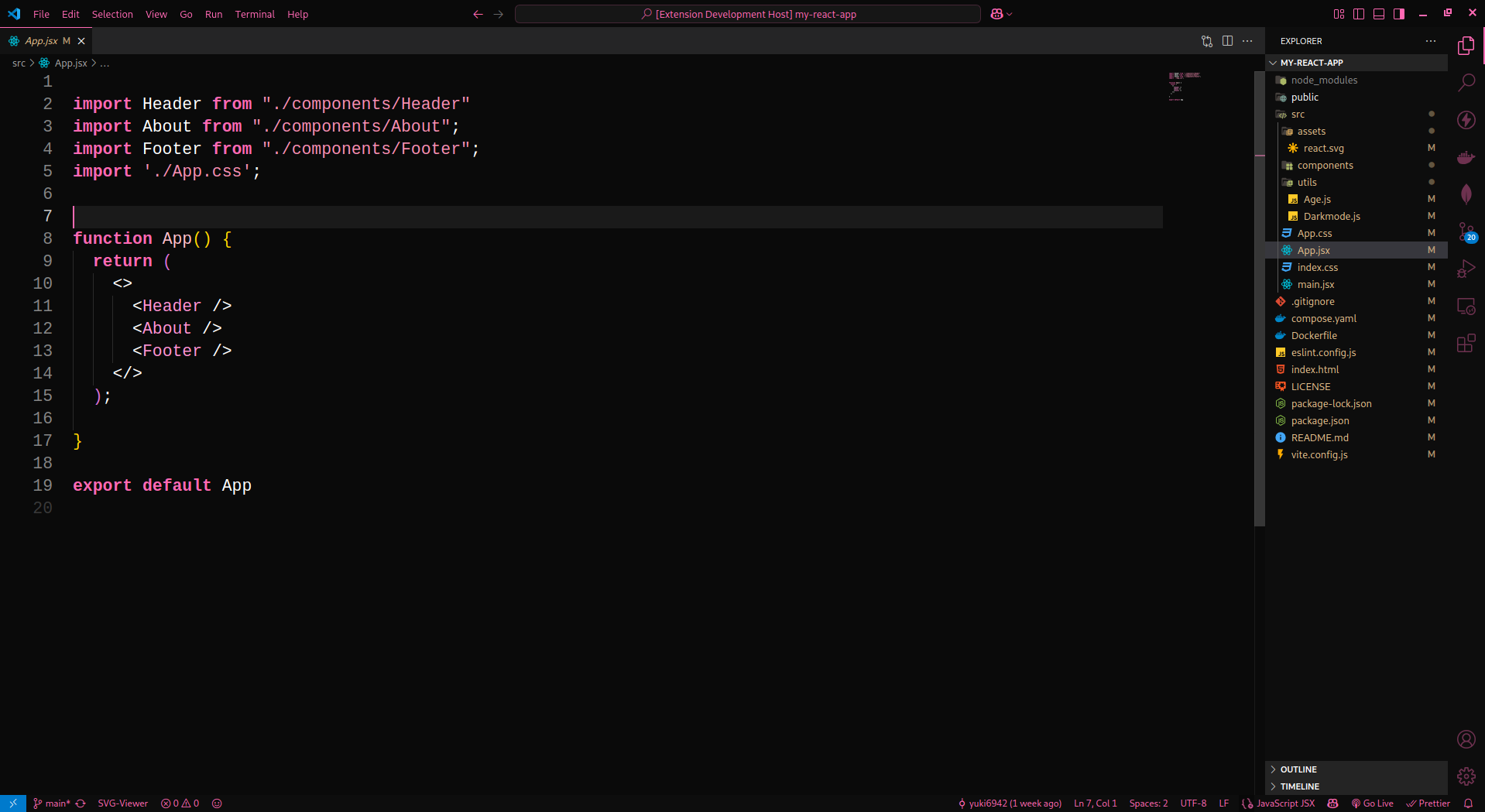
Midnight Peony is a high contrast dark theme with elegant pink accents.
- Ultra-dark background for reduced eye strain
- Bright, readable foreground text
- Pink accents for keywords, highlights, UI elements, and more
- Clean and consistent style across editor, terminal, and activity bar
- Open Extensions panel in VS Code (
Ctrl+Shift+X) - Search for
Midnight Peony(after publishing) - Click Install
- Press
Ctrl+K Ctrl+Tand select Midnight Peony
- Clone or download this repository
- Open the folder in VS Code
- Press
F5to open a new Extension Development Host window - In that window, go to
File > Preferences > Color Themeand select Midnight Peony
Feel free to fork and tweak the color scheme to your liking. Pull requests for language-specific improvements or better contrast are welcome!