



Welcome to Trendhora – your gateway to a seamless online shopping experience built with the MERN stack.
- 🛒 Explore & Shop - Browse through an extensive range of products across various categories
- 📱 User-Friendly Interface - Enjoy a smooth shopping experience with an intuitive and responsive design
- 🛠️ Manage Marketplace - Effortlessly control and update product listings
- 👥 Customer Account Management - Handle customer accounts and ensure smooth operation of the marketplace
| Frontend | Backend | Database |
|---|---|---|
 |
 |
 |
 |
 |
 |
Make sure you have these installed on your machine:
node --version    # v16.0.0 or higher
npm --version # v8.0.0 or higher-
Clone the repository
git clone https://github.com/agamjotsingh18/trendhora.git cd trendhora -
Install dependencies
# Install server dependencies
cd server
npm install

# Install client dependencies
cd ../client
npm install
-
Environment Configuration
Create a
.envfile in theserverdirectory:NODE_ENV=development PORT=5000 MONGO_URI=mongodb+srv://<username>:<password>@cluster.mongodb.net/<database>
-
Database Setup
# Navigate to server directory
cd server

# Seed the database with sample data
npm run seed
-
Start the Application
# Terminal 1: Start the backend server
cd server
npm run dev

# Terminal 2: Start the frontend (in a new terminal)
cd client
npm start
-
Access the Application
- Frontend: http://localhost:3000
- Backend API: http://localhost:5000
trendhora/
├── client/                 # React frontend
│   ├── public/            # Public assets
│   ├── src/
│   │   ├── components/    # Reusable components
│   │   ├── pages/         # Page components
│   │   ├── context/       # Context providers
│   │   ├── hooks/         # Custom hooks
│   │   └── utils/         # Helper functions
│   └── package.json
├── server/                # Express backend
│   ├── controllers/       # Route controllers
│   ├── models/           # Mongoose models
│   ├── routes/           # API routes
│   ├── middleware/       # Custom middleware
│   ├── config/           # Database config
│   └── package.json
├── README.md
└── LICENSE
npm start          # Start development server
npm run build      # Build for production
npm test           # Run tests
npm run eject # Eject from Create React Appnpm run dev # Start with nodemon
npm start # Start production server
npm run seed # Populate database with sample data
npm test # Run tests.png)
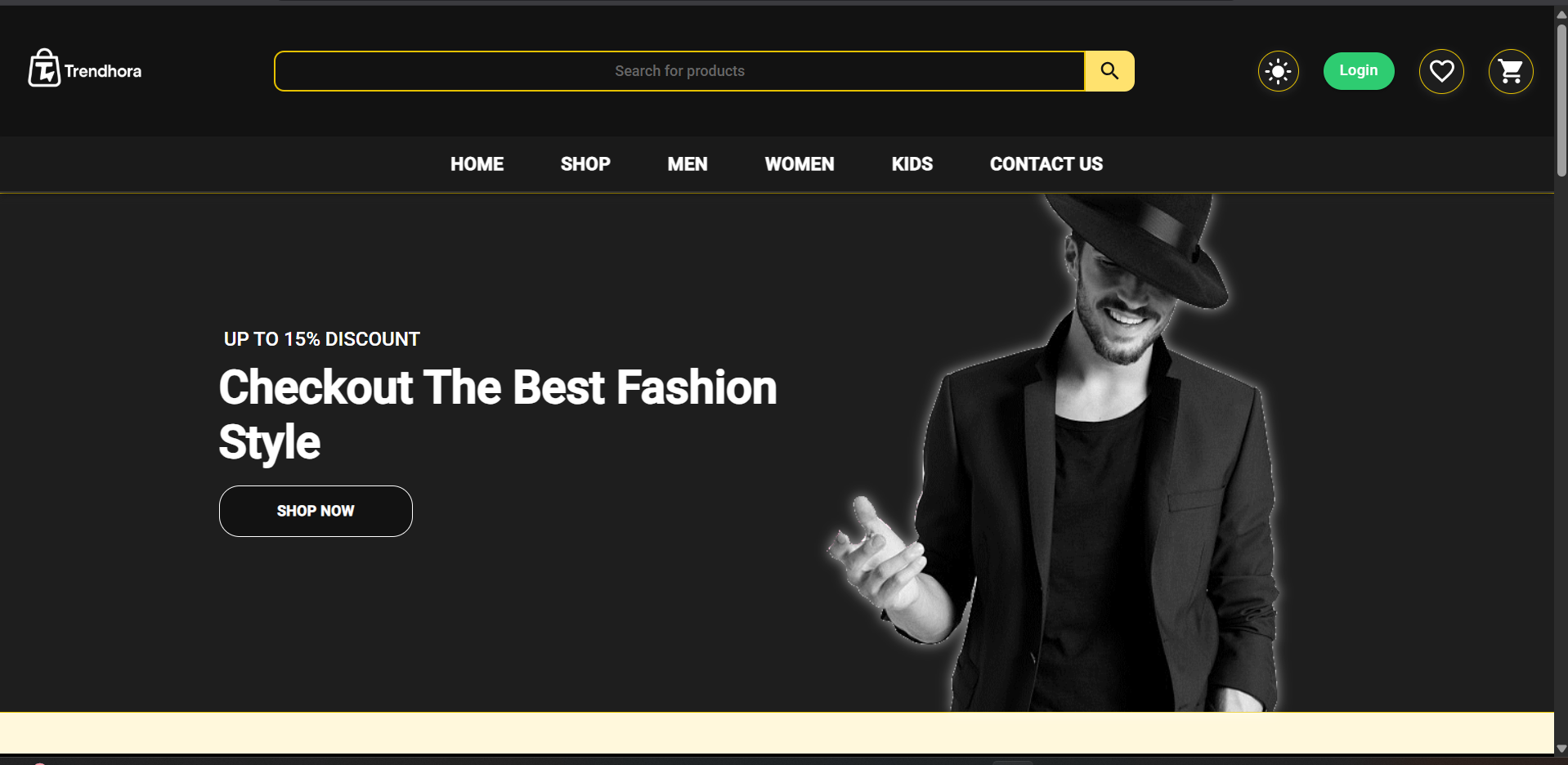
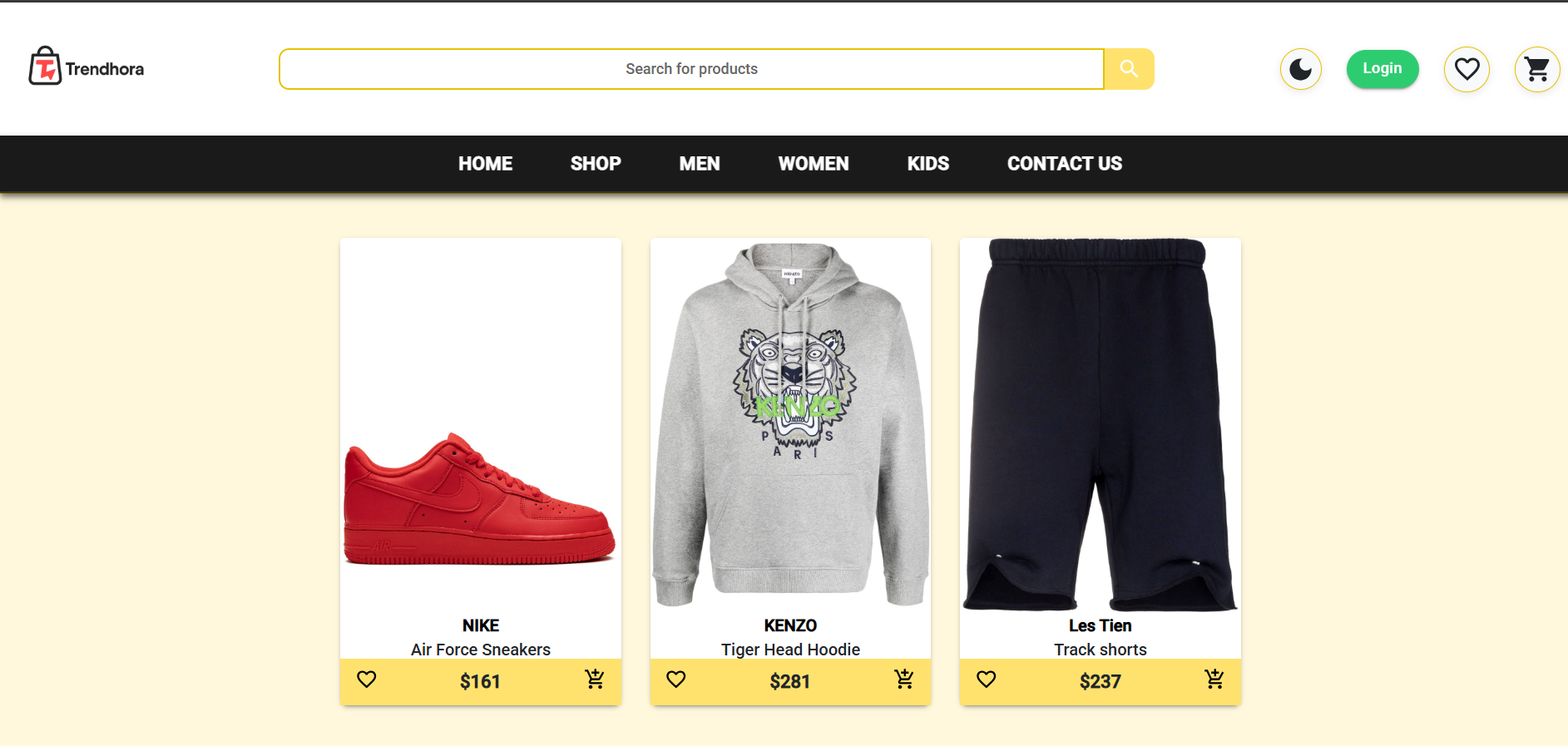
We love contributions! Please see our Contributing Guidelines for details.
- Fork the Project
- Create your Feature Branch (
git checkout -b feature/AmazingFeature) - Commit your Changes (
git commit -m 'Add some AmazingFeature') - Push to the Branch (
git push origin feature/AmazingFeature) - Open a Pull Request
Found a bug or have a feature request? Please check our Issues page.
This project is licensed under the MIT License.
You are free to use, copy, modify, merge, publish, distribute, sublicense, and/or sell copies of the project.
For full details, see the LICENSE file.
- Material-UI for the beautiful component library
- MongoDB for the flexible database solution
- The open-source community for inspiration and support


