Version 1.5: Content Packs Panel
Help / Toolbox / General panel / Content Packs panel
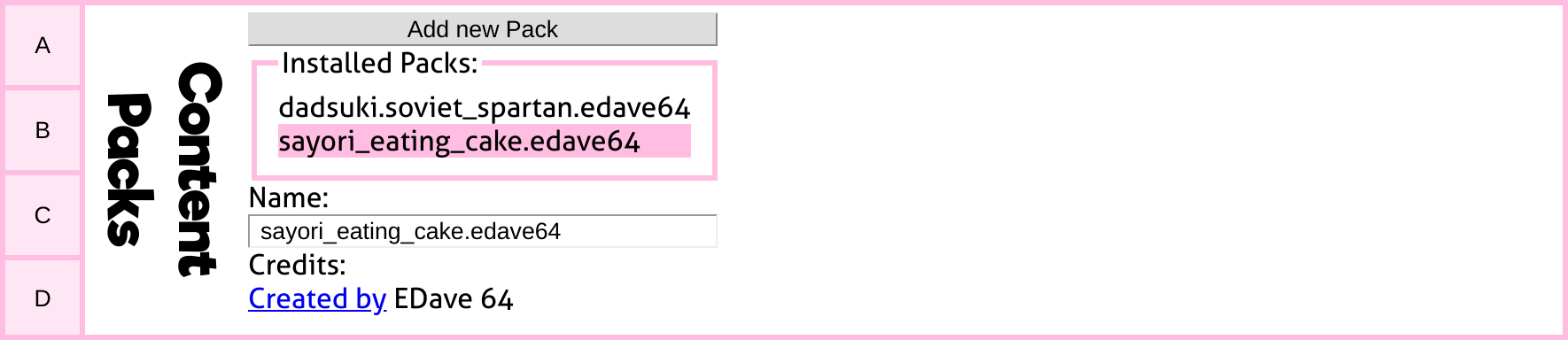
This panel allows you to add and manage content packs.
This opens a prompt to enter the URL of a content pack.
In the desktop version, there are additional features to manage content packs. These can be accessed by clicking on the name of the content pack to select it.
This persistently adds the content pack to the tool. If you restart it, the content pack will still be there.
This removes a previously installed content pack from the tool. If you restart it, the content pack will be gone.
If you click this, the Content Pack will remain installed, but will not be activated once the tool loads. This is helpful if you have many content packs that you often need, but don't need all of them at once.
Re-activates a content pack after deactivation.